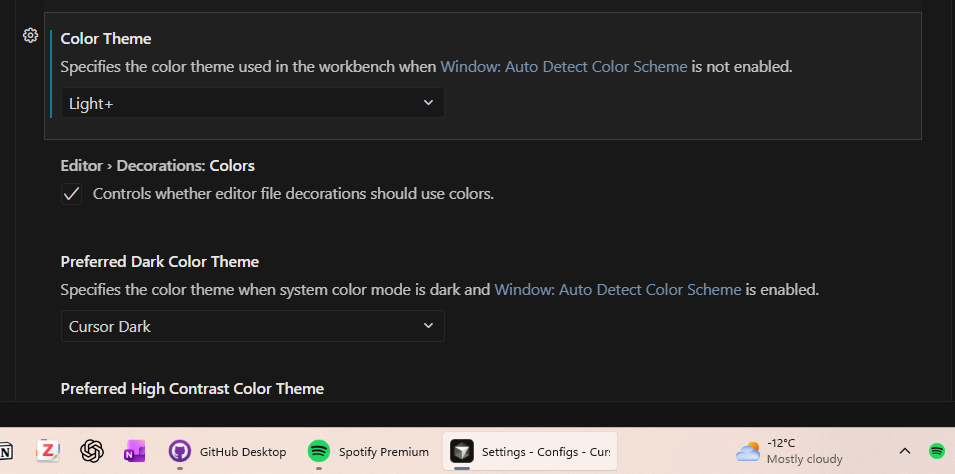
Enabling “Auto Detect Color Scheme” forces the color scheme to dark regardless of current system settings. Disabling the checkbox switches between light and dark, so this is not a case of me mistakenly setting a dark theme for the light mode.
Steps to Reproduce
Set system to light mode
Check “Auto Detect Color Scheme” in Cursor settings
Observe the bug
Operating System
MacOS
Current Cursor Version (Menu → About Cursor → Copy)
Hey, thanks for the report. This is a known issue. When you enable Auto Detect, the default light theme doesn’t get linked correctly.
Simple workaround: scroll down in Settings and manually pick the themes you want for Light and Dark mode. After that, auto switching should work correctly.