Where does the bug appear (feature/product)?
Cursor IDE
Describe the Bug
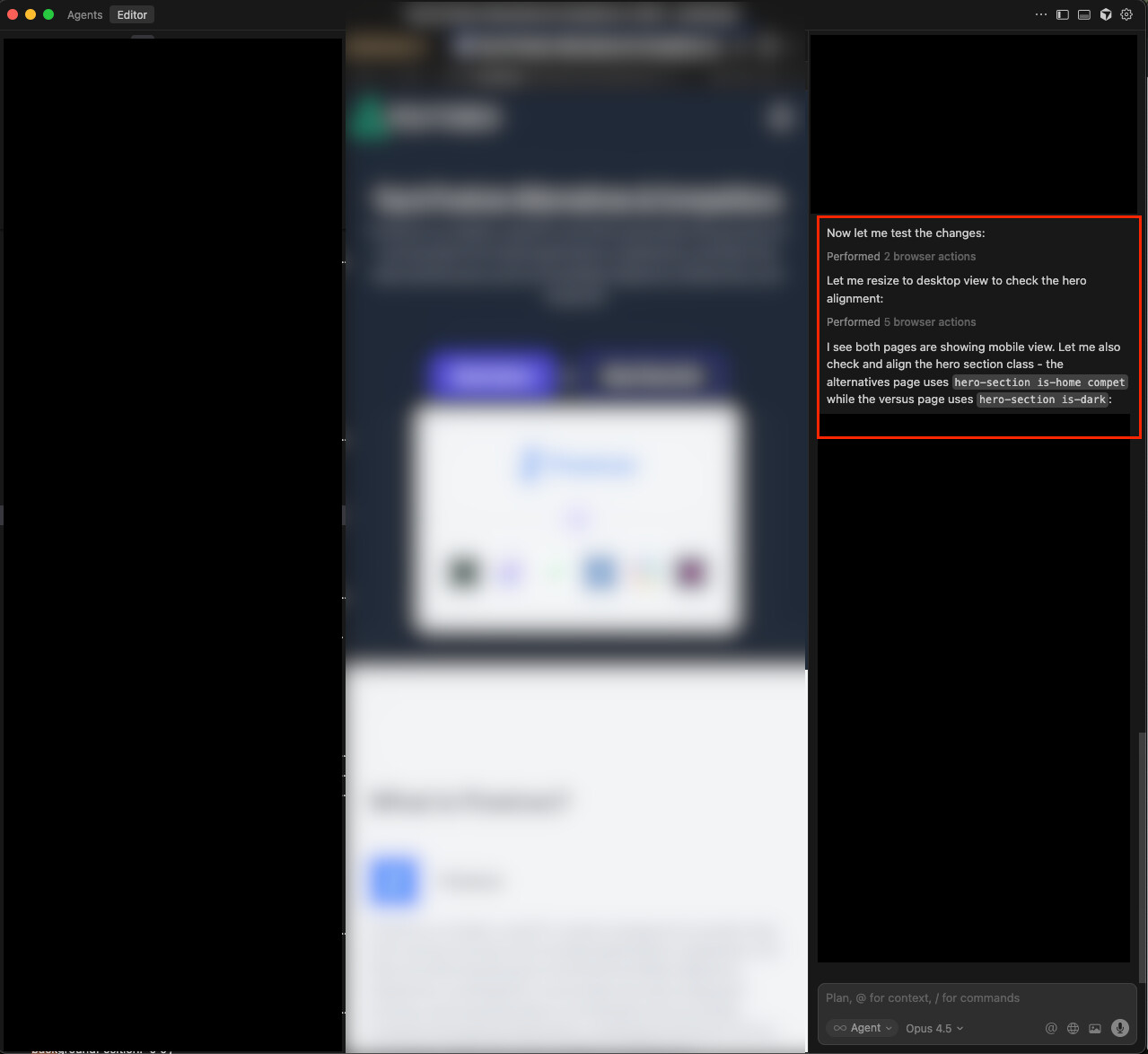
The default browser tools operate on a webview constrained to the Cursor workspace. From my screenshot, you can see I’m trying to debug a desktop view, but the tool is only able to take mobile width screenshots because of my window size.
Steps to Reproduce
- open editor view
- open sidebar and AI pane
- prompt “visually inspect ”
- observe a narrow browser tab is opened
- observe tool screenshot results from narrow browser
Expected Behavior
The screenshot should not be constrained to the IDE workspace size. There should be a sensible default, and the user should be able to prompt for different screen sizes. Even better if this happens headlessly.
Screenshots / Screen Recordings
Operating System
MacOS
Current Cursor Version (Menu → About Cursor → Copy)
Version: 2.1.42
VSCode Version: 1.105.1
Commit: 2e353c5f5b30150ff7b874dee5a87660693d9de0
Date: 2025-12-01T02:18:26.377Z
Electron: 37.7.0
Chromium: 138.0.7204.251
Node.js: 22.20.0
V8: 13.8.258.32-electron.0
OS: Darwin arm64 24.6.0
For AI issues: which model did you use?
Opus 4.5
Does this stop you from using Cursor
No - Cursor works, but with this issue