I tried to use vault-exec, but my FF/Chrome is opened. I can not login into AWS via Cursor’s browser.
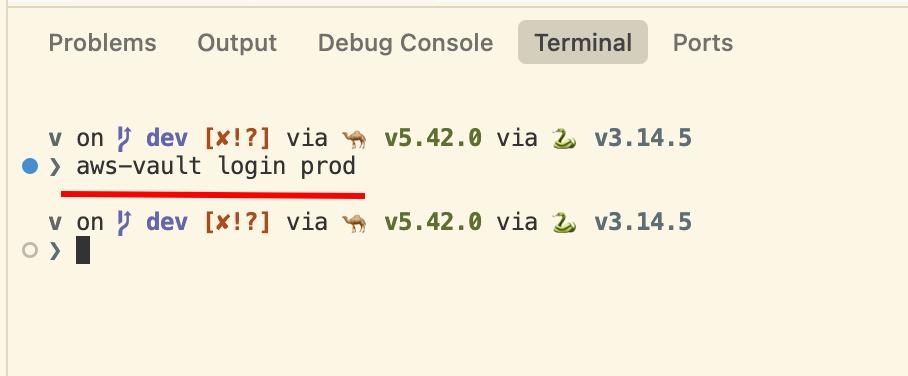
How can can I login to AWS?
v3.7.12
Hi Eugen, thanks for the screenshot and the detailed post.
This is expected: aws-vault login hands the sign-in URL to your OS default browser, e.g. Chrome, and command-line tools like it can’t currently be pointed at Cursor’s built-in browser.
The good news is you don’t need Cursor’s browser here — just finish the sign-in in the window that opens. aws-vault stores the session locally, so your terminal and the agent get AWS access regardless of which browser did the login.
If you’d rather grab the URL yourself, run aws-vault login prod --stdout to print sign in console link instead of auto-opening a browser, then paste it into a Cursor browser tab.
One heads-up: the built-in browser is a sandboxed webview, so some SSO/console flows don’t complete reliably inside it yet (a known limitation). For AWS login, the external browser is the most dependable path.
If you’d rather grab the URL yourself, run
aws-vault login prod --stdoutto print sign in console link instead of auto-opening a browser, then paste it into a Cursor browser tab.
good, thank you for the tip.
aws-vaultstores the session locally, so your terminal and the agent get AWS access regardless of which browser did the login.
Yes, but not integrated browser. But the previous tip should resolve this issue.