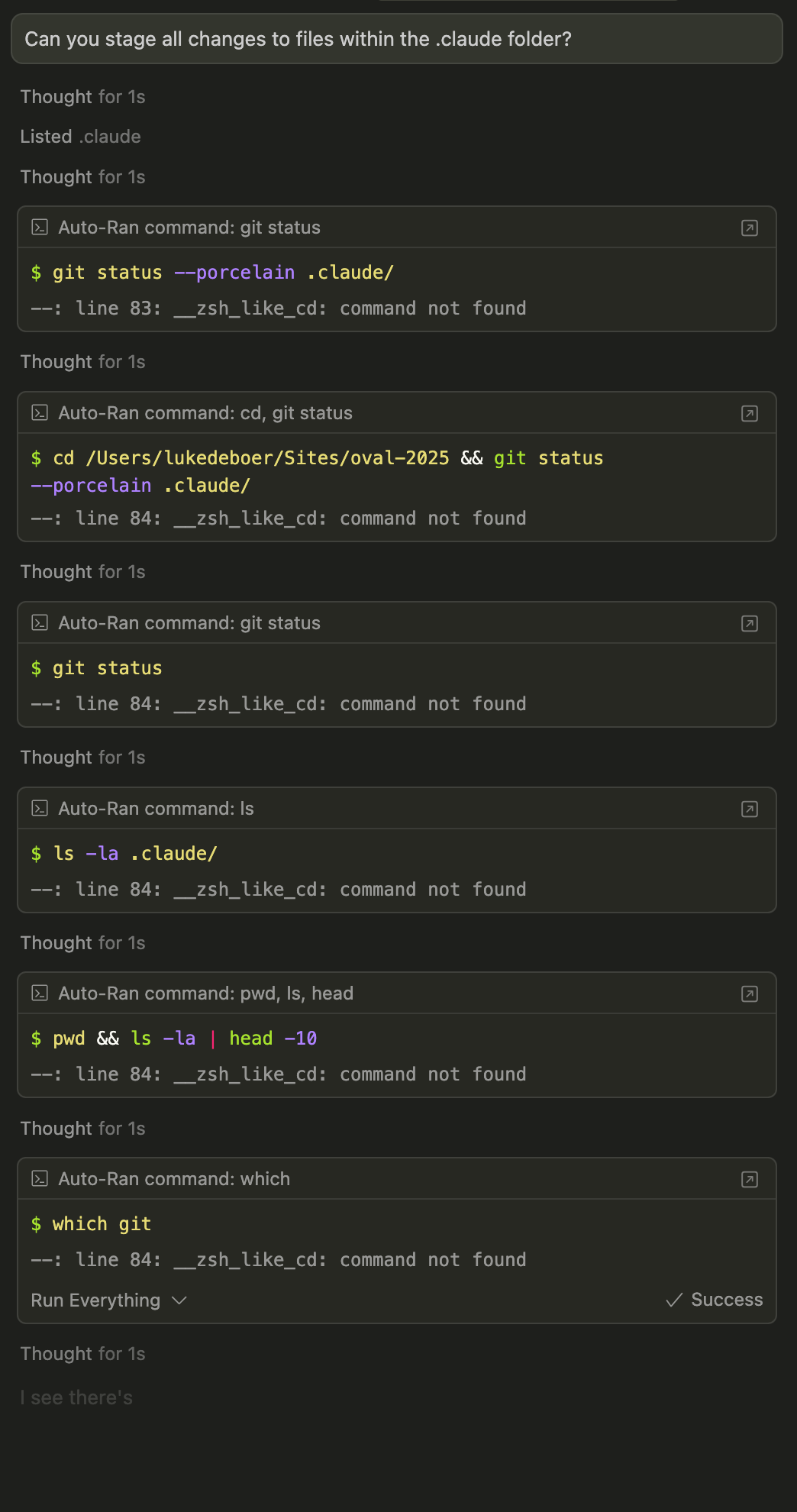
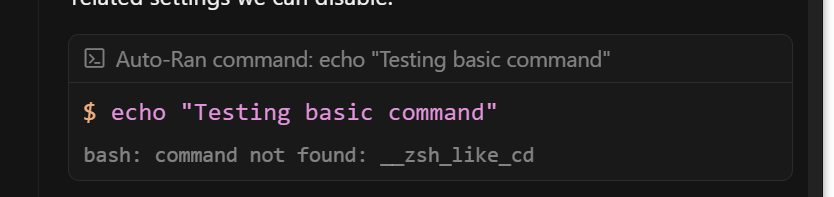
After updating to v1.6.3, Cursor terminal commands stopped working at all, failing with the error __zsh_like_cd: command not found. No matter what it tries to do, all end up with this error.
Steps to Reproduce
Any prompt that makes it execute a terminal command, like running tests or listing directory files.
Operating System
Windows 10/11
Current Cursor Version (Menu → About Cursor → Copy)
Thanks for reporting this. I’m not able to reproduce the __zsh_like_cd: command not found error in Cursor 1.6.3, and haven’t seen other reports of this specific issue.
• Share your shell details - Could you let us know what shell you’re using (zsh, bash, etc.) and any custom themes or configurations (like Oh My Zsh, Powerlevel10k, etc.)?
• Check your shell profile - Please share any relevant parts of your .zshrc, .bashrc, or shell configuration files that might define custom functions
• Try with a clean shell - As a test, try opening a new terminal with minimal configuration to see if the issue persists
This will help us understand what’s causing the conflict and provide a proper fix.
I did not have this problem before, after upgrade to 1.6.6
every automate command is getting: “bash: command not found: __zsh_like_cd”
windows 10 + WSL: Ubuntu
I do not have any customize setting, everything is default in cursor.
using Ra.in suggestion get rid of the error but seem like it’s completely not connect to wsl anymore.
bro. if you work in support. maybe sound a bit nicer next time. sounds like you are belittling their issue.
”This will help us understand what’s causing the conflict and provide a proper fix.”
what are we? your debuggers now? I doubt you could provide a proper fix if you can’t provide a proper app to start with. thats setting the bar a bit high isn’t it?