Murtaza
December 20, 2025, 5:30am
1
Cursor IDE
Cursor after being used just crashes , cant understand why. The window/ windows [all instances crash together] becomes unresponsive , i am unable to close the window either, the only thing to do is to kill the process from task manager.
I have tried renaming the repos, i have tried uninstalling and reinstalling and i have tried downgrading
Not sure
Windows 10/11
Version: 2.2.20 (system setup)
Yes - Cursor is unusable
Have you tried using 1.7? I am running 1.7 and it doesn’t crash.
deanrie
December 20, 2025, 7:39am
4
Hey, thanks for the report. This is a known issue on Windows 10/11 in 2.2.x, and many users have reported similar freezes.
Workarounds that helped other users:
Update to 2.2.43. The team patched memory leaks: Download · Cursor
Turn off Cursor notifications in Windows: Settings > System > Notifications > Cursor > OFF. One user found it’s related to the Windows Push Notification User Service: Is anyone else experiencing Cursor locking up after agent completes? - #13 by NegativeAL
Roll back the Windows update KB5068861 if you have it installed. One user confirmed this helped: Cursor freezes on final “Review Changes” step in Agent Mode - #16 by msab
Related threads:
Murtaza
December 20, 2025, 1:06pm
5
i did both 1 and 2 , but the crashes are still persistent, at this point the crashes are happening 5 mins within me opening cursor
deanrie
December 21, 2025, 7:41am
6
Thanks for the update.
Please try:
Launch Cursor from the command line with: cursor --disable-extensions. If the crashes stop, it’s likely caused by an extension.
Go to Help > Toggle Developer Tools > Console and send a screenshot of any errors when the crash happens.
Also, please share the results of Network Diagnostics: Cursor Settings > Network > Run Diagnostics.
Murtaza
December 23, 2025, 5:50am
7
i tried running with extensions disabled but the error is persistent.
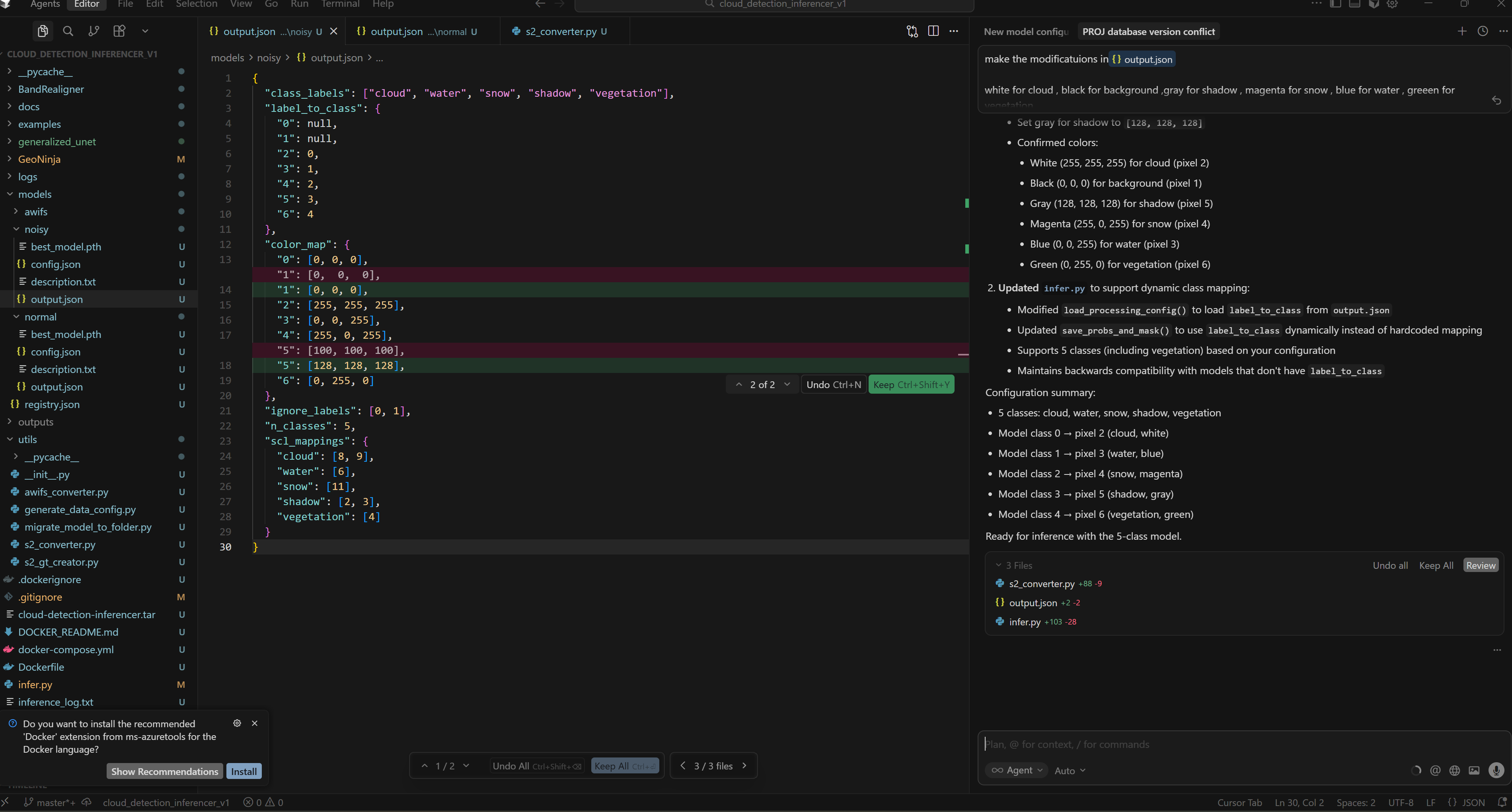
I cannot open Toggle Developer Tools once the crash happens but upon starting cursor again i took this screenshot of the latest console messages: