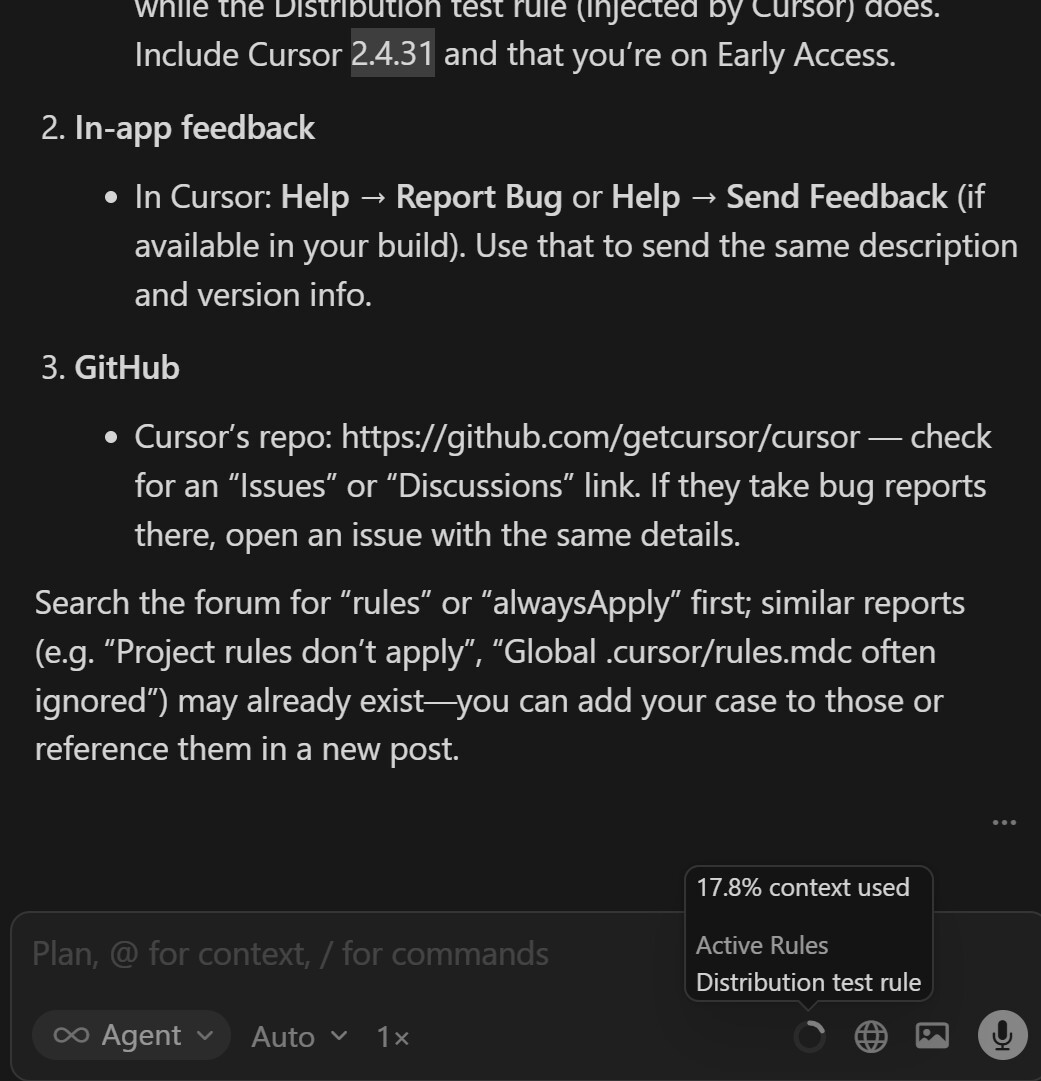
Im trying to get Conciseness.mdc to show up in Cursor’s active rules so it’s actually applied. Things that often fix that:
Reload Cursor IDE
Doesnt work
Disable Enable
Doesnt Work
My version is 2.4.31 Early access
Steps to Reproduce
Add new rule - Conciseness - Set to always applied
Expected Behavior
Must be visible in Active rules in the agent box but still not there
Hey, thanks for the report. I can see in the screenshot that your Conciseness rule isn’t showing up in Active Rules. Only the Distribution test rule (added by Cursor) is visible.
This looks like a known issue. Rules with alwaysApply: true don’t load correctly when using Auto mode or the Composer 1 model.
Workaround for now: try switching to a specific model instead of Auto, like Claude Sonnet, GPT 5.2-Codex, or Gemini 3 Flash. With those, the rules should apply correctly.
The team is aware of the issue. There’s no ETA yet, but your report helps us prioritize it.
I am rephrasing my comment that was hidden: I think it’s unfair that users of the Auto mode are unable to use the rules, and the suggested workaround requires paying extra.