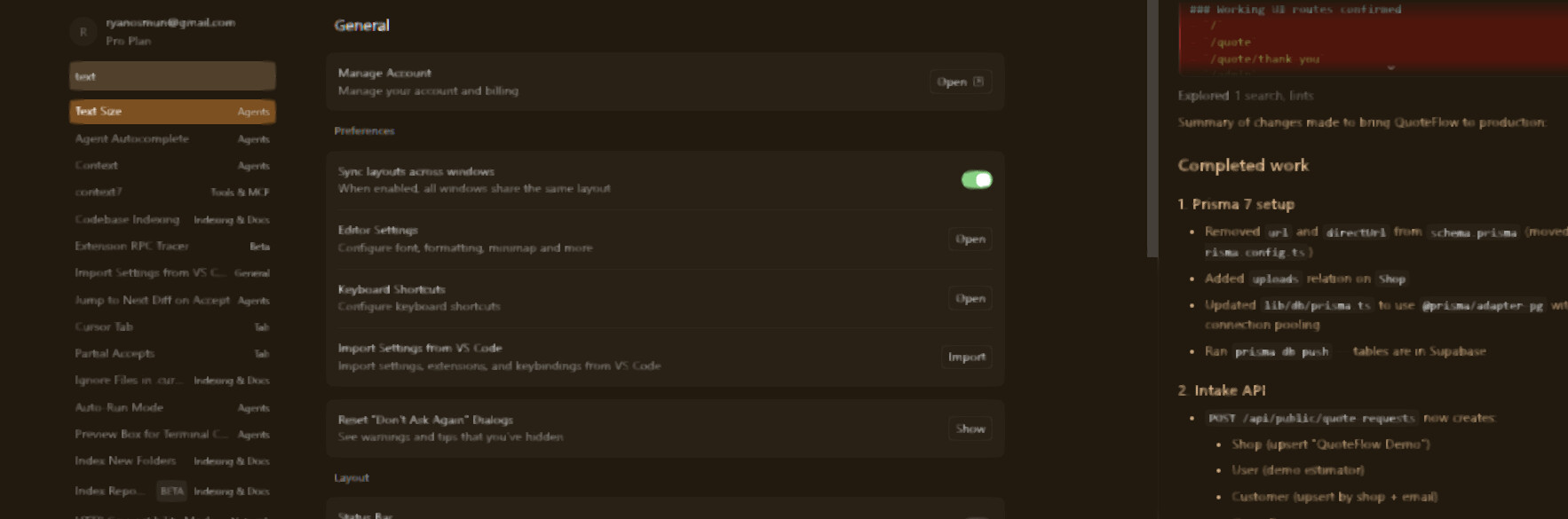
Hey, thanks for the report. This is usually related to GPU rendering or Windows display scaling. A few things to try:
Disable GPU acceleration: Launch Cursor with the --disable-gpu flag, or add "disable-hardware-acceleration": true in your settings. You can also try --disable-gpu-compositing.
Check Windows display scaling: If you’re running at 125% or 150% scaling, try setting it to 100% temporarily to see if it fixes the issue. Also, right-click Cursor.exe > Properties > Compatibility > Change high DPI settings > check Override high DPI scaling behavior and set it to Application.
Update GPU drivers: Make sure your graphics drivers are up to date.
Try a different rendering backend: You can add --use-angle=gl or --use-angle=d3d11 to Cursor’s launch flags.
Also, a couple of questions that would help narrow it down:
What GPU/graphics card do you using?
What is your Windows display scaling set to?
Are you using an external monitor?
What is your Cursor IDE version (Help > About)?
Let me know if any of those steps help, or if you want more details.