[Guide] A Simpler, More Autonomous AI Workflow for Cursor [New Update]

Awesome seeing my feedback integrated. I’ve got an updated fork with some really interesting mods to your original repo I replied to worth checking out if you wanted to see what I’ve done with it.

Hmu on LinkedIn if you wanna chat more. Would love to share ideas.

https://www.linkedin.com/in/aaron-taylor-497393250

#promptgods

1 Like

Hey there, @davesienk

The feature that was request, has been succesfully applied completely into the repository the instructions remains within the Instructions.md file which requieres the same readability to understand how to use it properly and see how the new update provides the feedback for the blueprints.

Best regards,
kleosr.

Add this line into your User Agent Rules:

*Read and update ##Blueprint as you follow the workflow.*

1 Like

I have pushed a new update:

  • Easier to setup.
  • Introduced new metrics for tracking code quality and performance, ensuring a streamlined development process.
  • Refined phases for project execution, and improved rules for adaptive workflows and validation processes.

Best regards,
kleosr.

1 Like

I have pushed a new update:

  • Enhanced checkpoint system with automatic checkpointing before major changes (complexity≥3) and improved metadata tracking including file hashes, git branch, and files changed.

  • Expanded checkpoint table with additional metadata fields for better rollback capabilities and selective restore by phase or timestamp.

  • Improved IMPLEMENT phase to include auto-checkpointing logic and comprehensive checkpoint metadata collection.

  • Updated workflow visualizer to show checkpoint flow and restore paths.
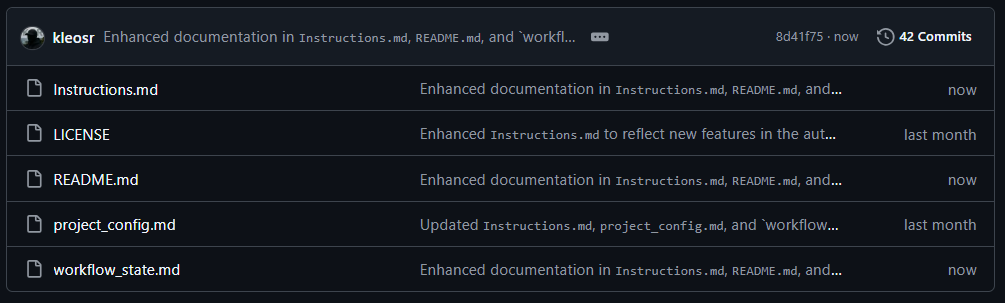
Best regards,
kleosr

I have pushed a new update:

  • Auto-checkpoint at C≥3 with metadata (hash, branch, files)

  • Checkpoint table expanded for rollback tracking

  • Visualizer shows checkpoint/restore flow

— kleosr

Outstanding work @kleosr - i just started testing and using it.

For latest version, to use it properly is it enough to:

  1. place Instructions.md, project_config.md (edited) and workflow_state.md in main directory
  2. start chats with this message:
    ”You’re an autonomous AI developer. Work exclusively with project_config.md and workflow_state.md.
    Before each action, read workflow_state.md to understand context, follow the rules,
    then immediately update workflow_state.md with your actions and results.”

OR

should there be any rules created or settings changed in cursor as well?

(I am asking, because I find it behaves differently, based on model used, prompt used)