Where does the bug appear (feature/product)?
Cursor IDE
Describe the Bug
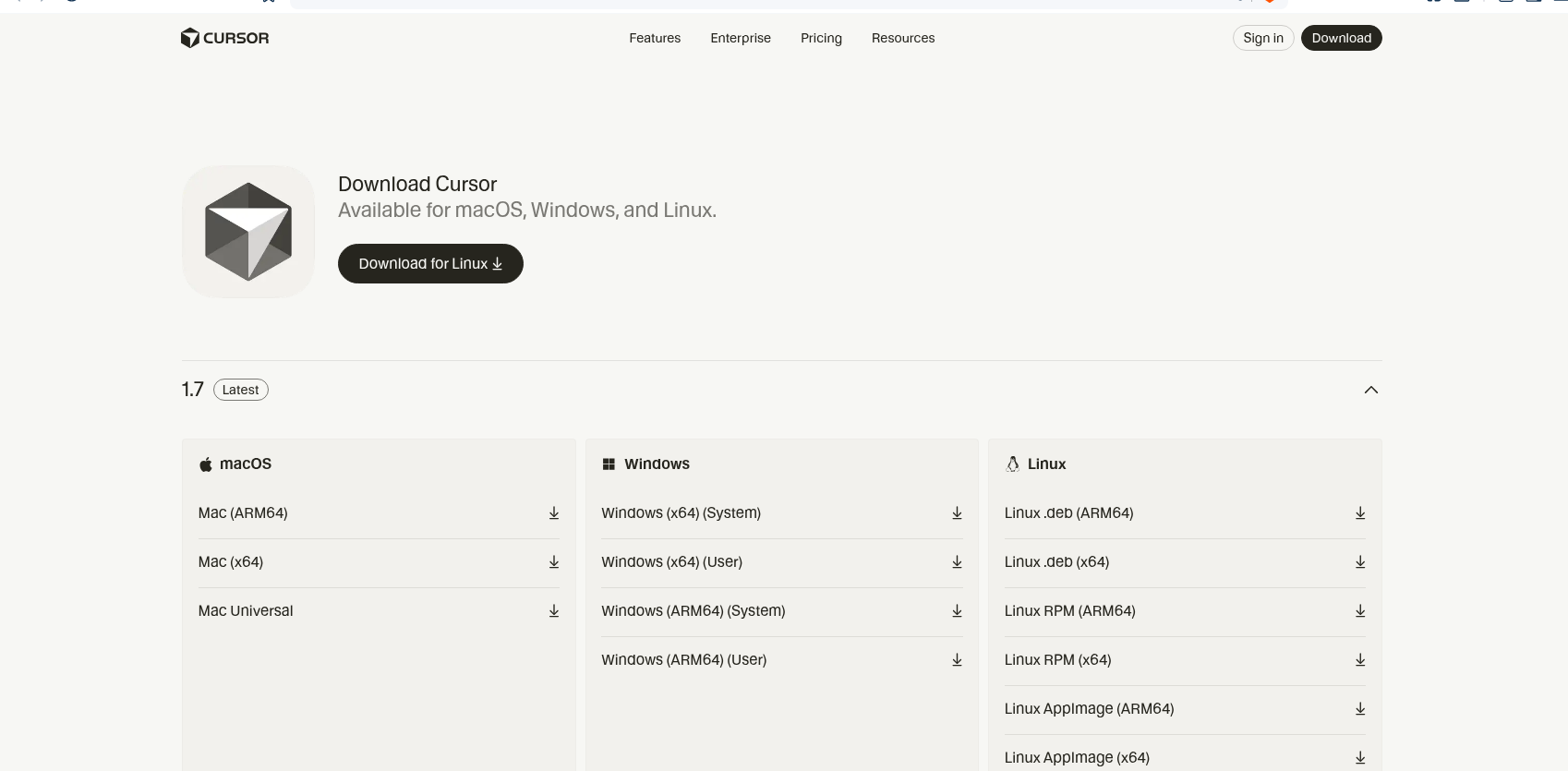
I am using the official .DEB packages. Was using the unofficial/community ones earlier.
However, It does not auto-update right away, I need to download new .DEB package from the website and then have a new install?
I vaguely remember having auto-update on the previous .DEB package, not sure.
Steps to Reproduce
Have Cursor on Linux .DEB packages and try to update it.
Operating System
Linux
Current Cursor Version (Menu → About Cursor → Copy)
Version: 1.7.33
VSCode Version: 1.99.3
Commit: a84f941711ad680a635c8a3456002833186c4840
Date: 2025-10-03T03:28:06.574Z
Electron: 34.5.8
Chromium: 132.0.6834.210
Node.js: 20.19.1
V8: 13.2.152.41-electron.0
OS: Linux x64 6.8.0-85-generic
Does this stop you from using Cursor
No