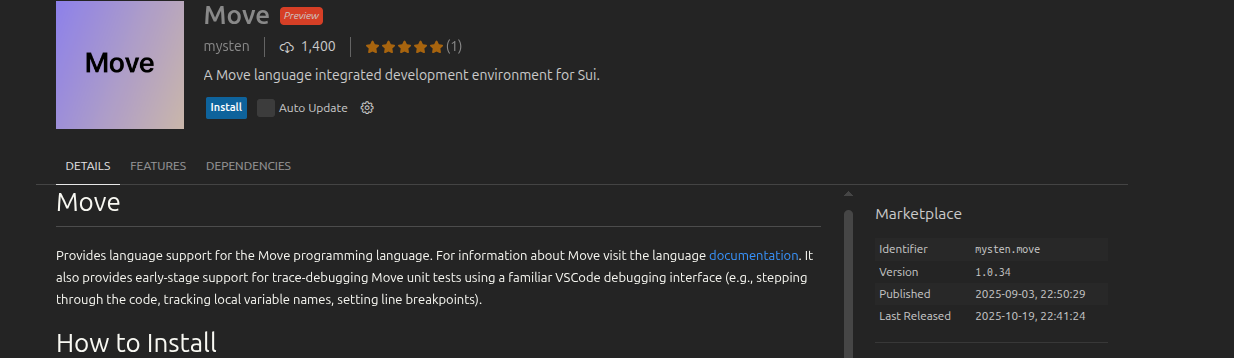
Hey, thanks for the report. I understand your concern about extension security - it’s important.
Cursor uses the Open VSX Registry, not the official VS Code Marketplace. You can see in my screenshots that “awelc” (Adam Welc) is an employee of Mysten Labs who published the extension in Open VSX. The author is verified (checkmark next to “mysten”), so it’s a legitimate extension from the same team.
The difference in publisher (“awelc” vs “mysten-labs”) is due to how extensions are published in Open VSX - usually a specific developer does it on behalf of the company.
If you still want to install the exact extension from the VS Code Marketplace:
Open VS Code, search for Mysten Labs Move
Click the gear icon → “Download VSIX”
In Cursor: Cmd+Shift+P → “Extensions: Install from VSIX…”