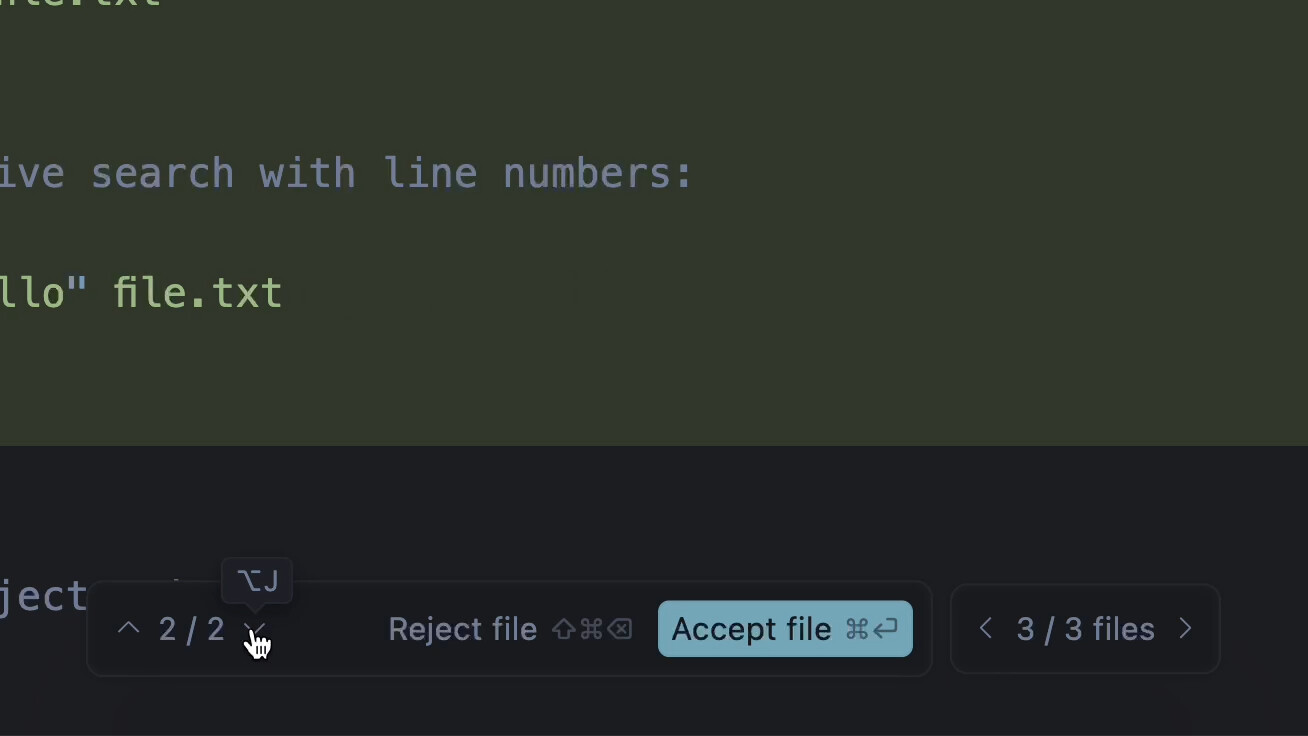
in the past, there ware up, down, left and right buttons to navigate to the modification section for review, but now these buttons are no longer available. it make review difficult.
how to show the navigate buttons?
Hey, thanks for the question. The arrow navigation buttons were replaced with a new floating Review panel.
How to open:
- After the agent replies, click Review.
- A bottom panel will appear where you can accept or reject changes for the current file and move to the next file.
More details: https://cursor.com/docs/agent/review
Usually, we review the modified parts based on the context. However, when expanding the context, there is no key to jump to the modified part, which is very inconvenient. I don’t know what’s better about your design this way than before. Instead, it’s even less user-friendly.
just like below button, it is very convenient, but i can’t see it. i need to scroll the screen to find the change very time: https://cursor.com/docs/agent/review