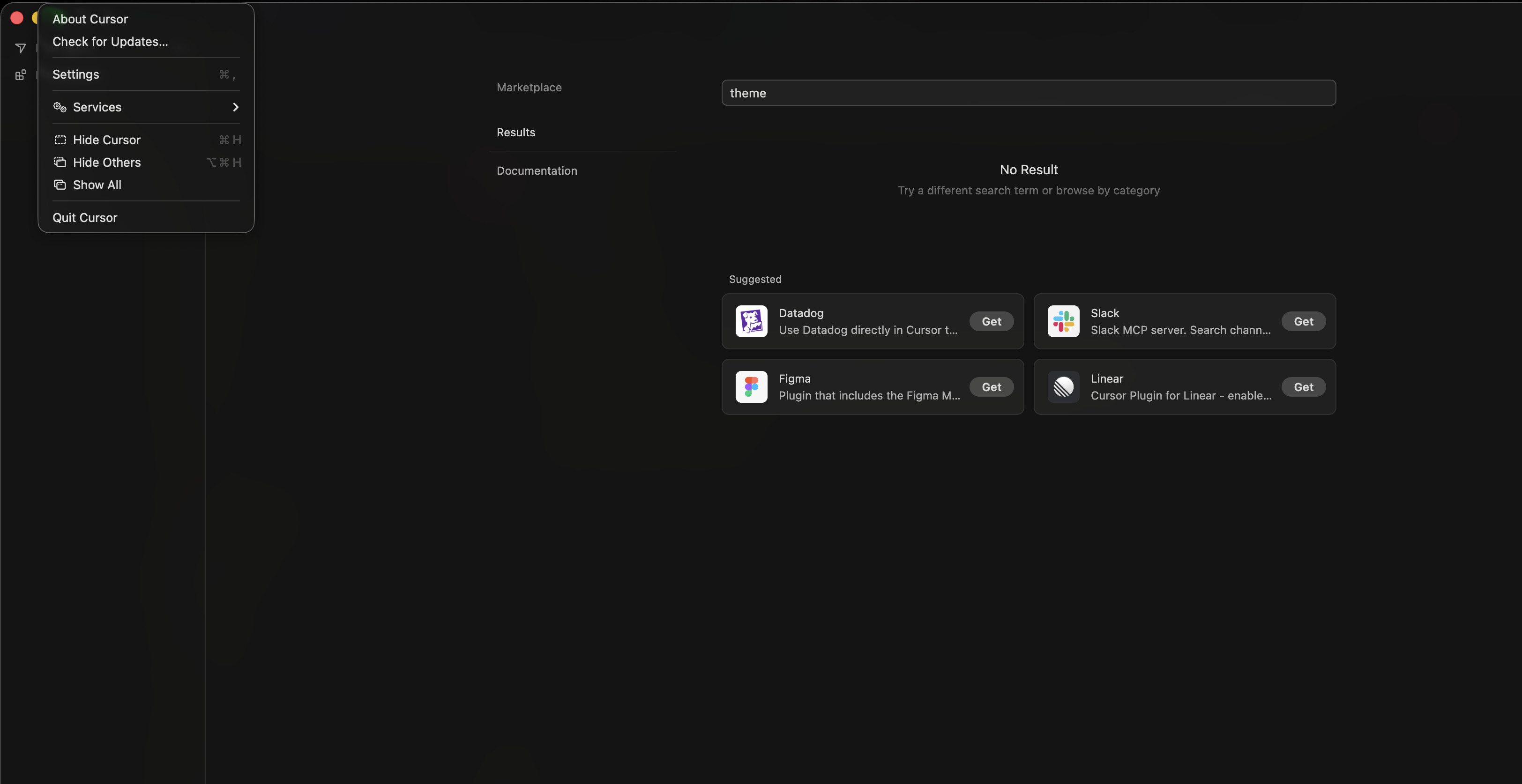
I just logged out of my account. Then logged back in. Now cursor shows no plugins/extensions. Marketplace also comes up empty for previous plugins. The theme is just strange. Many settings are missing. The IDE seems to have reverted to some old version.
Steps to Reproduce
Logout.
Log back in.
Expected Behavior
Nothing this drastic should have changed when I just logged back in.
I can see the extensions in the ‘~/.cursor/extensions’ but the IDE shows nothing. I had a custom theme installed it is also missing. Some the rules and skills I had are also missing.
Hey, thanks for the detailed report. This looks like a mismatch between the profile and extension database and the UI. Your files are still on disk as expected, you can see that in your last screenshot with ~/.cursor/extensions, rules, and skills, but the IDE isn’t picking them up. That’s why reinstalling didn’t help, it doesn’t touch user data.
Before we dig deeper, can you check a couple of things:
Open the Command Palette Cmd+Shift+P and run Developer: Reload Window. Sometimes after re-auth, the extension host doesn’t fully load.
In the same place, run Profiles: Switch Profile. Check if you accidentally switched to an empty profile during login. If you see a profile with your settings, select it.
Go to Help → Toggle Developer Tools → Console tab. If you see any red errors about extensions, profile, or storage, please send a screenshot or paste the text. That would help a lot.
If none of that helps, tell me and we can look at ~/Library/Application Support/Cursor/User/profiles/. There should be an active profile there with an extensions.json.
This is a known issue we’re tracking on our side, but I can’t share an ETA for a fix yet.
Trying 'Developer: Reload Window' after 'Cmd+Shift+P' just gives me the option start a new agent and that also fails to run the command.
I completely removed Cursor. Then installed the Arm64 version instead of the Universal version I had before. But even starting from scratch has made no difference. I'm unable to add the previously added extensions because the marketplace shows no results.