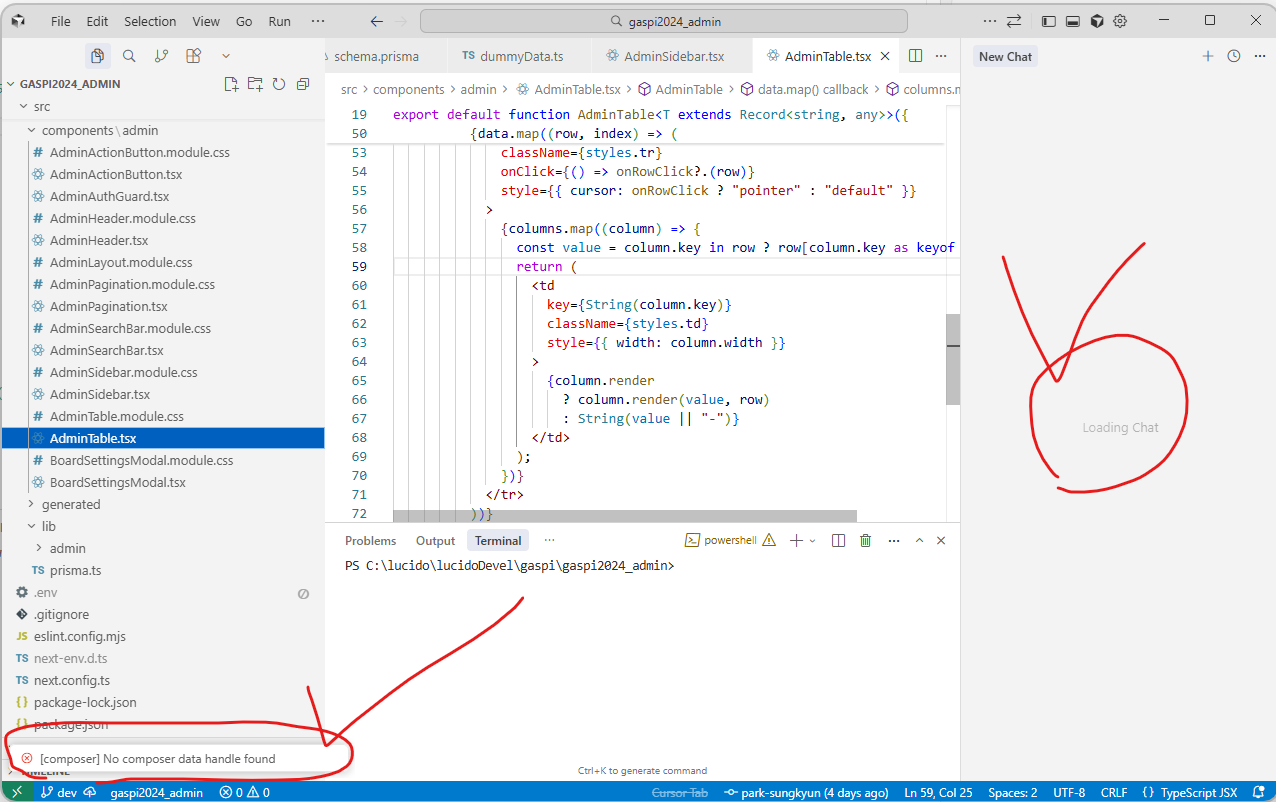
In certain projects, the AI chat/composer panel (prompt window) does not open, preventing me from having conversations with the AI assistant. The issue occurs only in specific projects, while other projects work normally.
Steps to Reproduce
Open a specific project in Cursor IDE
Try to open the AI chat/composer panel (using keyboard shortcut or menu)
The prompt window does not appear or open
Attempt to interact with AI assistant fails
Error message “[composer] No composer data handle found” appears
“Loading chat” message persists indefinitely
Expected Behavior
The AI chat/composer panel should open normally in all projects, allowing users to interact with the AI assistant regardless of which project is open.
This issue occurs only in specific projects, not all projects
Some projects work normally with AI chat functionality
Error message: “[composer] No composer data handle found”
“Loading chat” message appears and persists
The issue started after updating to version 2.2.20
I’ve tried restarting Cursor, but the issue persists for affected projects
Thanks for the details. I see the screenshot with infinite Loading Chat and error “[composer] No composer data handle found”. This is a known issue with Composer data integrity - the team is already working on a fix.
Need to gather diagnostics for the specific project:
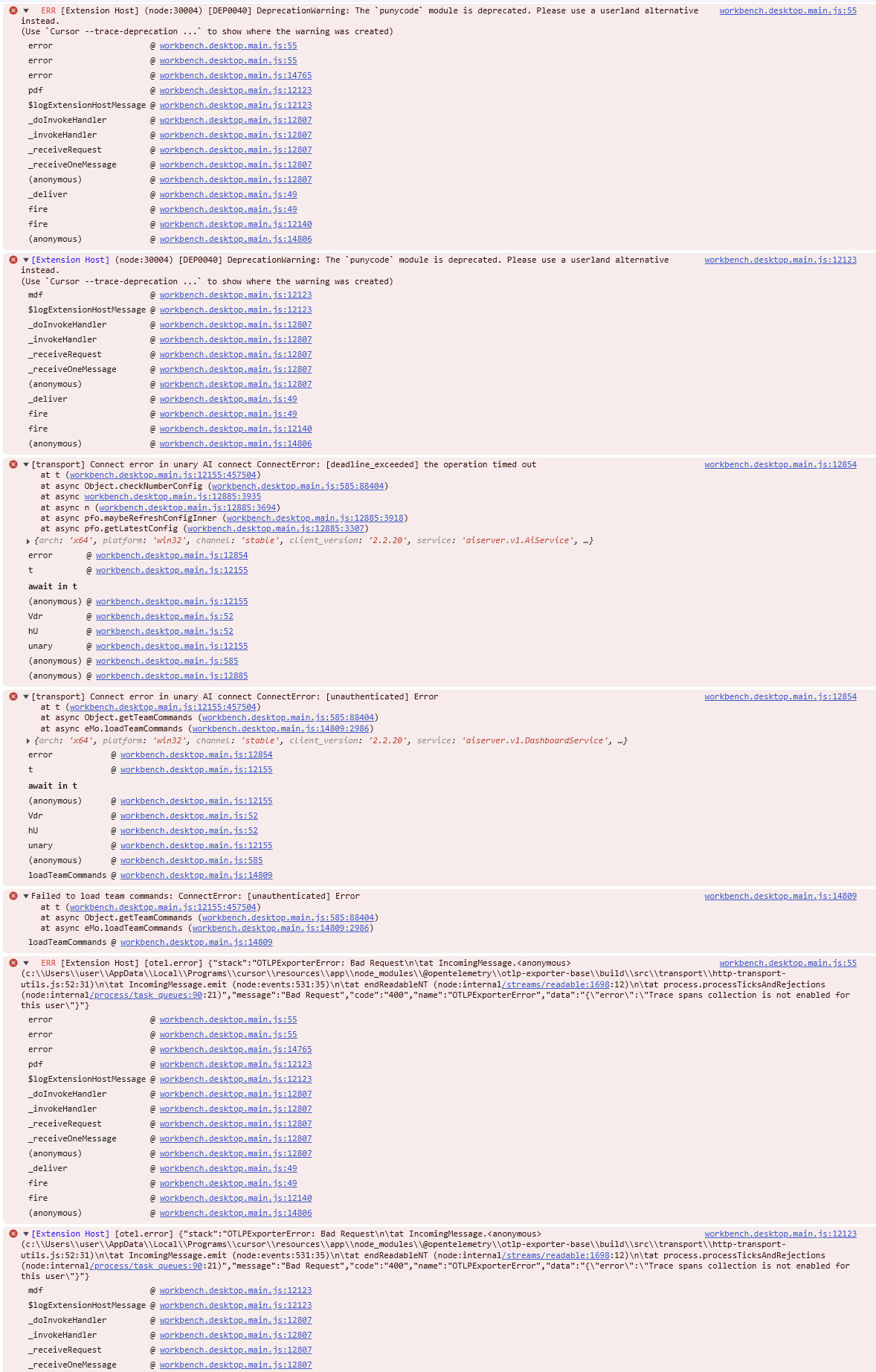
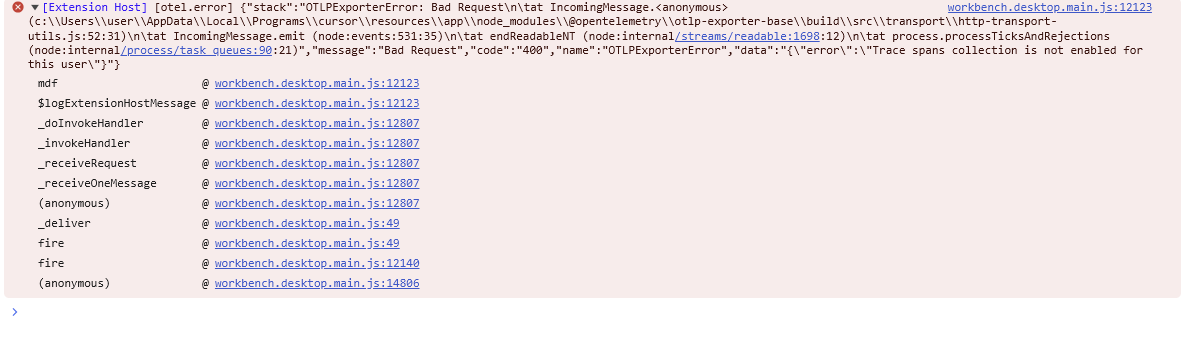
Open Cmd+Shift+P > Developer: Toggle Developer Tools > Console tab, click on the problematic chat/open composer and share all red errors that appear at that moment
Clarify where the project is located: local path, WSL, or network drive
Quick check for extension conflict: close Cursor and launch with disabled extensions cursor --disable-extensions. Report if behavior changes
You asked if I had moved the project, so I moved the gaspi2024_admin project from C:\lucido\lucidoDevel\gaspi to the desktop and then back to its original path. After that, the “Loading Chat” message disappeared and the Cursor AI prompt window appeared, but all AI conversation history for that project was lost.
This is a significant issue. Fortunately, this project was recently started, so it’s not a major problem, but if AI conversations from other existing projects were to disappear, it would severely impact development speed and direction.
This issue started after updating Cursor. If AI conversation history can be lost like this, I’m now hesitant to update Cursor in the future.
Please let me know how to recover the lost AI conversations.
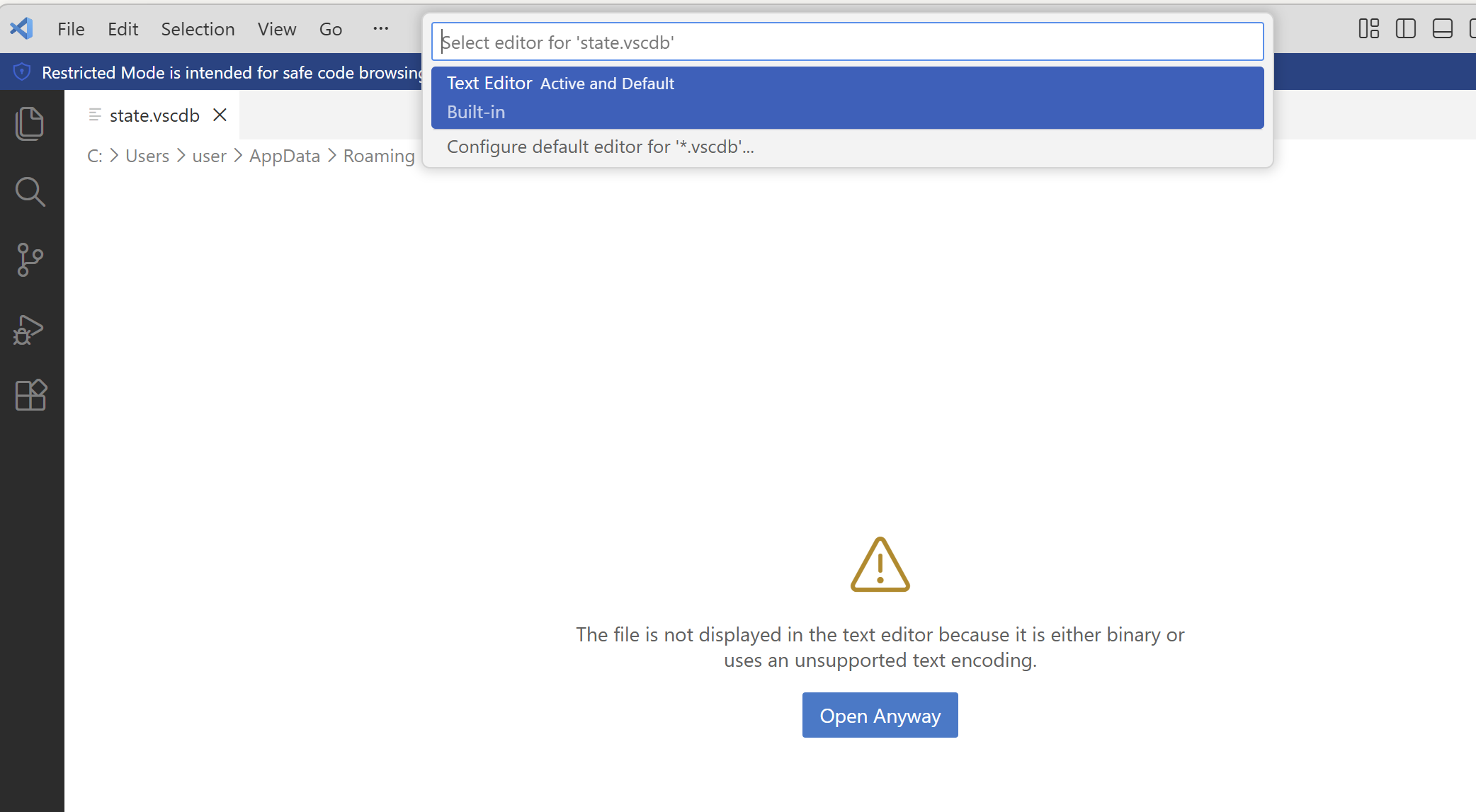
Also, please tell me where the AI conversation history files are located and how to open them. When I try to open the state.vscdb file in VS Code, I get the message “The file is not displayed in the text editor because it is either binary or uses an unsupported text encoding.” When I click “Open Anyway” and select “Text Editor Active and Default” from the dropdown, all Korean characters appear corrupted.
Thanks for the extra info - I see the problem was resolved by moving the project.
Regarding the lost history - unfortunately, when you moved the project, the system created a new workspace ID for it. Old chats remain in %APPDATA%\Cursor\User\workspaceStorage\, but under the old ID folder no longer linked to the project.
Where the history is:
Folder: %APPDATA%\Cursor\User\workspaceStorage\
Inside, there are several folders with hash-like names such as fd84c037829daf424ecf3593ffdcb629. Each folder contains a state.vscdb file - this is a SQLite database with the chats.
How to recover:
The easiest way is to install the SpecStory extension (available in Cursor extensions) - it automatically finds and exports all chats to Markdown.
Unfortunately, fully restoring chat history in the Cursor UI won’t work if the workspace ID is different. But the chat data itself is still in the files.