You asked if I had moved the project, so I moved the gaspi2024_admin project from C:\lucido\lucidoDevel\gaspi to the desktop and then back to its original path. After that, the “Loading Chat” message disappeared and the Cursor AI prompt window appeared, but all AI conversation history for that project was lost.
This is a significant issue. Fortunately, this project was recently started, so it’s not a major problem, but if AI conversations from other existing projects were to disappear, it would severely impact development speed and direction.
This issue started after updating Cursor. If AI conversation history can be lost like this, I’m now hesitant to update Cursor in the future.
Please let me know how to recover the lost AI conversations.
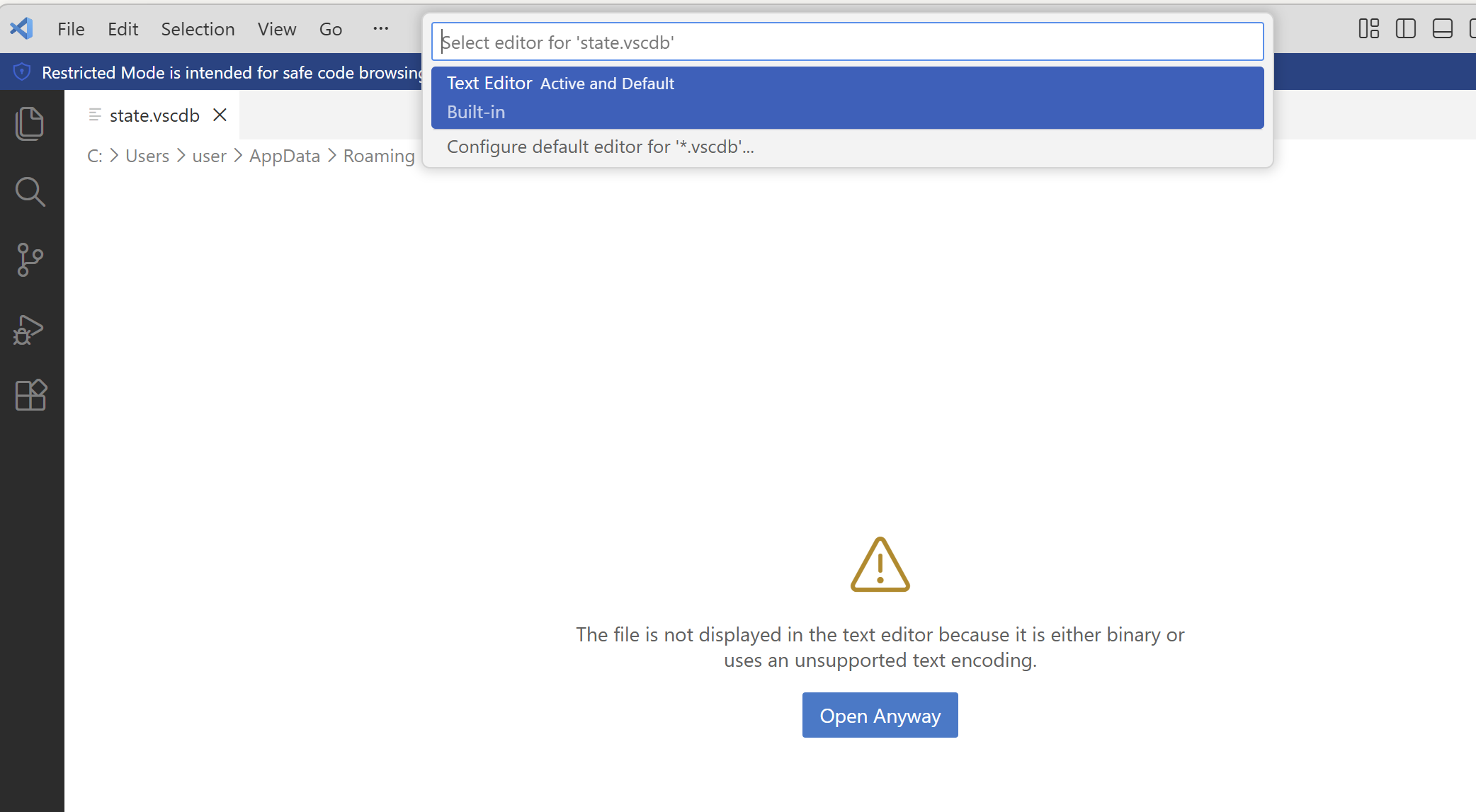
Also, please tell me where the AI conversation history files are located and how to open them. When I try to open the state.vscdb file in VS Code, I get the message “The file is not displayed in the text editor because it is either binary or uses an unsupported text encoding.” When I click “Open Anyway” and select “Text Editor Active and Default” from the dropdown, all Korean characters appear corrupted.