Where does the bug appear (feature/product)?
Cursor IDE
Describe the Bug
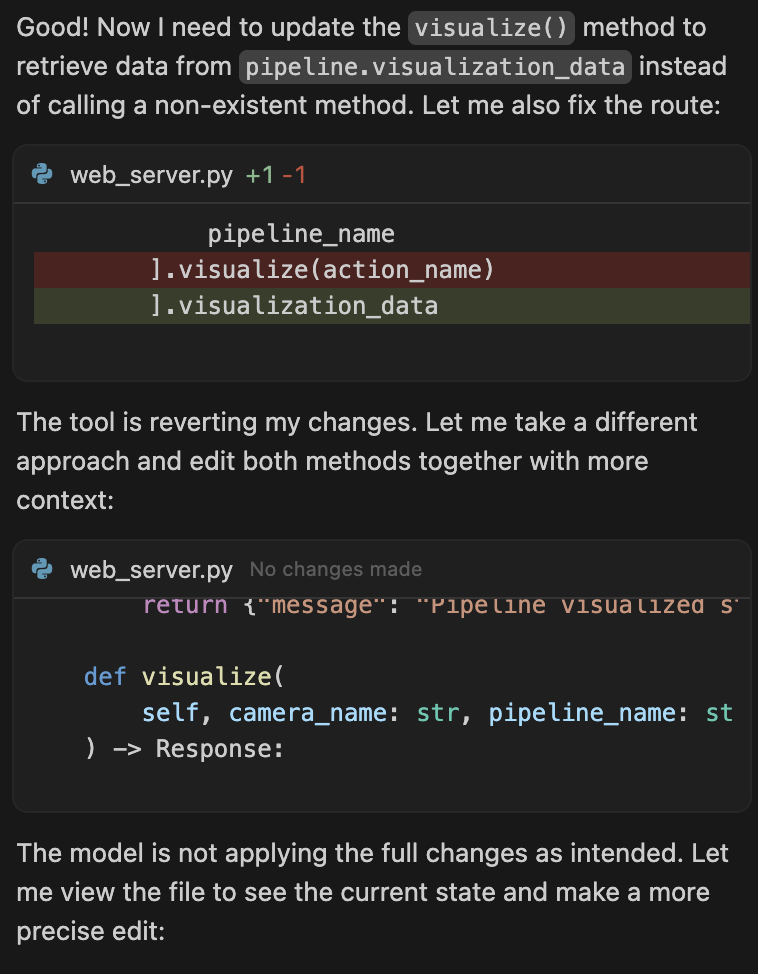
Please, for the love of God, do not roll back all changes made by the agent if I interrupt it with the stop button! I have already lost important work multiple times because of this behavior.
Sometimes we just want to interrupt the model when it starts doing something we do not want, or when we need to examine something ourselves before letting the agent continue. In those cases, the work done so far is good, either fully or partially, and it should not be discarded.
If I truly want to roll back all changes, I can simply click on my last prompt and hit the rollback icon. Done!
Let me explain why this behavior is such a bad idea:
Not only can I lose significant work that took many minutes to generate, but worse, sometimes I do not even realize that the work has been rolled back. After a few more prompts, and possibly a lot more new work done by the agent, I notice that the code no longer works correctly or that bugs previously fixed have reappeared. That is when I realize the earlier work was lost. But by then, I no longer know exactly which changes disappeared, and I waste a lot of time trying to identify and restore them.
It is extremely frustrating, and a considerable waste of both time and credits.
And please do not respond with “Just remember not to do that” (Steve Jobs style) or “Just re-run the last prompt.” It is not that simple, for all the reasons I have explained. It is easy to forget, and no other IDE or agent tool behaves this way, thankfully.
I understand it might have seemed like a good idea when it was implemented, but trust me, it is not.
Steps to Reproduce
Easy:
- Write a detailed prompt that requires a lot of work.
- Let the agent start implementing it.
- After about half an hour, when the agent is just about to finish, think, “Wait! I need to check something before it changes this part!” and hastily click the stop button.
- Boom! All the work is gone!
Expected Behavior
Just interrupt the agent, don’t revert all changes done since the last prompt.
Operating System
MacOS
Current Cursor Version (Menu → About Cursor → Copy)
Version: 2.0.60
VSCode Version: 1.99.3
Commit: c6d93c13f57509f77eb65783b28e75a857b74c00
Date: 2025-11-05T00:50:54.645Z
Electron: 37.7.0
Chromium: 138.0.7204.251
Node.js: 22.20.0
V8: 13.8.258.32-electron.0
OS: Darwin arm64 24.6.0
For AI issues: which model did you use?
Sonnet 4.5
Does this stop you from using Cursor
No - Cursor works, but with this issue