One thing I miss the most is the “Data Wrangler” extension from VS Code. I know that this extension is developed by Microsoft, but is it possible for cursor to develop its own Exploratory Data Analysis (EDA) tools?
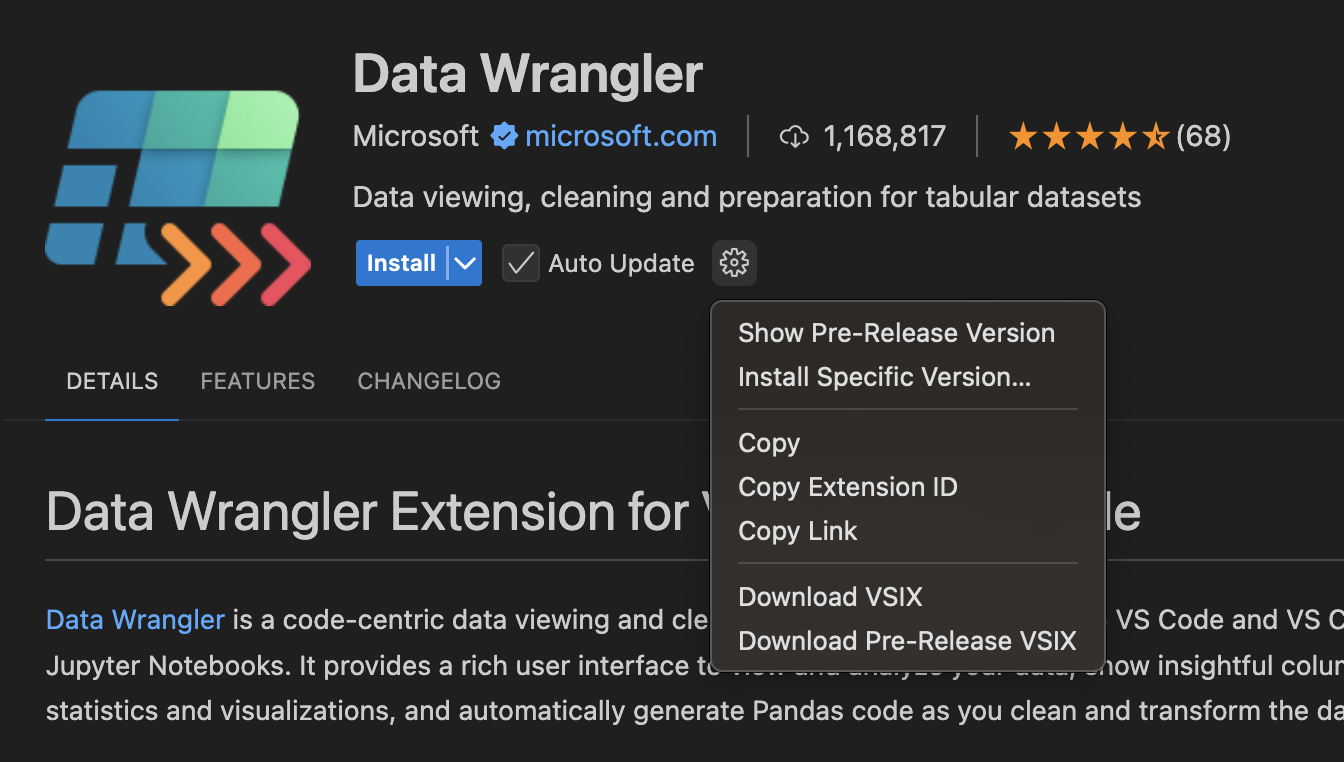

Thanks! But when I tried to install the VSIX file in Cursor, it showed that it could not be installed. Perhaps the latest version of Cursor is no longer compatible.
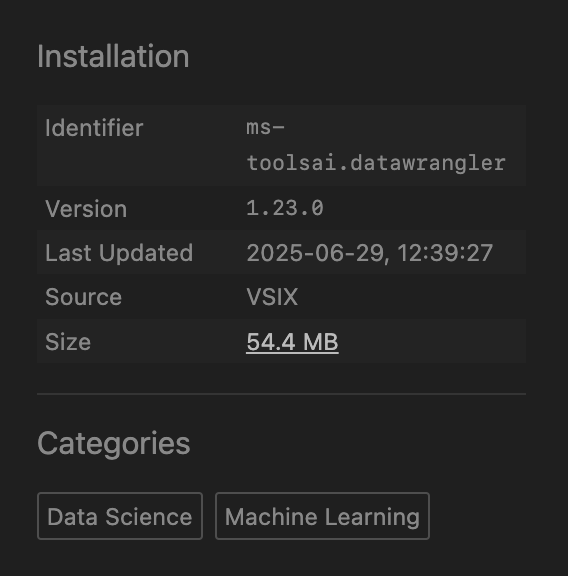
As someone that is trying to transition to cursor exclusively the main thing that keeps me from it is not being able the explore my data. I keep going back to spyder just for that reason.
Also, as you suggested to @AHuang I tried to install it through VSIX with no success.
There are other recent posts about people asking about data wrangler so I suspect there is at least some demand for it!
Huge amount of demand. DataFrames are ubiquitous in python and being unable to inspect them in a nice visual interface is a huge detractor to power use of cursor.
As an aside the downloading of the VSIX and then > Extension: Install VSIX in Cursor worked for me and now I have Data Wrangler!
Thanks! I tried again and this time it worked!
The optionality download VSIX is no longer available. Is there an alternative way to use Data Wrangler in Cursor, or do you know where I can download it?
Hey, I’ve checked this method and it still works:

That’s pretty strange. Which VS Code version are you using? You can also try downloading the VSIX file using this Chrome extension.
I am using VS Code version 1.84.2, so it is probably just outdated. Thanks for the advice.
The solution in my case was either update VS Code or use this link for direct download. In the link, adjust the version you want, instead of having there x.xx.x (for example, 1.23.0)
legend! this worked, thank you 
I think I did something longer but works also. I followed the steps of this Stack Overflow post and en up with this Power Shell script:
Invoke-WebRequest -Uri "``https://marketplace.visualstudio.com/_apis/public/gallery/publishers/ms-toolsai/vsextensions/datawrangler/1.24.0/vspackage``" -OutFile "datawrangler-1.24.0.vsix"
After that in cursor with the command (Ctrl + Shift + P) Install from VSIX I can select and install the extension. Hope it works for y’all.
i tried installing from vsix that was downloaded from vscode and it worked.
however Data Wrangler requires Jupyter extension which is not available on the cursor marketplace as well. Downloaded it from vscode the same way (Jupyter from ms-toolsai) and for some reason, this installed extension disappears like every 2 days… are you familiar with that?
Here is the link to download data wlangler.