Where does the bug appear (feature/product)?
Cursor IDE
Describe the Bug
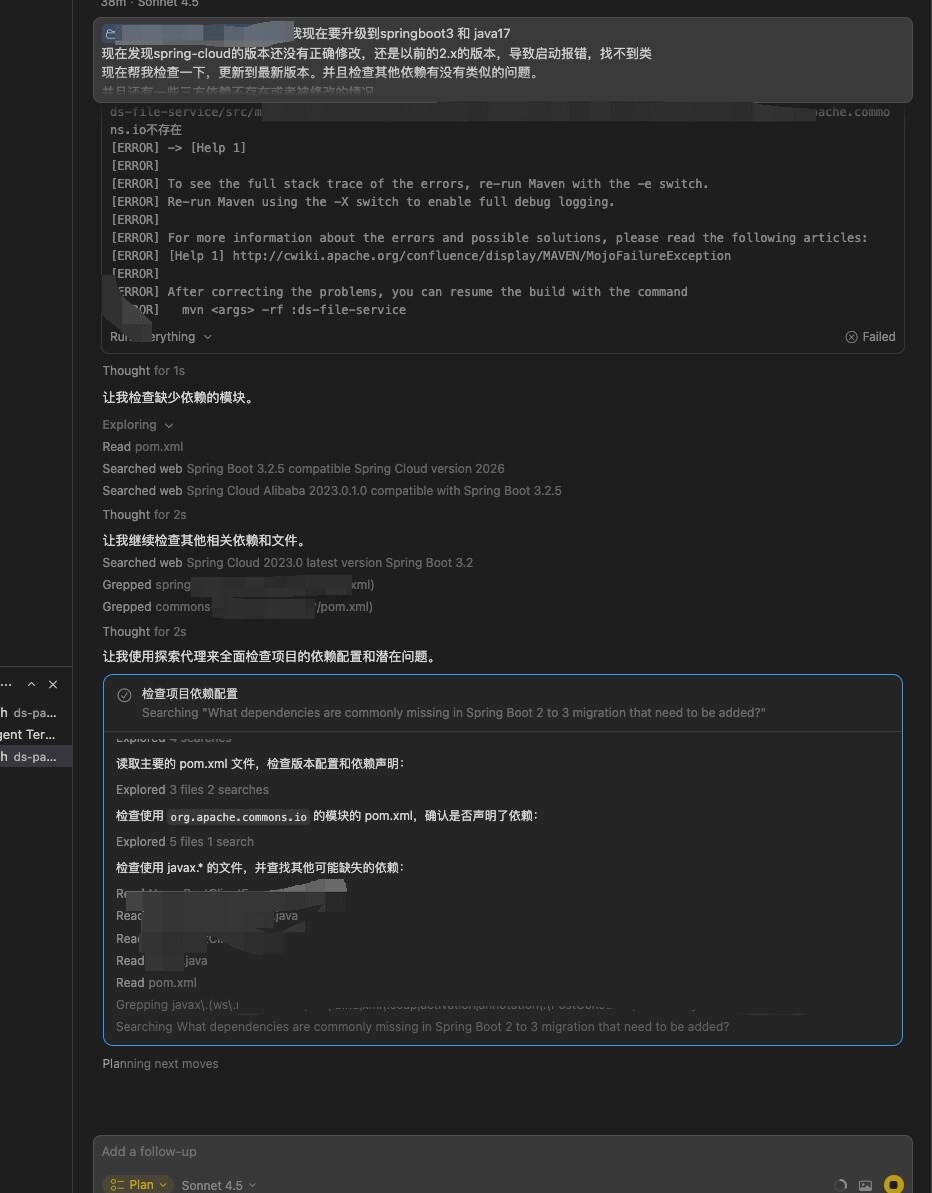
When using Cursor’s agent feature in a conversation, the process often hangs and does not terminate automatically. This typically occurs when executing tasks locally via the terminal—there is no response, even though the terminal appears to have finished execution. Despite this, an error is still reported.
Steps to Reproduce
Open a new chat or agent conversation in Cursor IDE.
Request the agent to perform a task that involves local terminal execution (e.g., running a script, installing a package, or executing a command).
Observe that the terminal starts executing the command but becomes unresponsive.
Wait until the terminal seems to finish (output stops, prompt returns), but the agent interface remains stuck.
An error message is eventually shown, even though the terminal task has completed.
Expected Behavior
The agent should properly detect when the terminal task completes and update the conversation state accordingly. It should not hang indefinitely or report errors after successful execution. The interface should respond promptly and reflect the actual status of the operation.
Screenshots / Screen Recordings
Operating System
MacOS
Version Information
version:
Version: 2.4.22 (Universal)
VSCode Version: 1.105.1
Commit: 618c607a249dd7fd2ffc662c6531143833bebd40
Date: 2026-01-26T22:51:47.692Z (2 days ago)
Build Type: Stable
Release Track: Default
Electron: 39.2.7
Chromium: 142.0.7444.235
Node.js: 22.21.1
V8: 14.2.231.21-electron.0
OS: Darwin arm64 23.5.0
For AI issues: which model did you use?
Sonnet4.5 Opus4.5
For AI issues: add Request ID with privacy disabled
can not get Request ID
Does this stop you from using Cursor
Yes - Cursor is unusable