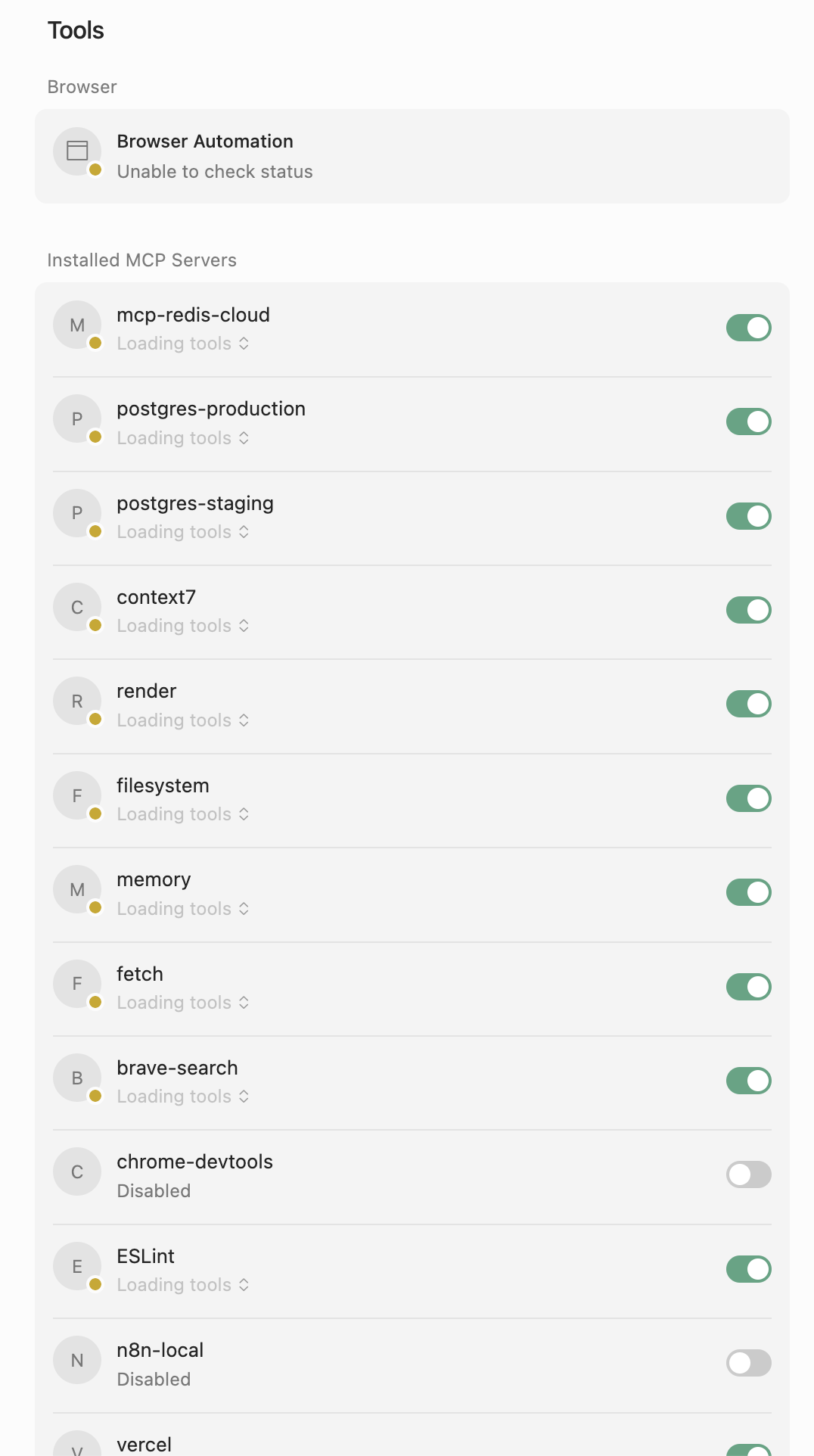
Hi. When I restart Cursor it’■■■■■ or miss that I will see the MCP Servers showing “Loading Tools” forever. I don’t know if that affects the availability of the servers but I don’t know if that’s a bug or they are simply not loading.
Steps to Reproduce
Start cursor and go to the Tools & MCP section in Cursor Settings
I am facing the same issue. It is especially noticeable when doing sequential thinking tool call. MCP logs show error without any message, such an error is logged before every sequentialthinking tool call. Behaviour persists even after clearing npx cache, seems a bit better though.
In my case it was failing because an invalid refresh token:
2025-10-29 14:08:59.193 [info] Connecting to SSE server 2025-10-29 14:09:01.067 [error] Client error for command Invalid refresh token 2025-10-29 14:09:01.068 [error] Error connecting to SSE server after fallback: Invalid refresh token
I fixed it removing the MCP tool and re-adding it, which cleared the invalid token and prompted me to reconnect/reauthenticate the tool via OAuth.