Describe the Bug
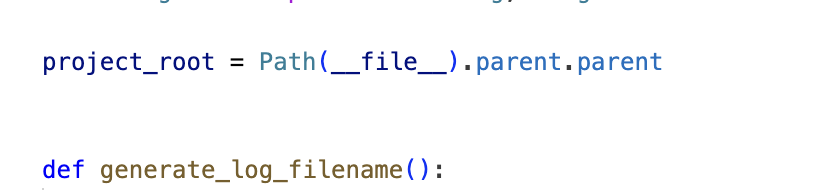
Python syntax highlighting is completely broken on my new MacBook with a fresh installation of Cursor.
Nothing is highlighted — imports, decorators, classes, etc.
Details and what i’ve tried:
- Pylance does not appear in the marketplace when searched.
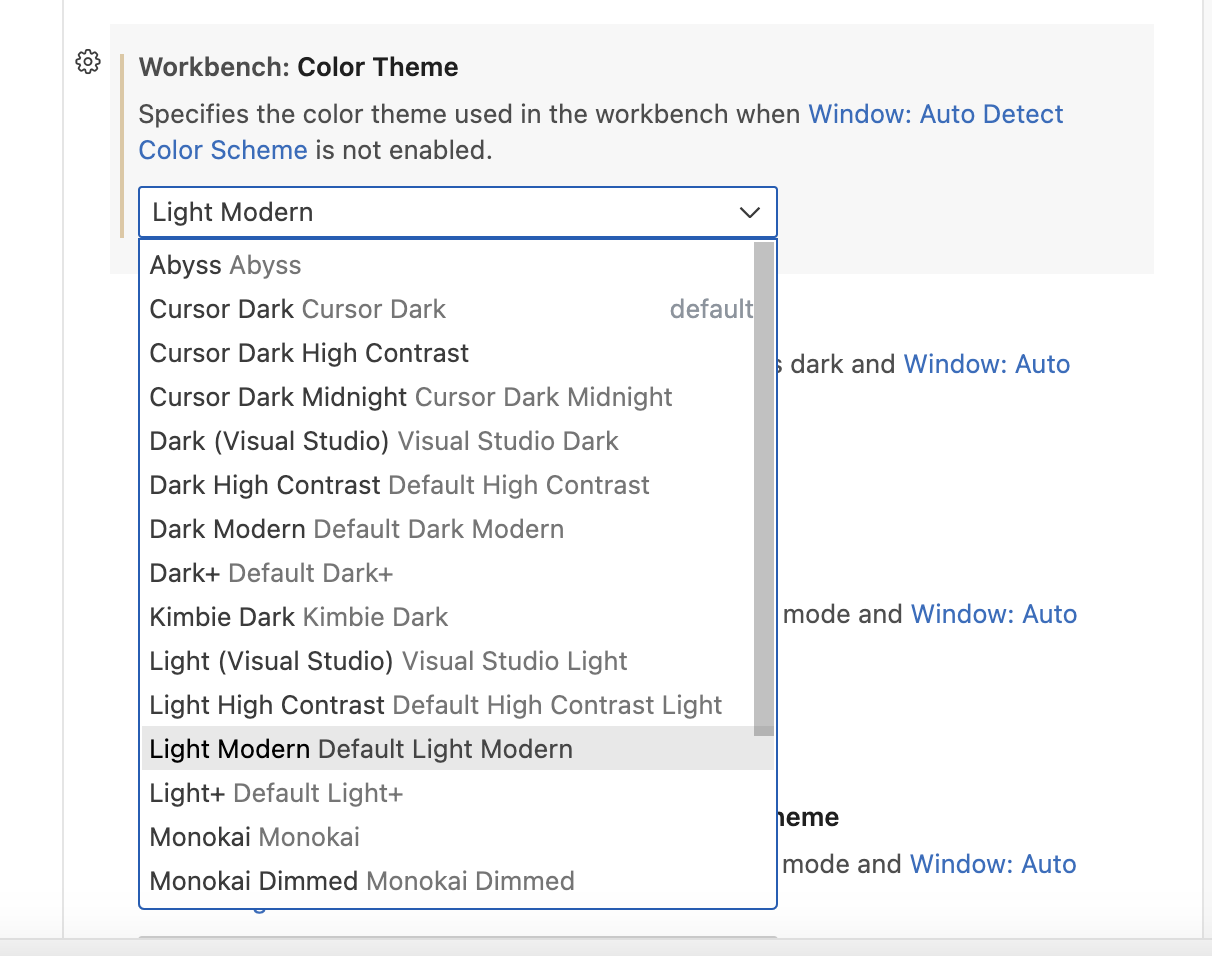
- Changing “Python › Language Server” setting to “Jedi”, “Pylance”, or “None” has no effect. Editing settings.json with deleting ““python.languageServer”: “None”” string has no effect.
- Hover functionality works. I can press command and hover on a class to see its documentation and jump to definition.
The issue persists both for local macOS files and when connected to a remote Ubuntu server via SSH.
On the old MacBook (with previous VS Code installation and an older Cursor version), syntax highlighting works as expected. Same Python files and remote setup, but everything is rendered correctly.
The OLD WORKING version of cursor on old macbook:
Version: 1.2.1 (Universal)
VSCode Version: 1.99.3
Commit: 031e7e0ff1e2eda9c1a0f5df67d44053b059c5d0
Date: 2025-07-03T06:08:06.355Z (2 wks ago)
Electron: 34.5.1
Chromium: 132.0.6834.210
Node.js: 20.19.0
V8: 13.2.152.41-electron.0
OS: Darwin x64 23.4.0
So the issue appears specific to a fresh Cursor install on a new machine.
Steps to Reproduce
Just new fresh cursor on mac m3.
Screenshots / Screen Recordings

Operating System
MacOS
Current Cursor Version (Menu → About Cursor → Copy)
BROKEN Cursor version:
Version: 1.2.4 (Universal)
VSCode Version: 1.99.3
Commit: a8e95743c5268be73767c46944a71f4465d05c90
Date: 2025-07-10T16:55:16.443Z (1 wk ago)
Electron: 34.5.1
Chromium: 132.0.6834.210
Node.js: 20.19.0
V8: 13.2.152.41-electron.0
OS: Darwin arm64 24.1.0
Does this stop you from using Cursor
Yes - Cursor is unusable