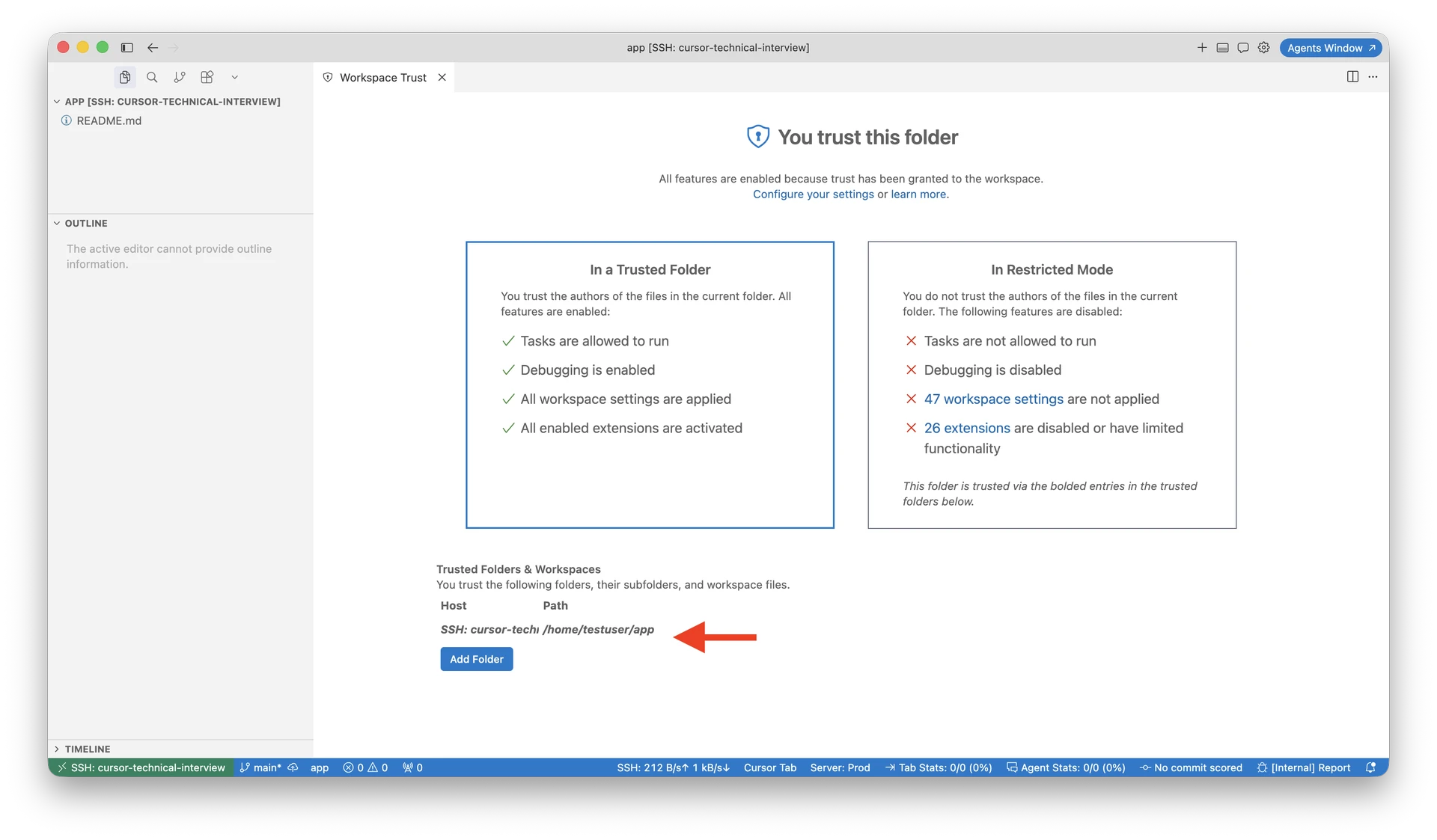
Where does the bug appear (feature/product)?
Cursor IDE
Describe the Bug
Agent fails on every Remote SSH session with:
The agent execution provider did not respond in time. This may indicate the extension host is not running or is unresponsive.
The remotecursor-agent-execextension is present on disk but never activates on the long-lived remote extension host. Onlyvscode.git-basestarts. The local client waits for remote provider registration and times out.
This reproduces across a clean reinstall of~/.cursor-serverand across two Cursor versions (3.12.30 and 3.13.10).
Steps to Reproduce
- Install/update Cursor on Windows (3.13.10).
Remote-SSH: Connect to Host→ connect to Ubuntu VM.- Open a single remote folder.
Developer: Reload Window(tried 1–2 times).- Start any Agent request.
Expected Behavior
Remote extension host activates anysphere.cursor-agent-exec (and related agent extensions), registers the remote agent execution provider, and Agent runs tools against the remote workspace.
Actual Behavior
- Agent fails after ~40–55s with provider timeout.
- Remote extension host only ever activates
vscode.git-base. cursor-agent-execexists on disk but has zero mentions inremoteexthost.log.
Error / Request IDs
55d532c3-c5eb-4010-bf3c-e63519424333(earlier session on 3.12.30)
Smoking gun — local renderer log (Windows)
[agent-exec] Provider registration timed out (attempt 1/9, timeout=30000ms), retrying [agent-exec] Provider registration timed out (attempt 2/9, timeout=5000ms), retrying … [agent-exec] Provider registration timed out (attempt 8/9, timeout=5000ms), retrying
Log path: %APPDATA%\Cursor\logs\20260727T110738\window1_wb4\renderer.log
Smoking gun — remote extension host log (VM)
After clean rm -rf ~/.cursor-server ~/.cursor and fresh reconnect on 3.13.10:
exthost4 — only extension that activated anything:
ExtensionService#_doActivateExtension vscode.git-base, startup: true, activationEvent: ‘*’ Extension activated success: vscode.git-base — 8ms
exthost1,2,3,5 — mostly just:
Extension host terminating: received terminate message from renderer
grep cursor-agent-exec across all exthost logs → NO MATCHES
Extension files are present:
~/.cursor-server/bin/linux-x64/4f02290ccd9304f0e6bf8ee85f6e9106f02ac1f0/extensions/cursor-agent-exec/ dist/ package.json patches/
Things ruled out
- Full clean reinstall:
rm -rf ~/.cursor-server ~/.cursoron remote + reconnect - Client/server commit mismatch — commits match
- Missing extension on remote —
cursor-agent-execpresent on disk - inotify limits:
fs.inotify.max_user_watches = 524288 - Tested on two Cursor versions (3.12.30 and 3.13.10) — same behavior
- Reload Window multiple times — no change
Possibly related
Similar reports:
- Remote-SSH agent fails: "agent execution provider did not respond in time" — remote extension host never activates the agent executor
In that thread, a fix landed when the long-lived workspace extension host started activatingcursor-agent-execat startup. Here, on 3.13.10, the long-lived host still only getsgit-base.
Operating System
Windows 10/11
Version Information
- Local client: Cursor 3.13.10 (user setup), Windows 10.0.26200 x64
- Client commit:
4f02290ccd9304f0e6bf8ee85f6e9106f02ac1f0 - Remote host:
twozniak-auto5g(corporate dev VM, UTE/Nokia network) - Remote OS: Debian 13
- Remote server commit:
4f02290ccd9304f0e6bf8ee85f6e9106f02ac1f0(matches client) - Connection: Remote-SSH, single remote folder opened
Also reproduced on: - Cursor 3.12.30, commit
63a2996a10d9e476b6c28e951dd7691d9c0cf480
Additional Information
Additional context
- Multiple extension hosts per session (exthost1–5); most are short-lived (
terminatingwithin seconds/minutes). - Only one host activates extensions, and it only loads
git-base. ulimit -non remote: 1024- Corporate VM environment; SSH and remote editing work fine — only Agent is broken.
Ask
Why is cursor-agent-exec never scheduled/activated on the remote workspace extension host, and what can we do to force it or work around it until a fix ships?
Does this stop you from using Cursor
Yes - Cursor is unusable