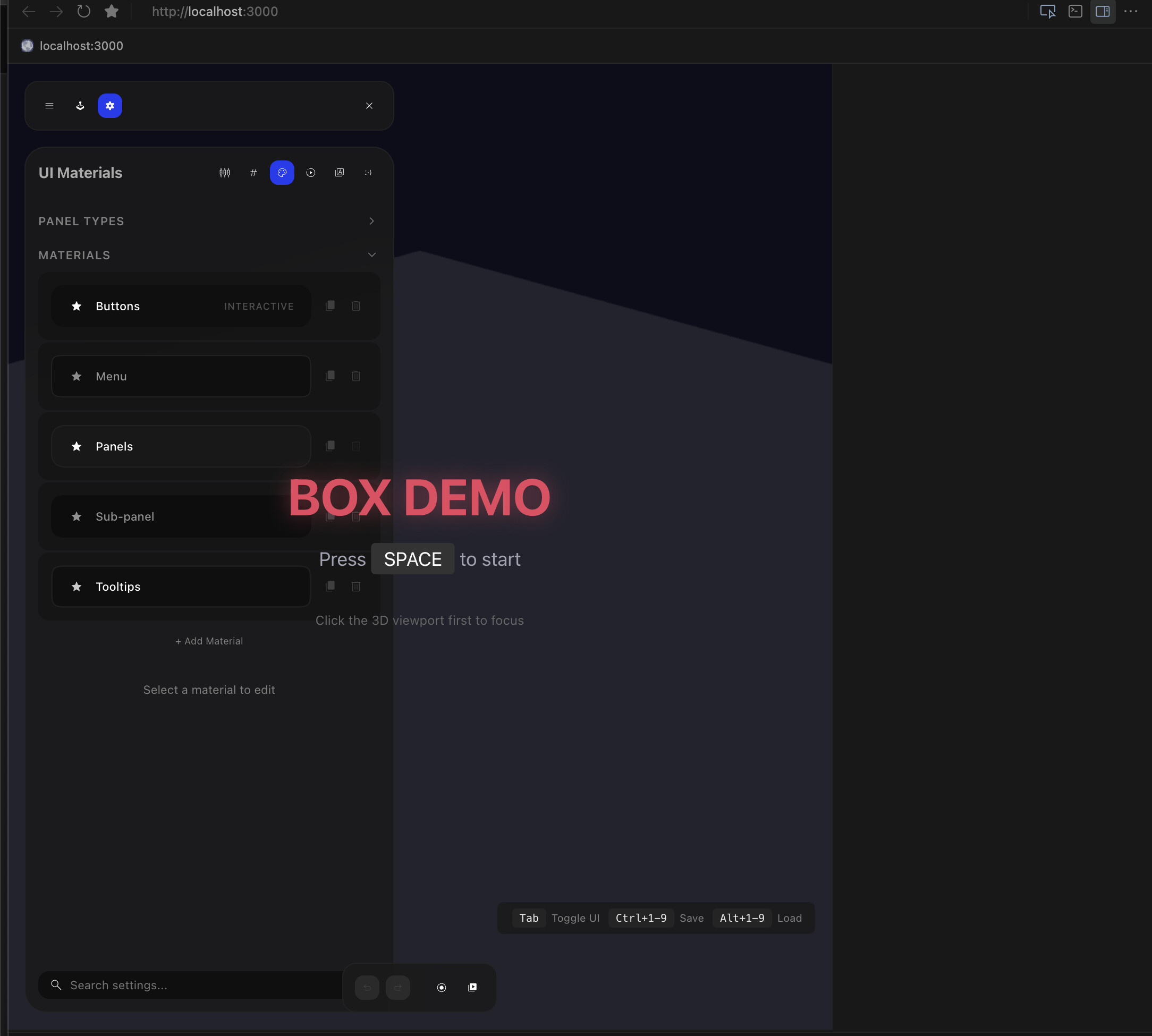
Where does the bug appear (feature/product)?
Cursor IDE
Describe the Bug
The “Select Element” tool in Simple Browser’s DevTools doesn’t highlight elements when hovering. It activates (cursor changes) but nothing highlights, and no divs are selectable. Nothing appears in the UI editing bar in Cursor either.
Environment:
macOS
Cursor version: [check Help → About]
App: React + Vite + Babylon.js game prototype
Steps to reproduce:
Run a React app with many components via npm run dev
Open in Simple Browser
Open DevTools (right-click → Open DevTools or Cmd+Shift+I)
Click the “Select Element” picker icon
Hover over UI elements - nothing highlights
Expected: Elements should highlight on hover like in Chrome DevTools
Actual: No highlighting occurs. Clicking selects instead of the hovered element.
Workaround: Using Chrome at localhost:3000 works correctly - element picker functions as expected there.
Notes: This may be related to apps with many inline CSS variables on the root element, or complex DOM structures with pointer-events: none layers.
Steps to Reproduce
- Run a React + Vite app with npm run dev
- Open the app in Simple Browser
- Open DevTools (Cmd+Shift+I or right-click → Open DevTools)
- Click the “Select Element” picker icon in DevTools
- Hover over UI elements in the page
Expected Behavior
Elements should highlight on hover and clicking should select them in the Elements panel, like in Chrome DevTools.
Operating System
MacOS
Version Information
Version: 2.4.21
VSCode Version: 1.105.1
Commit: dc8361355d709f306d5159635a677a571b277bc0
Date: 2026-01-22T16:57:59.675Z (2 days ago)
Build Type: Stable
Release Track: Default
Electron: 39.2.7
Chromium: 142.0.7444.235
Node.js: 22.21.1
V8: 14.2.231.21-electron.0
OS: Darwin arm64 25.2.0
Additional Information
The app has:
- ~100+ CSS custom properties set as inline styles on the element
- A #react-root container with pointer-events: none (children have pointer-events: auto)
- Complex nested React component structure
Chrome DevTools element picker works correctly on the same page. The issue is specific to Simple Browser’s DevTools.
Workaround: Open localhost:3000 in external Chrome browser for element inspection.
Does this stop you from using Cursor
No - Cursor works, but with this issue