cerwind
October 30, 2025, 9:02am
1
Cursor IDE
Since updating to Cursor 2.0 typescript types no longer work,
Additionally, when I hold CMD and Click on a function I’m no longer taken to that function/definition but I suspect it’s a downstream issue of TypeScript not working
  const handleClick = (test: string) => {
   console.log(test)
  };

  handleClick(1);
The above code is no longer flagged as invalid typescript.
I should have a hint telling me the argument is a number and should be a string
MacOS
Version: 2.0.34
No - Cursor works, but with this issue
Josh_Chen
November 4, 2025, 5:36pm
2
I have the same problem too. Please advise.
deanrie
November 4, 2025, 5:49pm
3
Hey, which version of Cursor are you using? This issue should be fixed in version 2.0.38.
Josh_Chen
November 4, 2025, 6:04pm
4
Version: 2.0.54 (Universal), and i’m using Intel Macbook too
deanrie
November 4, 2025, 6:13pm
5
Thanks for confirming you’re on 2.0.54 on an Intel Mac. That’s unexpected, since the SIGTRAP crash in 2.0.34 should be fixed in newer versions.
Please share:
Output panel logs: View > Output > select “TypeScript” in the dropdown and copy any errors
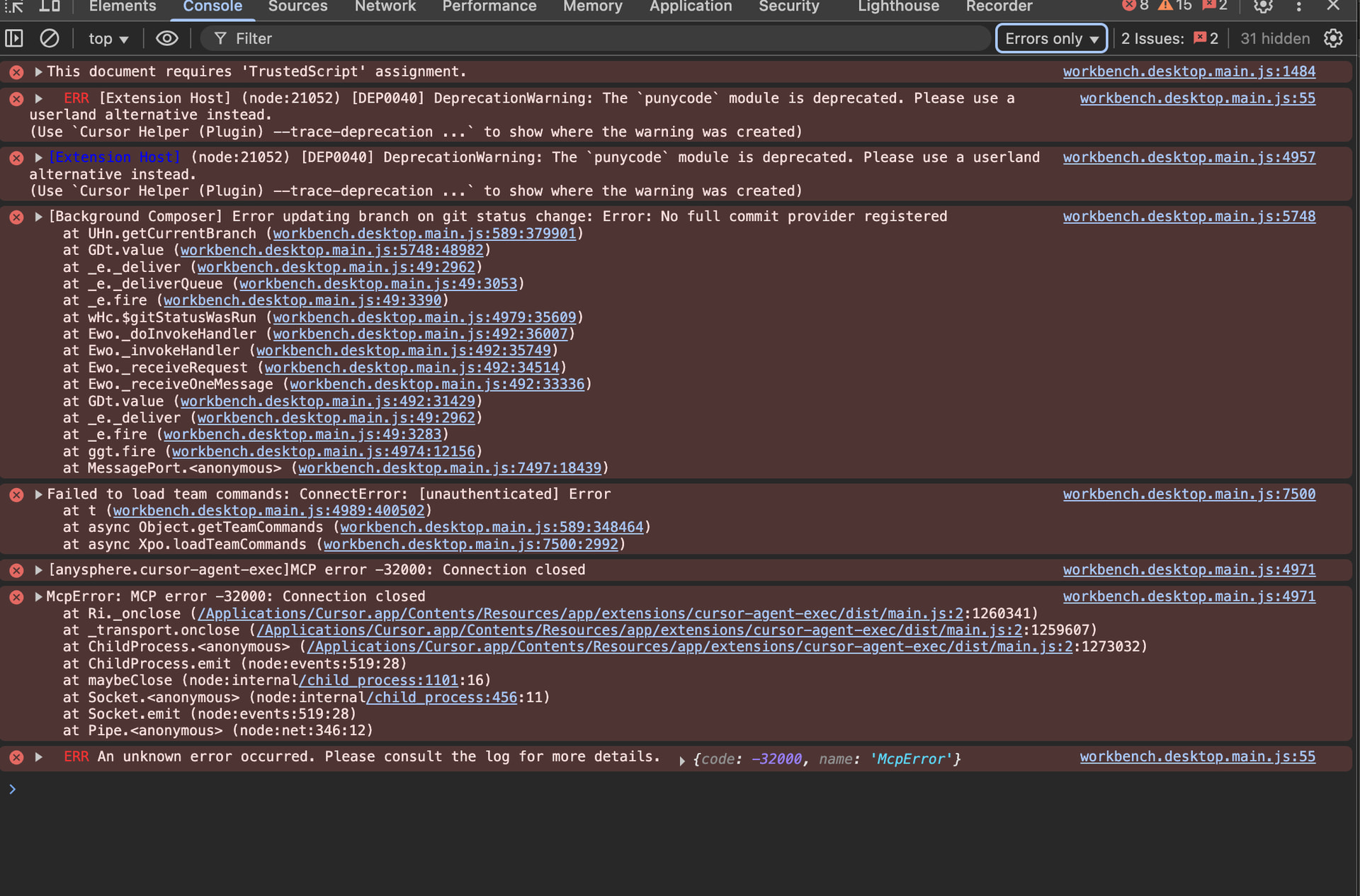
Developer Console errors: Help > Toggle Developer Tools > Console tab and look for any red errors
This will help us tell if it’s a regression or a different issue. Let me know what you find!
deanrie
November 5, 2025, 5:54pm
7
Thanks for the logs. I can see TypeScript language server errors in the screenshots. This is unexpected because the SIGTRAP crash from v2.0.34 should be fixed in v2.0.54.
Regarding the “TypeScript Native” extension: it seems to be in an inconsistent state - the Output shows “disabled,” but the extension appears enabled. Try:
CMD/CTRL+Shift+P → search “Enable TypeScript Native Preview (Experimental)” and run itOpen a TypeScript file and check if types work
If that doesn’t help, temporarily disable Native Preview to use the standard TypeScript server:
Extensions → TypeScript (Native Preview) → “Disable”
Verify @builtin typescript “TypeScript and JavaScript Language Features” is enabled
Reload Cursor
Either option should work—pick the one that gives you working TypeScript. Let me know what helped.
Josh_Chen
November 5, 2025, 7:10pm
8
Thanks for the detail steps!
I ran the it, but it doesn’t work.
I also tried to disable TypeScript Native Preview (Experimental), and enabled the JavaScript and TypeScript Nightly, but it doesn’t work neither.
deanrie
November 7, 2025, 11:18am
9
Thanks for the Developer Console logs.
I still need the TypeScript Output panel logs to see why TypeScript isn’t working:
View > Output > select “TypeScript” in the dropdown > copy all text and share here
Also, please try a quick check:
Test without extensions: run cursor --disable-extensions from the terminal, open your project, and test TypeScript
The TypeScript Output logs will show exactly what’s crashing the language server. Let me know what you find.