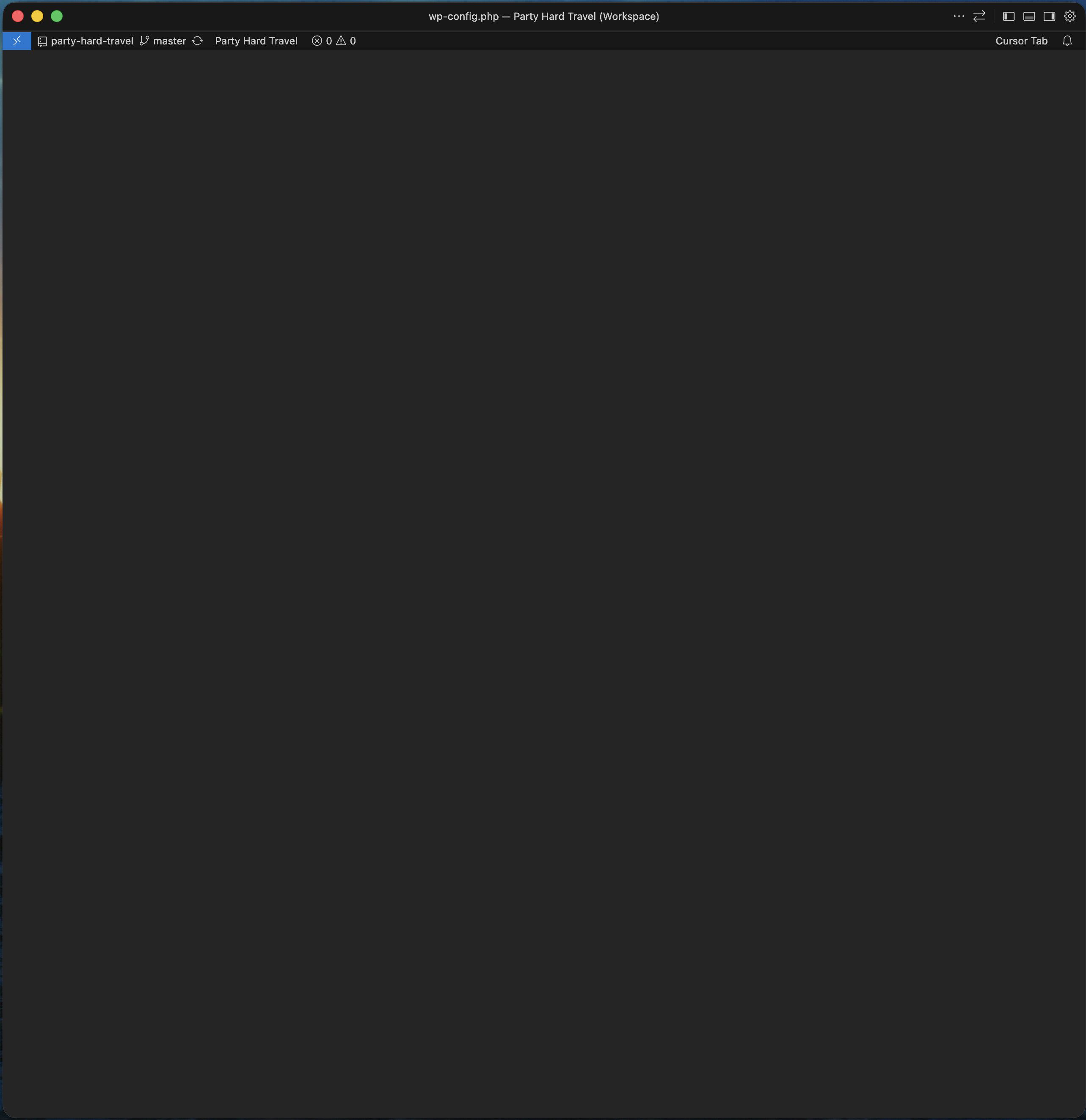
Screenshot attached - basically there are no windows or views visible at all, just the bottom status bar at the very top of the Cursor window. Switching between Agent and Editor fixes it.
How do you switch between workspaces? (File > Open Recent, Ctrl+R, or something else?)
Does it happen every time you switch, or only sometimes?
Did this start after updating to 2.4.31, or did it also happen on the previous version?
Also, please try a quick test. When the blank screen shows up, open the Command Palette Cmd + Shift + P and run “Developer: Reload Window”. I’m curious if that brings the window back, or if only switching Agent/Editor helps.
I use Cmd Shift P then Open Recent then key down to the workspace.
It only happens sometime - just now I switched to a project that was fine an hour ago and it happened.
I think there’s been one more update since it started happening (so 2 versions) but I might be wrong and it’s just the latest update.
I was about to run your test but the workspace that was showing broken seemed to auto-fix between the time I did Cmd Shift P (then hit Escape key as i didn’t want to actually switch away from the broken workspace) and the time I looked back at Cursor after typing to you!
Hi, it happened again and Reload Window didn’t work, then I did Reload Window once more and it did, but honestly, it felt like that wasn’t the cause - maybe this is some kind of speed issue, whereby it takes 10-20 seconds then fixes itself. I’m going to test that theory next time and report back. Cursor definitely seems slower in the last release - switching workspaces often blinks the “save ui state” message about it taking more time than usual.
It happened again just now and this time I just waited, but no, it’s not a slowness issue. The screen stays blank with the status bar at the top forever. I tried Reload Window, slowly, three times, none of them made a difference. Only switching view using Cmd E, or clicking the switch layout buttons at the top right, worked. In fact, clicking any button at the top right seems to work e.g. opening the cursor settings brings everything back as well.
Hey Kyle! Thanks for the detailed follow-ups. They really help.
In short, reloading the window doesn’t fix the issue, but any action related to layout does (Cmd+E, clicking layout buttons, opening Cursor settings). That’s a useful pattern. It looks like the layout state isn’t being restored correctly when switching workspaces.
A couple things I’d suggest trying:
Test without extensions: Launch Cursor from the terminal with cursor --disable-extensions, then switch workspaces a few times and see if the issue still happens. This helps rule out extensions.
Reset panel locations: If it happens again, open the Command Palette and run “View: Reset View Locations”. Curious if this brings everything back the same way Cmd+E does.
How many workspaces do you usually switch between? I’m wondering if the scale affects it.
Hi Dean, I haven’t tried no extensions yet, but I have hardly any (just PHP intellephense and a couple linters, i think). Reset View Locations does work, just like Cmd E. I usually switch between 5-10 workspaces in a day, usually more like 5.