You may have noticed things look a little different around here. We’ve rolled out a new default theme for the forum that hopefully feels like it belongs in the Cursor universe.
We tested it with our @CursorAmbassadors over the last week, and we’re happy with where it’s landed and the feedback we’re getting!
Drop your feedback in this thread. Screenshots are always welcome, especially if you spot something that looks off.
We’re especially interested in:
Overall feel: Does it look and feel right? Anything seem off or broken?
Colors and contrast: Easy on the eyes? Readable in both light and dark mode?
Dark mode: You can toggle it at the bottom of the sidebar when it’s expanded.
Mobile experience: How does it hold up on your phone or tablet?
Day-to-day interactions: Try replying to threads, filing a bug report, checking notifications, and let us know if anything feels janky.
Hi @Colin . I liked it. The only point is: in the forum, is there a possibility to turn on the appearance, like we have on cursor’s dashboard? If so, it will be perfect!!
Hi @Colin , a very minor comment - on Librewolf 148.0-1 in Linux Mint Cinnamon, the forum text has acquired a strange, roller-coaster like effect that it didn’t have before the theme change. It’s readable, but vaguely disconcerting. Please see the screenshot. Notice how the bottom of the letters don’t follow a straight line.
@rsb I think that would make me stop visiting a website! Can you try a hard refresh and let me know? Hard to fix since I can’t reproduce, but I tried a CSS change that might help.
Hi Colin, sorry to report no improvement. It might be a Linux-specific font rendering issue. I also tried viewing in Firefox 148.0 and Chromium version 145.0.7632.116 (Official Build) for Linux Mint (64-bit) and had the same experience (other sites, including the main cursor.com page don’t have the issue), and I don’t see the wavy text in Firefox on Windows.
Yes I do. IMO both here and in docs the text and background colors need a slight color change when in dark mode. Make the background less black or text less white. Might just be my eyes though.
Interestingly, it appears better today! Same machine, same browser as before (Librewolf 148.0-1). I have done a couple of apt updates since my original screenshot, but the browser version is the same. After my first post, I also realized that the wavy text was visible on authenticator.cursor.sh as well, but that also looks fine now. Here’s a screenshot now:
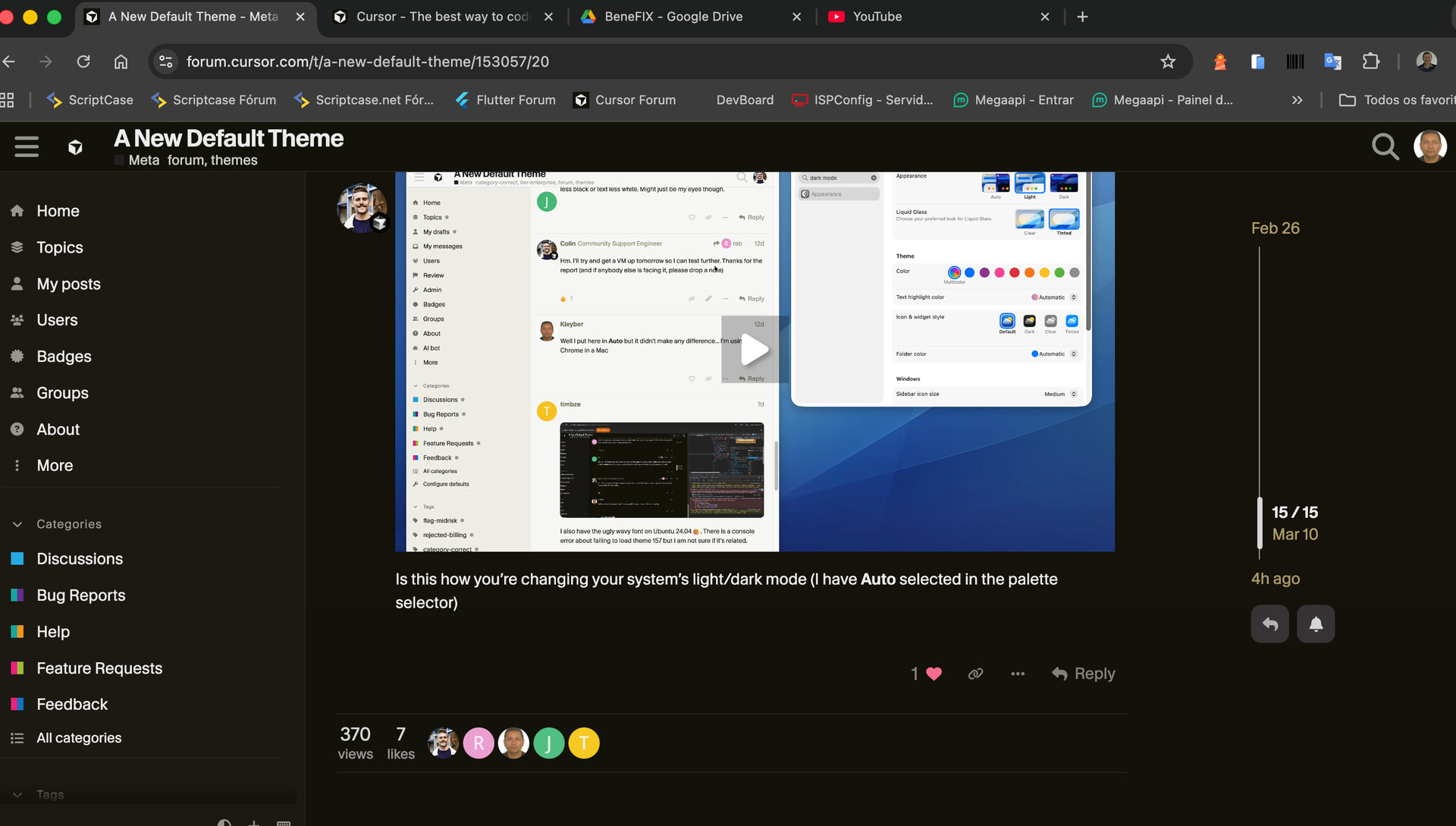
@Colin , I’m almost hesitant to bring this up, but the wavy text has returned for me in Librewolf 148.0.2-2 (minor version bump since my original report). Not sure if this is the result of further CSS tweaks on your side, or a change in my OS/browser.


 . There is a console error about failing to load theme 157 but I am not sure if it’s related.