on previous version 0.48.9 - everything ok
1 Like
investigating, but if you all have any hints on what might be different about one repo vs another please let us know
2 Likes
Now I tried to open one of the projects instead of a workspace with several projects and the requests began to be executed fine! Without warning “Your message is too long”
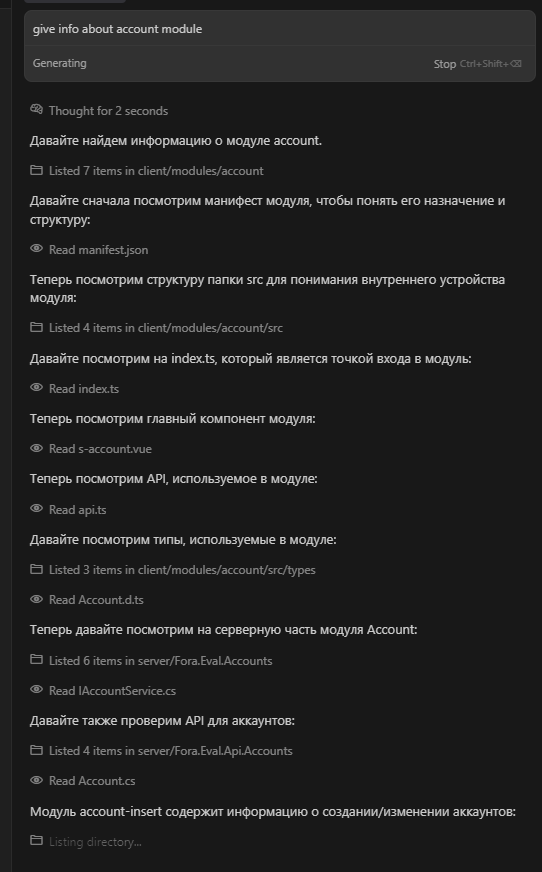
I tried a few things to narrow down the issue/reproduce it, but nothing seems to do it. I recloned the repository that wasn’t working, and the chat functions properly. It might having something to do with that specific instance.
This one is happening to me also, yesterday was okey today its like cursors money making guide  @danperks almost every request is like that and if you don’t stop it manually it can go and go until you run out of money
Version: 0.48.9 (user setup)
can you give me a reqid on this rouge request
If anyoen else is seeing this can you tell me if you use
- MCP
- Rules
- Any other interesting features that maybe not everyone does
Oh maybe Notepads?
Also if you could turn off privacy mode and make a failing request it would really help us to debug
I don’t have MCP or Rules on. I do have Notepads on. I can’t disable privacy mode because of the 24hr grace period, so I made a test request on the Nightly build instead. I hope it helps.
Request ID: 1670d997-41b6-4639-9404-abdcf6bed229
Did you guys turn on the new Project Layouts beta feature?
hey clbl! we think your issue might be fixed now. could you please try again?
I think you go to Settings > Beta > There’s a dropdown with Standard and Early Access.
I discovered how to fix this issue temporarily, some may not have it fixed, but what I did is basically disabling the feature “Include project structure” and it fixed the message too long error issue

Example of rule:
description: How to add or edit Cursor rules in our project
globs:
alwaysApply: false
Cursor Rules Location
How to add new cursor rules to the project
-
Always place rule files in PROJECT_ROOT/.cursor/rules/:
.cursor/rules/ ├── your-rule-name.mdc ├── another-rule.mdc └── ... -
Follow the naming convention:
- Use kebab-case for filenames
- Always use .mdc extension
- Make names descriptive of the rule’s purpose
-
Directory structure:
PROJECT_ROOT/ ├── .cursor/ │ └── rules/ │ ├── your-rule-name.mdc │ └── ... └── ... -
Never place rule files:
- In the project root
- In subdirectories outside .cursor/rules
- In any other location
-
Cursor rules have the following structure:
# Rule Title

Main content explaining the rule with markdown formatting.

1. Step-by-step instructions
2. Code examples
3. Guidelines

Example:
```python
# Good example
def good_example():
  # Implementation following guidelines
  pass

# Bad example
def bad_example():
  # Implementation not following guidelines
  pass
```
Screenshot from developer tools:

Works!
This topic was automatically closed 30 days after the last reply. New replies are no longer allowed.