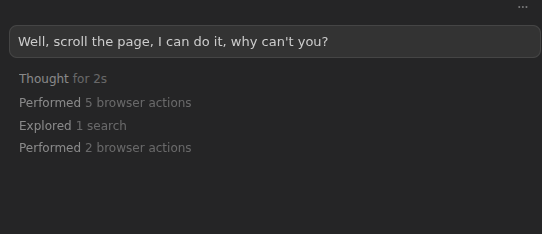
I tried Opus, Composer, Haiku and Grok Code and none of them seem to be able to scroll or use arrow keys. They seem to be able to click on things already in view, but that is it. It is unclear if they have any way of seeing the DOM. I only get snapshots and they seem to read a console log that is not what I see in the browser dev tools (I can clear it and see a few lines, but the agent claims it sees a large amount of logging, which likily wastes a lot of tokens.
Steps to Reproduce
Load a page that is taller than the current scroll area and ask it to read the bottom. It will try many ways to scroll but can’t do it
Expected Behavior
It should be able to use the browser.
Operating System
MacOS
Current Cursor Version (Menu → About Cursor → Copy)
Yes it used to work. This is a bug. Were you not able to reproduce it? Opus told me it could do it when I asked it to try to scroll the page and then stop. It couldn’t read anything off the page. It couldn’t query the DOM directly in any way. It also reported arrow keys did not work.
Browser tab is not able to scroll the page.
JS will trigger events when you reach some elements into view.
HTML will change and the information I need will be available.
But the tool can’t scroll, it doesn’t scroll then fails when it repeats the commands.
This is a bug but sorry, I don’t have the patience to fill forms today, I am too irritated by the lack of simple functionality. And it doesn’t seem to matter because the bug is very old Agents unable to navigate in @Browser