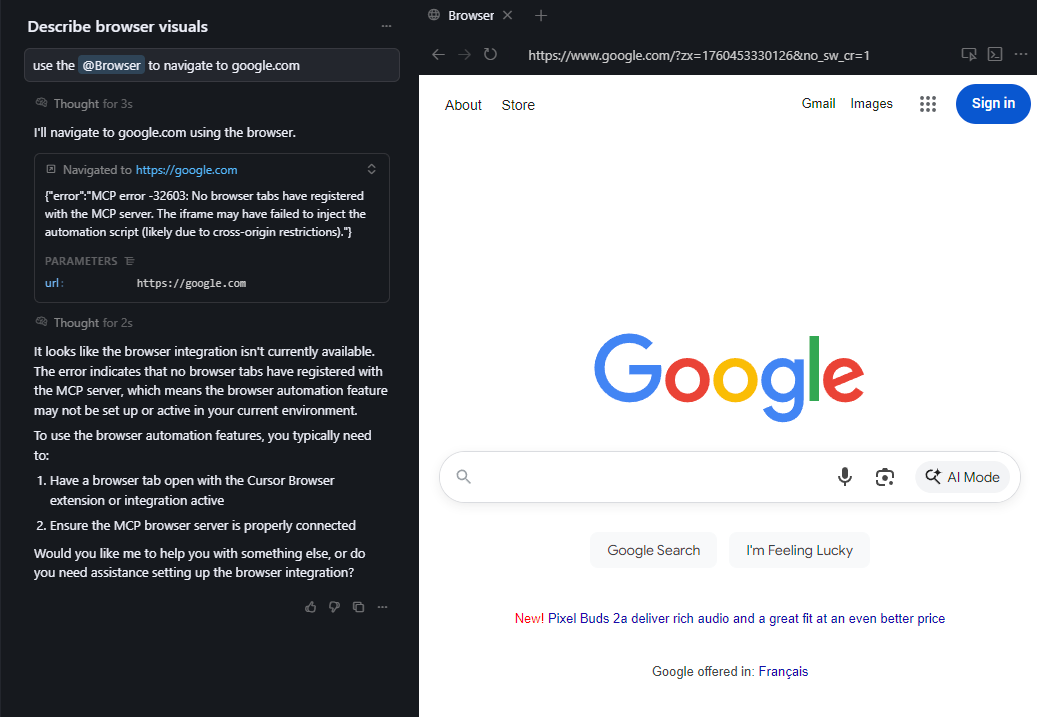
Cursor stopped launching a browser for @Browswer and now just get sutck on “Navigate to https:…” and “Waiting For Approval”
Steps to Reproduce
Enter the following in the Agent Window: Test @Helium
with @Browser. Username is 324234234 Password is asdfasdfasdf.
Navigate to Water → Existing System
Expected Behavior
Chrome would usually open and the testing would continue
Operating System
MacOS
Current Cursor Version (Menu → About Cursor → Copy)
I am trying to access the new At Browser feature, but the agent keeps responding as though it can’t see anything and looks through the codebase instead, as though this is not a feature that is built yet. I do see the At Browser button, but it doesn’t seem to work every time that I use it. That is, the agent responds with that it is not a functionality. It has to see the actual browser output.
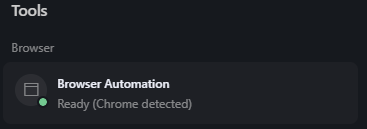
in Cursor settings I see: Browser Automation
Ready (Chrome detected)
Steps to Reproduce
@Browser and ask agent question. using Auto for Sonnet 4.5. Chrome standard installed
Expected Behavior
Agent should see browser outout
Operating System
MacOS
Current Cursor Version (Menu → About Cursor → Copy)
Oh so it’s not just me, It can’t navigate and can’t see even it even If I open the url myself.
Here is the error: {“error”:“MCP error -32603: No browser tabs have registered with the MCP server. The iframe may have failed to inject the automation script (likely due to cross-origin restrictions).”}
I reinstalled Cursor instead of updating it, and now the feature is working as expected. That is, I downloaded the package again and reinstalled it to the Applications folder in Mac OS.
Hey @agreylingmezzanine, sorry you ran into this frustrating issue with the Browser feature!
It looks like @drjjw and @webdo found a workaround in this thread - uninstalling and reinstalling Cursor (not just updating) seems to fix it. They confirmed it worked on both macOS and Windows.
That said, this definitely shouldn’t be the experience when enabling a beta feature. We’ll raise this with the team to make the setup smoother so you don’t have to go through a full reinstall just to get this working.