I’m a .NET developer trying to use Cursor for my projects. After installing the C# extension for Cursor, I’m unable to view my project in Solution Explorer mode, only the Folder Explorer mode is available.
What are the available solutions to enable Solution Explorer view for C# projects in Cursor? Are there any specific settings, additional extensions, or workarounds that would allow me to work with .NET projects in the traditional Solution Explorer mode?
This functionality is crucial for .NET development workflow as it provides better project organization and easier navigation through solution structure, project references, and NuGet packages.


Your setup looks like mine. I guess there isn’t a solutions explorer like visual studio built-in. I did find this. Open VSX Registry
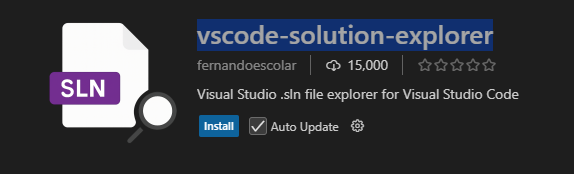
Installed, restarted IDE, then enabled the view on the side panel:

Unfortunately the official Microsoft extensions for vs code don’t work on this IDE. After testing this extension, I don’t think it worked for me. But maybe it will work for you. Good luck.
