Describe the Bug
To solve the SSH connection problem, I switched to Anysphere Remote SSH extension from VSCode Remote SSH extention last night, according to @ravirahman 's suggestion.
But today I begin to have problem with my Python Debugger.
At first, When I clicked the debugger icon, it waits for a long time to start.
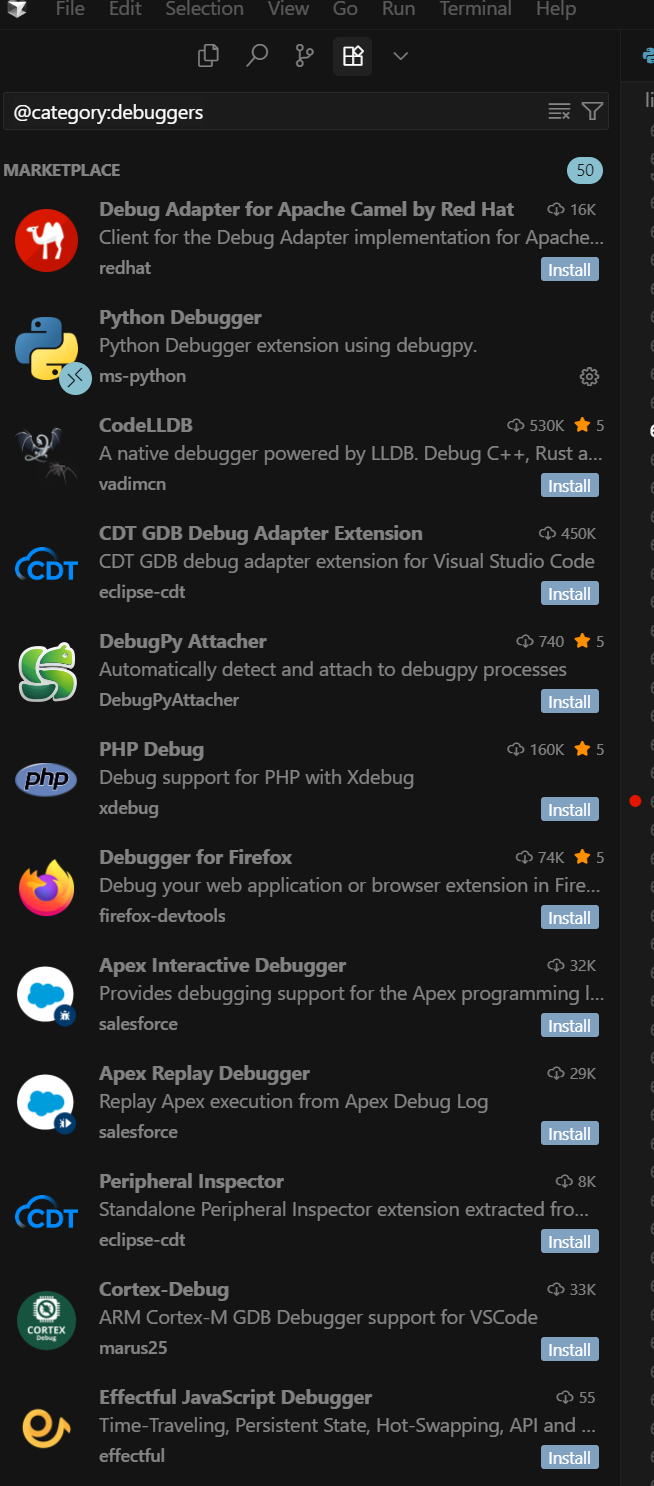
Then when I restarted cursor, it told me that I had to reinstall a different Python Debugger extension to work with AnySphere Remote SSH extension.
Any ideas of which python debugger to install now?
Steps to Reproduce
I met the SSH remote connection issue first:
"[2025-07-15 19:21:38] error This machine does not meet Cursor Server’s prerequisites, expected either…
- find GLIBC >= v2.28.0 (but found v2.17.0 instead) for GNU environments
- find /lib/ld-musl-x86_64.so.1, which is required to run the Cursor Server in musl environments"
Then I swiched to AnySphere Remote SSH extension.
Screenshots / Screen Recordings
Operating System
Windows 10/11
Current Cursor Version (Menu → About Cursor → Copy)
Version: 1.2.4 (user setup)
VSCode Version: 1.99.3
Commit: a8e95743c5268be73767c46944a71f4465d05c90
Date: 2025-07-10T17:09:01.383Z
Electron: 34.5.1
Chromium: 132.0.6834.210
Node.js: 20.19.0
V8: 13.2.152.41-electron.0
OS: Windows_NT x64 10.0.26100
Does this stop you from using Cursor
No - Cursor works, but with this issue
