Cursor IDE
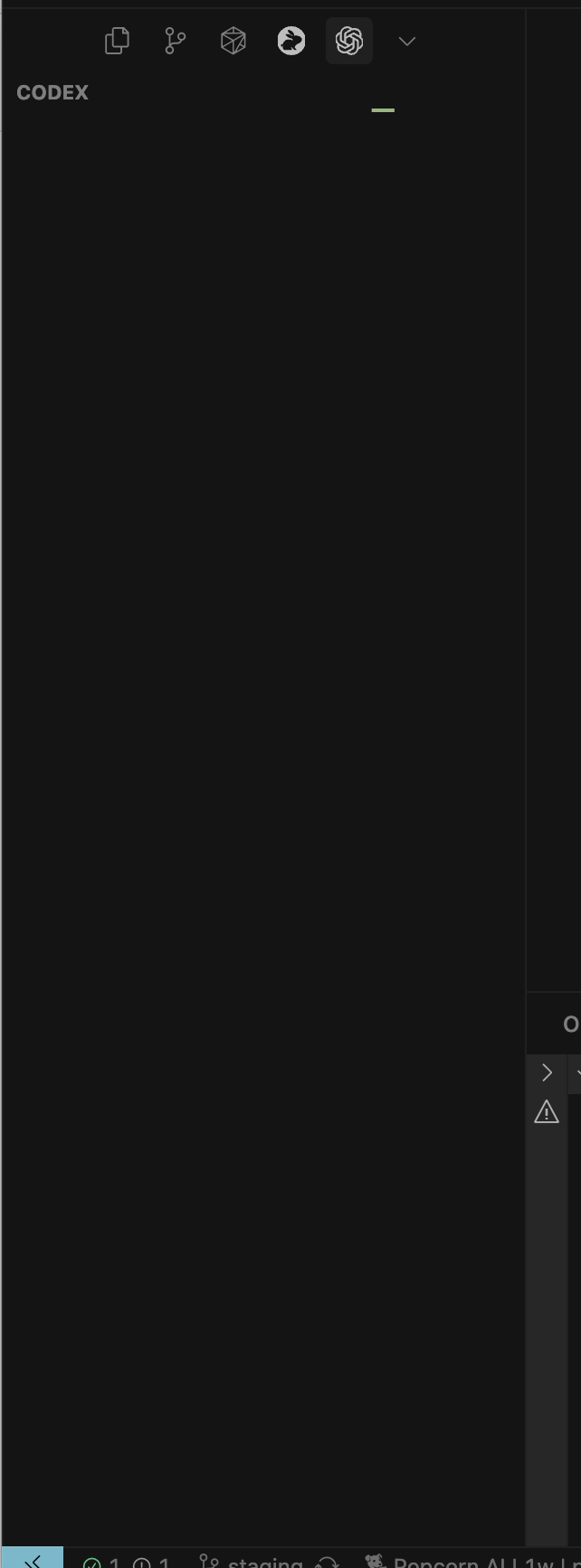
Codex is not loading at all after updating to the latest version of Cursor. It stays stuck in the loading state and never finishes.
I’ve already tried the following without success:
Restarting Cursor
Uninstalling Codex and reinstalling it
Ensuring I’m not using a VPN
Environment details:
Cursor Version: 1.6.27
VSCode Version: 1.99.3
Commit: d750e54bba5cffada6d7b3d18e5688ba5e944ad0
Date: 2025-09-17T20:21:17.042Z
Electron: 34.5.8
Chromium: 132.0.6834.210
Node.js: 20.19.1
V8: 13.2.152.41-electron.0
OS: Darwin arm64 25.0.0
Screenshots attached for reference.
Open Cursor (v1.6.27).
Navigate to Codex from the left sidebar.
Observe that Codex remains stuck in the loading state and never finishes.
MacOS
Version: 1.6.27
Hao_Wen
September 20, 2025, 3:27pm
2
Running into the same Issue:
deanrie
September 20, 2025, 4:31pm
3
Hey @xenioscharalambous @Hao_Wen , thanks for the report. Does the Codex panel fail to load when you open a blank Cursor window as well? Please also check the DevTools panel for any errors.
running into the same issue
Fails in blank window too yes. Have had this issue for many days now.
tynan
September 24, 2025, 2:21am
6
Cursor IDE
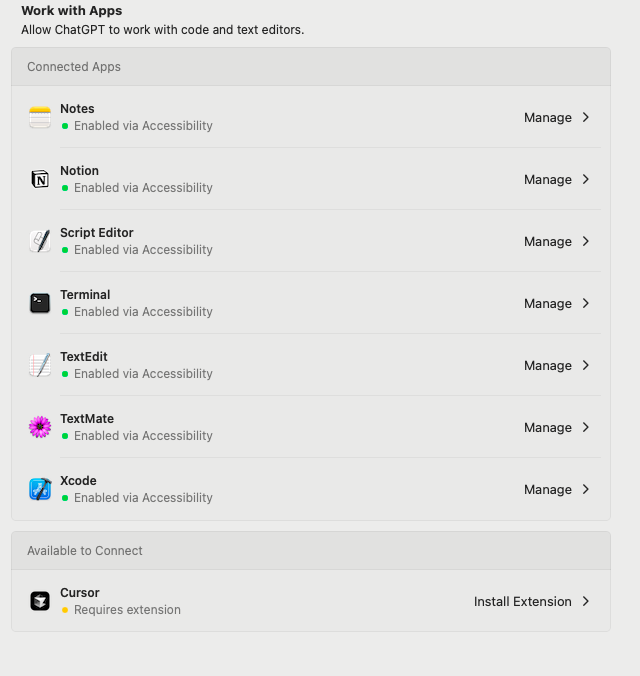
After clicking on the ChatGPT client connection cursor interface(work with cursor), it jumps to the page for installing Codex – OpenAI’s coding agent.
Keeps appearing
MacOS
Version: 1.6.45
No - Cursor works, but with this issue
Has anyone found a solution to this issue yet?
Version: 1.6.45 (user setup)
Guys, I found the solution. I had wrong MCP configuration. That’s what was causing the issue. Actually cursor it self fixed it lol
What is your new MCP configuration setting? I don’t think I had the Codex setup over MCP.
I had this issue because of incorrect configuration in ~/.codex/config.toml, after removing the broken part, it started working.
As an enhancement, I’d like to skip the wrong config, rather than break the whole extension fully
wiireed
October 5, 2025, 6:35pm
12
Thanks @Alexey_Krutilko That fixed mine as well. Updated the config.toml to this.
On windows it is located at C:\Users.codex\config.toml
~/.codex/config.toml
model = “gpt-5-codex”
[projects.“/abs/path/to/your/repo”]
[profiles.auto]
[profiles.safe]
Cursor IDE
Hello team,
I’m having a problem: Codex won’t load after updating to the latest version of Cursor. It gets stuck in loading mode and never finishes.
I’ve already tried the following solutions, but without success:
Reinstalling the CODEX extension.
Reinstalling Cursor (after restarting).
Making sure I’m not using a VPN.
Clearing the cache and temporary Windows files.
My version of Cursor:
Version: 1.7.54 (system setup)
Operating system: Windows 11 25h2 (OS build: 26.2006901)
Translated with DeepL.com (free version)
Open Cursor,
Go to Codex from the left sidebar.
Note that Codex gets stuck loading and never finishes.
Windows 10/11
Version: 1.7.54 (system setup)
Codex
No - Cursor works, but with this issue
after hours of struggles i figured it out. uninstall cursor
reinstall and your off the races
Title: Codex fails to start on Windows when ~/.codex/config.toml is JSON or missingSymptoms: /usr/bin/bash not found, exit code 127, no .codex regenerationReproduction:
Delete .codex
Launch Cursor → Codex never starts
Safe Mode worksRoot Cause: Empty or malformed config.toml (JSON instead of valid TOML) causes CLI parse failure.Fix: Replace ~/.codex/config.toml with valid TOML or let installer regenerate.
zying_Luo
November 3, 2025, 2:54am
17
I also encountered an issue where the Codex plugin couldn’t be loaded. It hasn’t been able to open since the update.
vicot
November 4, 2025, 3:39am
18
Cursor IDE
The Codex extension stopped working after the update on November 3, 2025. It just keeps loading indefinitely. I’ve already tried reinstalling it and deleting the auth.json file to reauthenticate, but that didn’t resolve the issue.
I’ve just opened Cursor and tried to access Codex.
Codex works properly and load chats/AI agent.
Windows 10/11
Version: 2.0.54 (system setup)
No - Cursor works, but with this issue
Shawn_He
November 4, 2025, 8:27pm
19
bumping as this is a new issue with Cursor+Codex as of Nov 3rd,
andrewh
November 4, 2025, 8:48pm
20
Please update - this version of Cursor is almost 2 months old
Shawn_He
November 6, 2025, 1:21am
21
Did you look at the latest responses? I’m on version below, still have same issue, not a toml file issue as it was working fine before:
Version: 2.0.63 (user setup)
vicot
November 6, 2025, 2:18am
22
It persists even after updating to newest version:
Version: 2.0.63 (system setup)