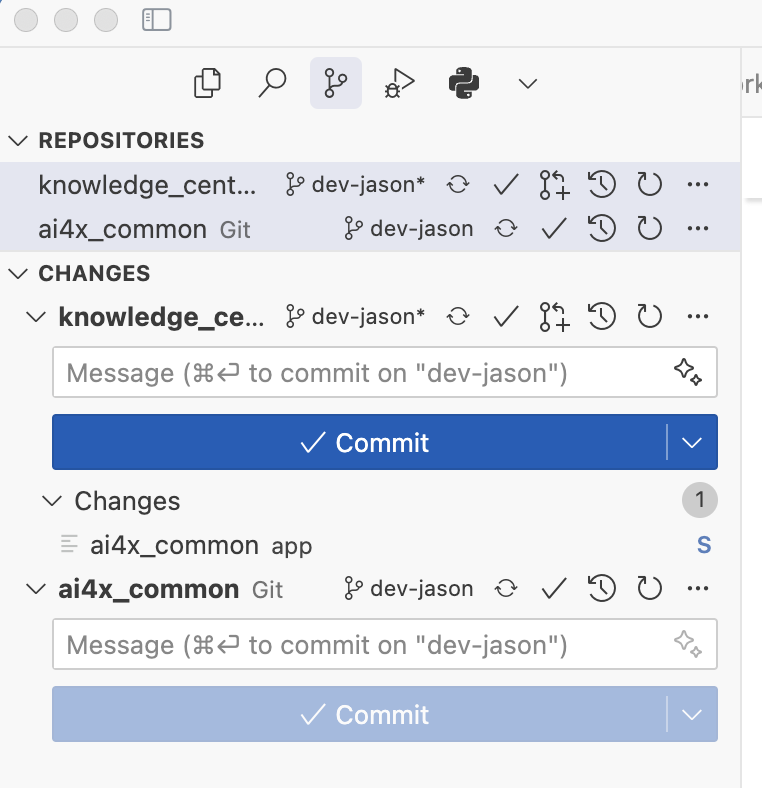
BUG: Cursor 1.4.2 cannot show git submodules in REPOSITORY view. I have to downgrade to 1.3.9. Submodule is a crucial feature in our company projects.
ps. I had to download 1.3.9 from an unofficial website in order to do my daily work today. It would be very useful to have an official page where old versions can be found in this situation.
Thanks for the quick reply, however even with the settings to true, I still do not see the submodules.
I tried switching to a different workspace, restarting cursor, restarting the server the directory is on (I’m using ssh) and the issue is still present.
What a terrible change. Do Cursor and VSCode employees really think no one is using submodules anymore? What a delusional thing to think.
More over, why would anyone want to open a project, and not immediately have a clear view of all the submodules and dependencies in their source control? I’m not going to go and open a single file in every single submodule in a project just so I can see the git status of it…
Very much hoping the Cursor devs revert this. The new settings such as “auto repository detection” are utter garbage and do not work no matter what you set them too. Otherwise, I guess it’s onto looking for a new editor yet again because apparently it’s 2025 and not a single editor is capable of keeping basic functionality consistent and working…
UPDATE:
For any users that are experiencing this issue, first of all it’s completely undocumented by VSCode and Cursor, so don’t feel bad for wondering why everything broke. This really should be on them to document this better before changing it. Anyways…
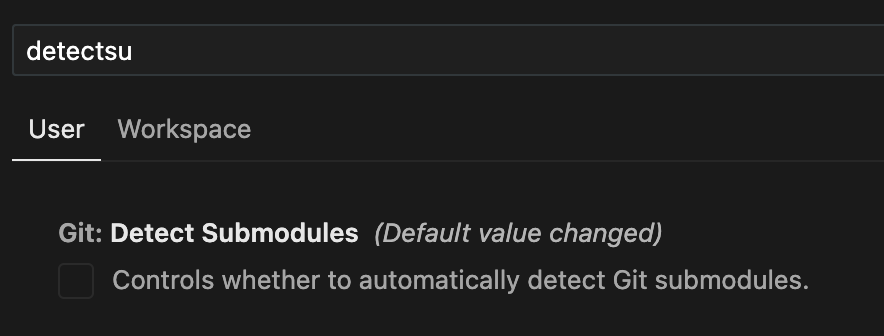
First make sure Git: Detect Submodules (git.detectSubmodules) is enabled.
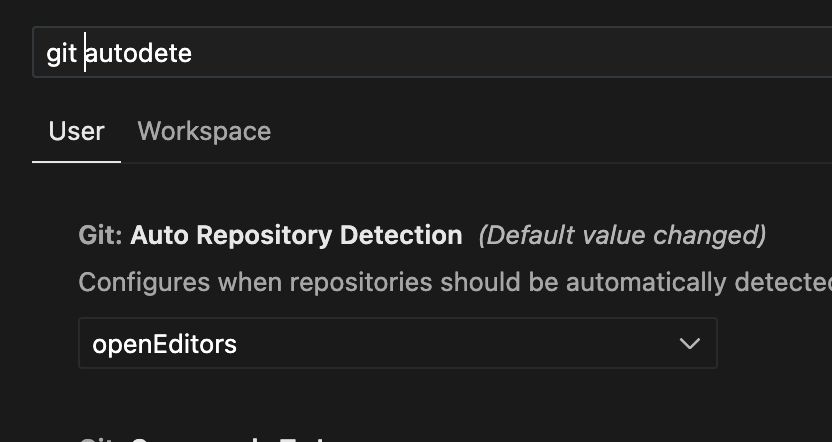
Next, you will see many mentions on these forums to change Git: Auto Repository Detection (git.autoRepositoryDetection). Ignore this advice, it doesn’t change anything no matter what you set it too.
Instead, the magic setting we are looking for is Git: Detect Submodules Limit (git.detectSubmodulesLimit). I previously had this set higher, but for whatever reason after the update it got reset to 0. This causes no submodules to ever load without needing to navigate to the file first. So instead, set it to any number > 0 based on how many submodules you have, restart Cursor/VSCode, and now your submodules will load automatically again instead of requiring you to navigate to it first.
Hopefully this helps any other submodule users out there.
I doubt this settings change match VSCode: I just installed the latest version VSCode (no setting changes), it correctly loads my project with submodule, while cursor cannot.
as of the last update, if you open a folder which contains multiple repos or git submodules, cursor is no longer listing all of them, it’s just displaying one at a time if you have a file open in that specific repo
Steps to Reproduce
open a folder that contains multiple git repos
Expected Behavior
you should always see the list of repos you have, right now i have several changes in different repos which i dont see in the git changes tab.
ex:
project_name:
frontend repo → code changes
backend repo → code changes
git change tab:
frontend repo → shows the changes
backend repo → not listed, it’s like it doesn’t exist
because i have a file open in frontend, the changes tab shows me there’s one repo in my project folder (frontend) and shows me only the changes in there
Operating System
MacOS
Current Cursor Version (Menu → About Cursor → Copy)