Describe the Bug
I have been using Cursor to connect to my remote EC2 development machine, and it has been working excellently for several months. I’m also a paid subscriber and have been very satisfied with the experience.
However, during a recent session while using Cursor Agent mode to generate code, I accidentally pressed Command + Q on my MacBook Pro, which force-quit the Cursor application.
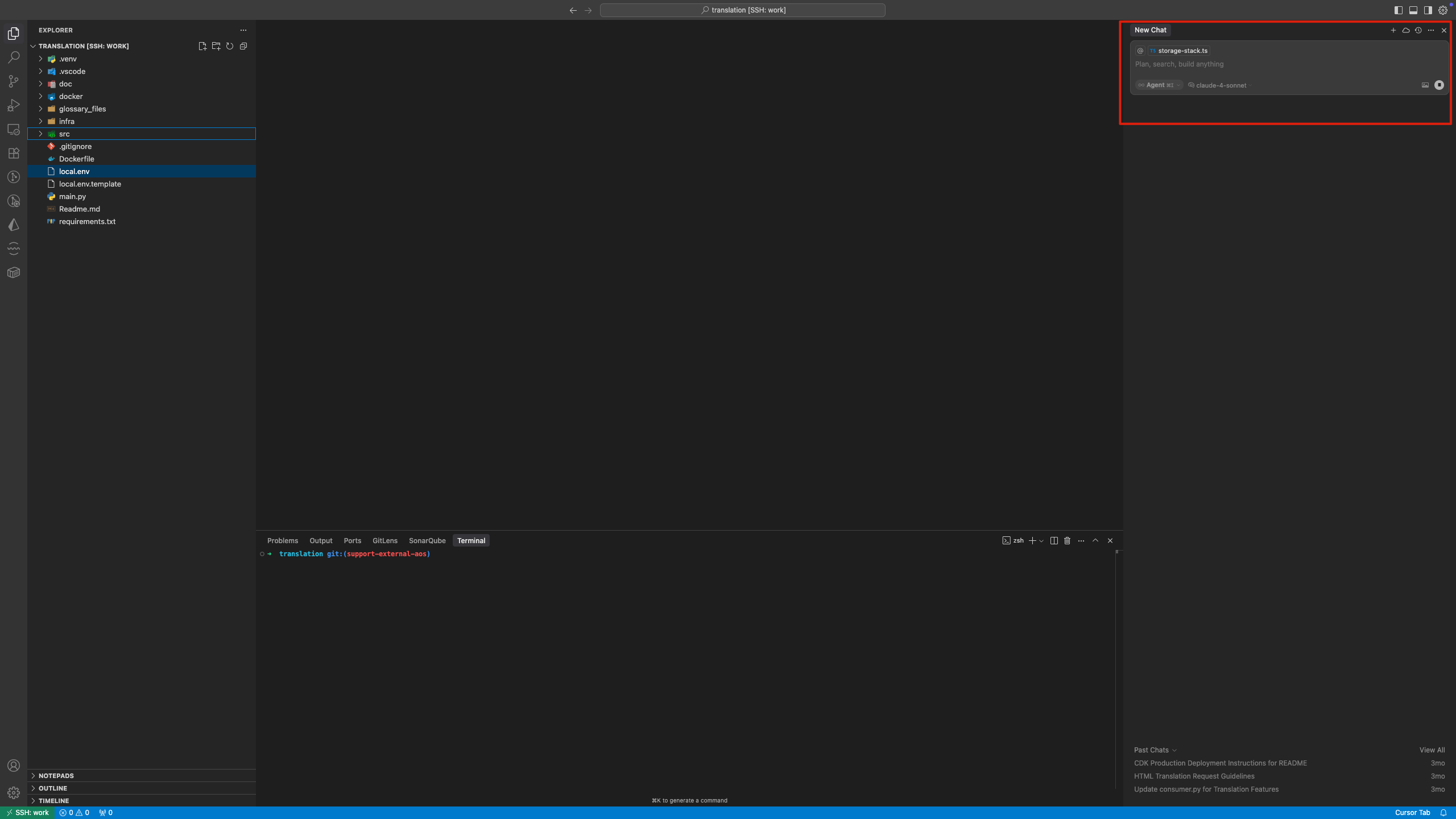
Since that incident, the entire Cursor IDE on the remote EC2 instance appears to have degraded into a basic text editor with the following issues:
- All extensions have stopped working, including basic functionality like function navigation/go-to-definition
- Cursor’s built-in Chat and Agent features are completely non-functional
Steps to Reproduce
- Connect Cursor to remote EC2 instance
- Use Cursor Agent mode to generate code
- Force quit Cursor application (Command + Q)
- Reconnect to the remote EC2 instance
Expected Behavior
Cursor should resume normal functionality with all extensions and features working as before.
Screenshots / Screen Recordings
Operating System
MacOS
Current Cursor Version (Menu → About Cursor → Copy)
Version: 1.2.4
VSCode Version: 1.99.3
Commit: a8e95743c5268be73767c46944a71f4465d05c90
Date: 2025-07-10T16:53:59.659Z
Electron: 34.5.1
Chromium: 132.0.6834.210
Node.js: 20.19.0
V8: 13.2.152.41-electron.0
OS: Darwin arm64 24.5.0
Additional Information
I’ve noticed that Cursor has become extremely sluggish, as if some backend process is being blocked. Even when I connect to the remote EC2 through Cursor without opening any folders, and simply type “hello” in a New Chat, it gets stuck and takes an extremely long time before providing any response.
Does this stop you from using Cursor
Yes - Cursor is unusable