Where does the bug appear (feature/product)?
Cursor IDE
Describe the Bug
AI features completely blocked by multiple errors:
- HTTP/2 failure:
NGHTTP2_REFUSED_STREAMin cursor-always-local extension - Auth error:
CursorCreds is undefined- occurs with HTTP/2 both enabled AND disabled (tried toggling, error persists in both states) - Memory leak: 249+ event listeners accumulating during usage
Previously worked perfectly. Started failing Oct 26, 2025 around 20:04 UTC.
Troubleshooting attempts:
- Toggled HTTP/2 on/off - CursorCreds error in both states
- Cleared cache and workspace storage
- Signed out and back in multiple times
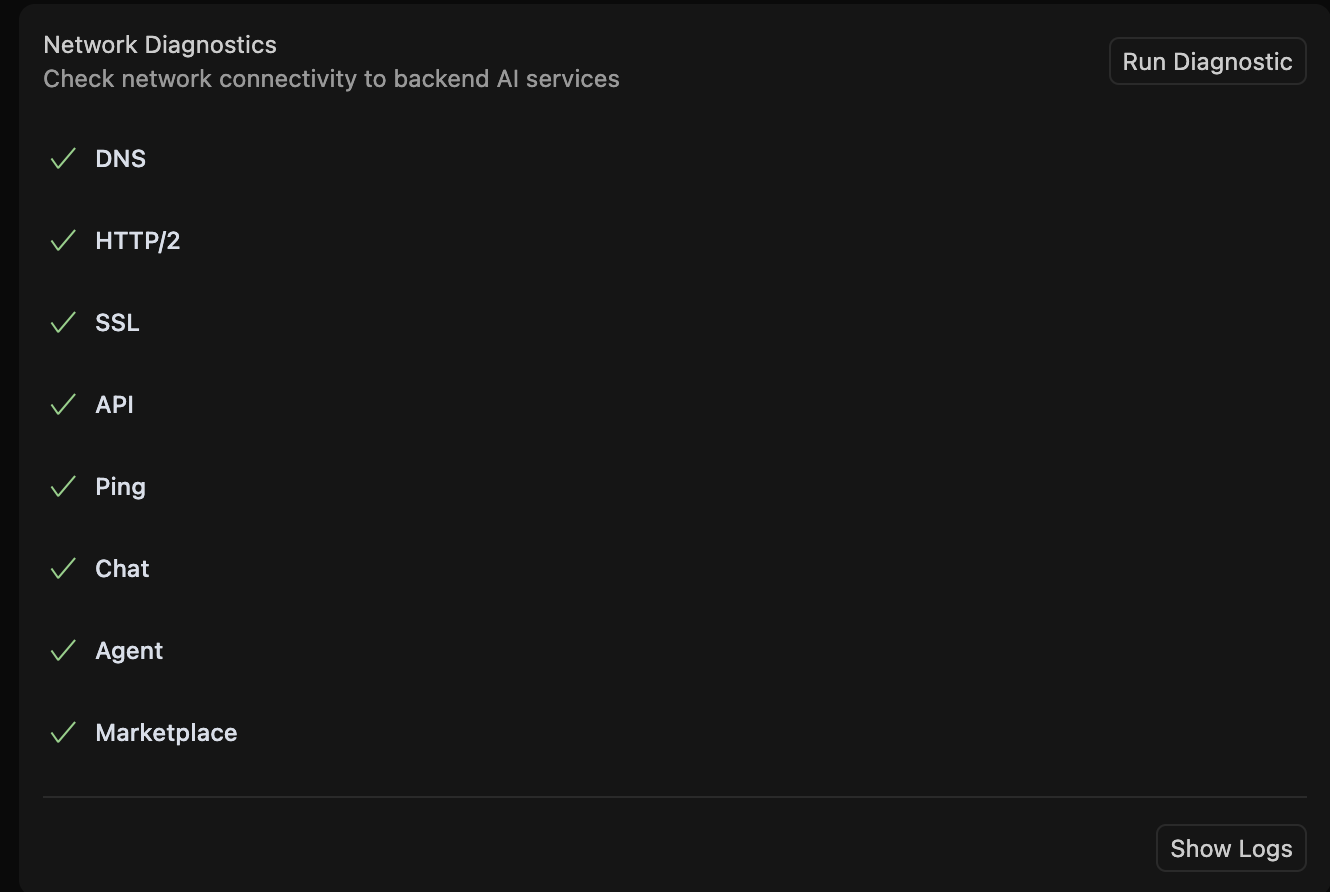
- Ran Network Diagnostics
- Restarted Cursor completely
Environment: macOS + Remote SSH to Linux VPS, Cursor v1.7.54 (Universal)
Is this a known server-side issue? The sudden failure across different settings suggests infrastructure changes.
Steps to Reproduce
- Open Cursor with Remote SSH to Linux VPS
- Send messages in Chat sidebar
- Initial 2-4 prompts work correctly with normal AI responses
- Subsequently, one of these failures occurs:
- Infinite loading spinner (never completes)
- Response cuts off mid-generation (e.g., stops halfway through a list)
- Complete unresponsiveness to new prompts
- Developer Console (Cmd+Shift+I) shows:
NGHTTP2_REFUSED_STREAMwhen HTTP/2 is enabledCursorCreds is undefinedregardless of HTTP/2 state
- Only a full Cursor restart temporarily fixes the issue
- Pattern repeats every session
Note: HTTP/2 toggle has no effect - both configurations exhibit the same behavior.
Expected: Stable connection throughout the session
Actual:
- Progressive degradation after initial success
- Connection loss occurs unpredictably after 2-4 interactions
- Memory leak evident (249+ event listeners accumulating)
- Frequent restarts required for continued use
Expected Behavior
AI features should work consistently throughout the session without:
- Connection drops after initial prompts
- Mid-response truncation
- Authentication failures
- Memory leaks requiring restarts
Operating System
MacOS
Current Cursor Version (Menu → About Cursor → Copy)
Version: 1.7.54 (Universal)
VSCode Version: 1.99.3
Commit: 5c17eb2968a37f66bc6662f48d6356a100b67be0
Date: 2025-10-21T19:07:38.476Z
Electron: 34.5.8
Chromium: 132.0.6834.210
Node.js: 20.19.1
V8: 13.2.152.41-electron.0
OS: Darwin arm64 25.0.0
For AI issues: which model did you use?
Auto
For AI issues: add Request ID with privacy disabled
c062eecb-1e2d-4254-93f3-540d2bfb6eb9
Does this stop you from using Cursor
Yes - Cursor is unusable