Where does the bug appear (feature/product)?
Cursor IDE
Describe the Bug
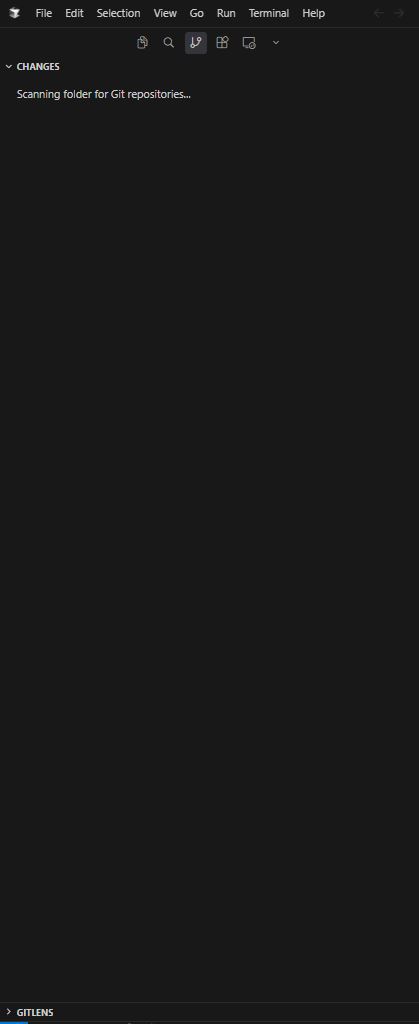
Sometimes, when a git repository is opened and I go to the changes tab in the primary panel, cursor becomes stuck scanning the git repositories forever.
Steps to Reproduce
Open a git repository in cursor and go to the changes tab in the primary panel.
Expected Behavior
The scanning should eventually finish and display the git state in the primary panel.
Screenshots / Screen Recordings
Operating System
Windows 10/11
Version Information
Version: 2.4.31 (user setup)
VSCode Version: 1.105.1
Commit: 3578107fdf149b00059ddad37048220e41681000
Date: 2026-02-08T07:42:24.999Z
Build Type: Stable
Release Track: Default
Electron: 39.2.7
Chromium: 142.0.7444.235
Node.js: 22.21.1
V8: 14.2.231.21-electron.0
OS: Windows_NT x64 10.0.19045
Additional Information
I have to restart cursor to get the changes to show properly when this happens.
Does this stop you from using Cursor
No - Cursor works, but with this issue