I’ve been using Cursor heavily for development work, especially for AI, robotics, and reinforcement learning related projects. Recently, I’ve noticed a significant degradation in both response quality and overall performance compared to earlier versions.
Here are the main issues I’m experiencing:
The model feels noticeably “less intelligent” than before.
Responses are more generic and less context-aware.
It often ignores previously provided project context or code structure.
Code completion quality has dropped, especially for multi-file reasoning.
Longer reasoning tasks now frequently produce shallow or incorrect answers.
Cursor has become much slower:
Higher latency before responses start
More freezes/stalls during generation
Slower indexing/search in large projects
Agent mode sometimes loops or loses track of the original task.
Large codebases that previously worked smoothly now feel difficult to work with.
My environment:
Large Python/robotics codebases
RL training pipelines
Multi-file projects with long context windows
Frequent terminal + code editing + AI agent workflows
This degradation has become noticeable enough that it’s impacting productivity.
Could the team clarify:
Whether there were recent model/backend changes affecting performance?
Whether context window handling or agent memory behavior changed?
Any recommended settings or configurations to restore previous performance?
Whether there are known issues related to slower inference or degraded reasoning quality?
I really appreciate Cursor and hope the experience can return to the level it previously had.
Hi @LiuChaoqun2022, one quick thing you could try would be to empty or copy out your chat data out of your current installation and see if the issue persist, chat historic are loaded at every boot of cursor, for me, at a time, it represented more than 25 Gb of data being loaded at every start of Cursor, after copying it out my instance returned as fresh as what it was before, old chat instance are saved in state.vscdb fil, you can find it at ~cursor\user\globalStorage, if it’s really big, try as I said.. if not, we will have to dig more to find to root issue.
Thank you for your reply !
The key issue is that I just got a new computer, and the chat history issue isn’t there yet; it’s just that the cursor is slow. Could you please test my account on my end? I urgently need it.
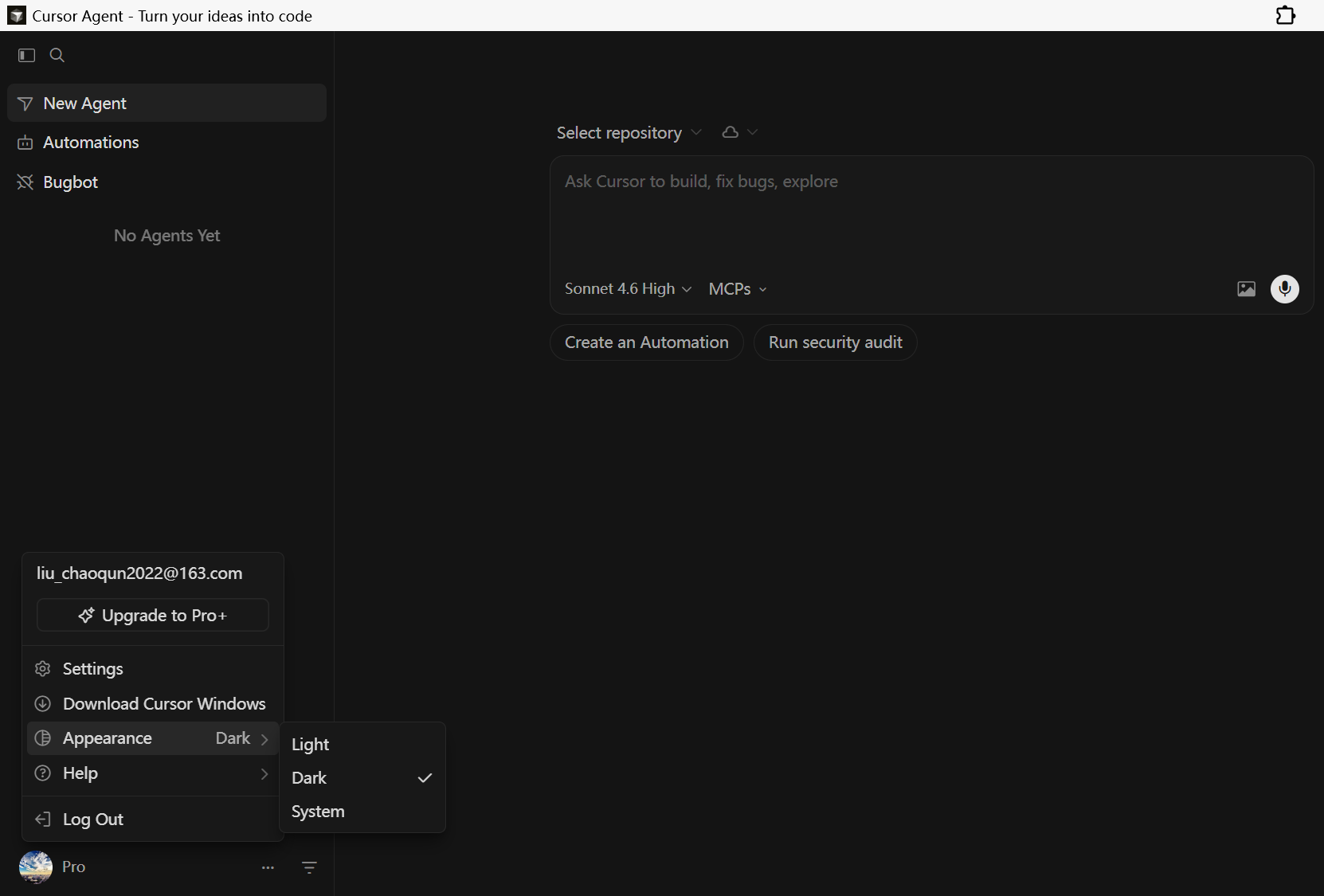
Hey, thanks for the detailed report. I can see the version in the screenshot, thanks. To really dig in, just saying “slow” is hard to pass to engineering. We need specifics.
Can you share:
The Request ID for one or two slow requests (models Composer 2 / Opus 4.7 / Auto). You can get it like this: in chat top right menu > Copy Request ID. If Privacy Mode is on, the ID might be limited.
Which model you use most often and in which mode (Agent / Plan / Ask).
Rough repo size (files / GB).
Network details, are you on a VPN or a corporate proxy like Zscaler?
In the meantime, here are a few things you can check on your side:
Run Diagnostics: Cursor Settings > Network > Run Diagnostics. This will show if it’s a network issue.
If you’re on a corporate network or VPN, try turning on Disable HTTP/2: App Settings Ctrl+, > search for HTTP/2 > enable Disable HTTP/2. This often fixes hanging on large responses.
Extensions: run cursor --disable-extensions in Terminal and compare. If it’s faster, one of the extensions is the cause.
Process Explorer: Ctrl+Shift+P > Developer: Open Process Explorer. Check what’s using CPU/RAM (extensionHost, ptyHost).
For the “less intelligent” or less context-aware replies, we can only troubleshoot with the Request ID of a specific bad answer. With that, we can see what actually went to the backend (context, tokens, model routing).
Some latency issues in large repos are being tracked, but there’s no ETA. Without specific IDs, we can’t confirm it’s the same scenario you’re hitting.