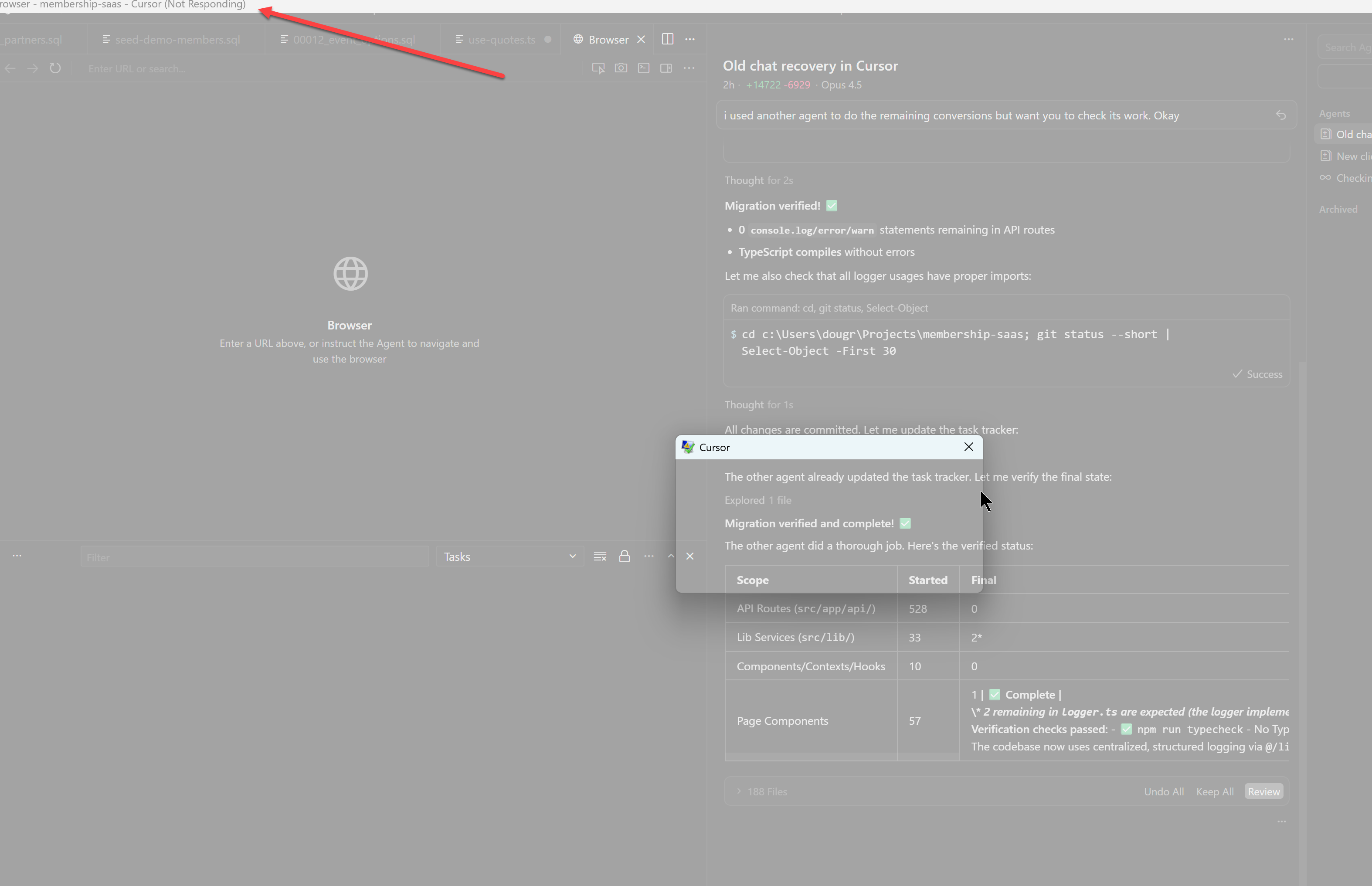
Cursor starting and instantly non resonsive

Where does the bug appear (feature/product)?

Cursor IDE

Describe the Bug

After multiple crashes today, Cursor is now to the point that after starting and rendering the environment, it is immediately non responsive. I can’t get it to start. I need Cursor to work so i can do my job. How do I get Cursor to work again?

Steps to Reproduce

start Cursor

Expected Behavior

Be Responsive

Screenshots / Screen Recordings

Operating System

Windows 10/11

Current Cursor Version (Menu → About Cursor → Copy)

i believe it is 2.2.43 but can’t check because Cursor wont start responsivley.

Does this stop you from using Cursor

Yes - Cursor is unusable

Hey, thanks for the report. I know this is critical for your work.

Let’s try a few quick steps:

  1. Start Cursor without extensions:
    Open a terminal and run:
cursor --disable-extensions

If Cursor works normally, the issue is caused by one of your extensions.

  1. Clear storage:
  • Close Cursor
  • Go to %APPDATA%\Cursor\User\globalStorage\
  • Rename state.vscdb and state.vscdb.backup (add .old at the end)
  • Start Cursor again
  1. Clear the chat cache:
  • Fully close Cursor
  • Delete the folder %APPDATA%\Cursor\CachedData
  • Restart your PC

If the issue still happens, please collect diagnostics (if you can):

  • Help > Toggle Developer Tools > Console tab: screenshot any errors
  • Ctrl+Shift+P > “Developer: Open Process Explorer”: screenshot any processes with high CPU/memory

Let me know what you find.

#2 worked. it shows my 3 agents but when i go to them, they won’t load. i need them to load. There is a lot of context in those agents that looks to not have been documented.

There needs to be a way for agents to be self-aware and document what they will need to recall later to support cohesive development. This building-structure-as-you-go is highly inefficient.