Cursor Tab not working for Python on Ubuntu

Where does the bug appear (feature/product)?

Cursor IDE

Describe the Bug

Cursor Tab does not offer automatic code completion, etc.

Steps to Reproduce

Open the project files and start working. You’ll notice that the Cursor Tab is silent.

Screenshots / Screen Recordings

Operating System

Linux

Current Cursor Version (Menu → About Cursor → Copy)

Version: 2.0.34
Commit: 1.99.3
Date: 45fd70f3fe72037444ba35c9e51ce86a1977ac10
Electron: 2025-10-29T06:51:29.202Z
ElectronBuildId: 34.5.8
Chromium: undefined
Node.js: 132.0.6834.210
V8: 20.19.1
OS: 13.2.152.41-electron.0

Additional Information

The same problem was on version 1.7.
I have a Pro Plan.
I also use Cursor IDE on Windows and have no problems. Auto-completion works immediately after launching the application.
A few weeks ago, this feature worked. Very rarely, but sometimes it starts working and then stops working again.

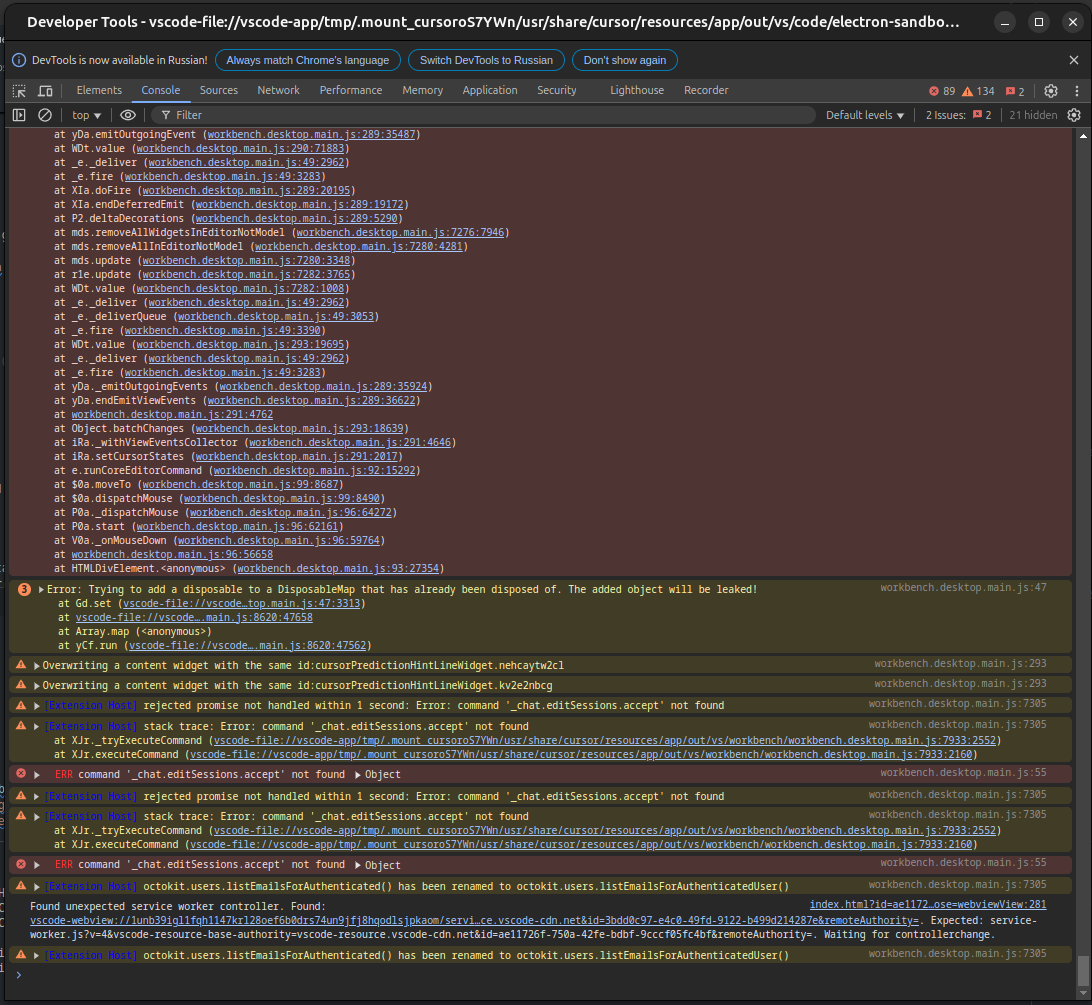
I ran server connection tests and checked console errors as recommended in the Cursor error diagnostics guide, but I didn’t find any clues regarding my problem.

Does this stop you from using Cursor

No - Cursor works, but with this issue

Today the function just started working.

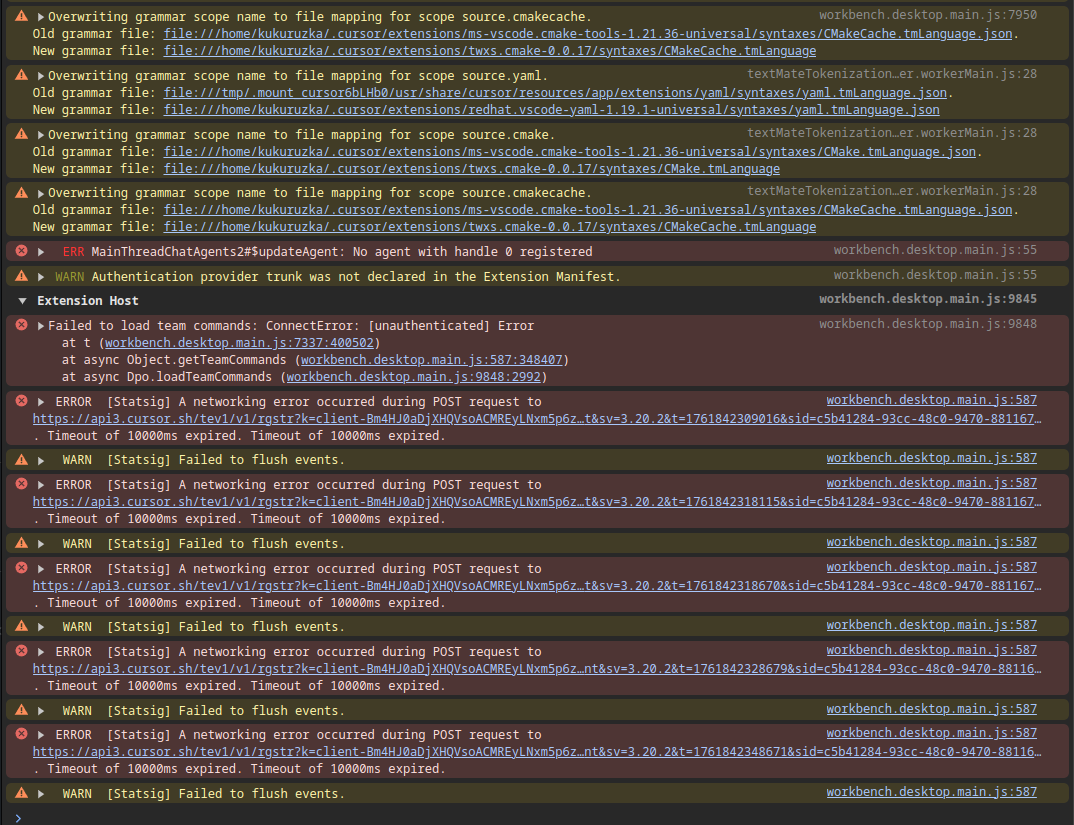
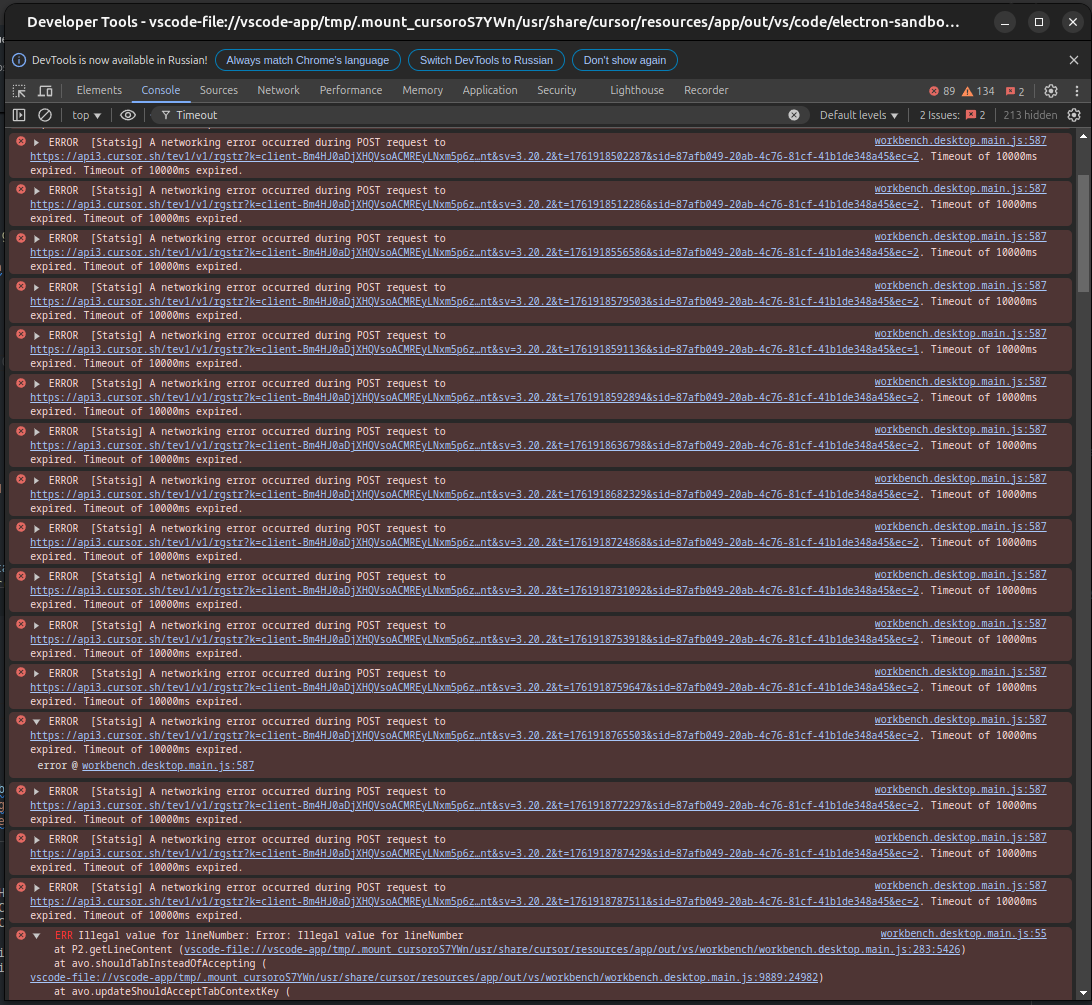
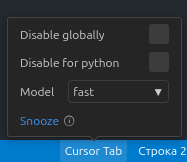
Hey, that’s great that it’s working again. Since Cursor Tab settings seem normally (from your first screenshot), I suspect it’s the networking errors in the last screenshot that suggest the problem.

Cursor Tab suggestions seem to be generated in communication with the backend, so when that communication fails, that can explain the tab functionality not working.

Now that it’s working - if you check the same console area once again, does it show similar errors?

Agent mode worked. I don’t know what Tab had going on, but regular chat requests worked without a problem.

And there are more errors in the console)

Specifically, the expectation exceeded errors are still present as before.

Hey, thanks for the report. Glad Tab is working again for now.

Those “expectation exceeded” errors in the console are likely the cause. Since Tab suggestions require backend communication, network issues can lead to intermittent failures.
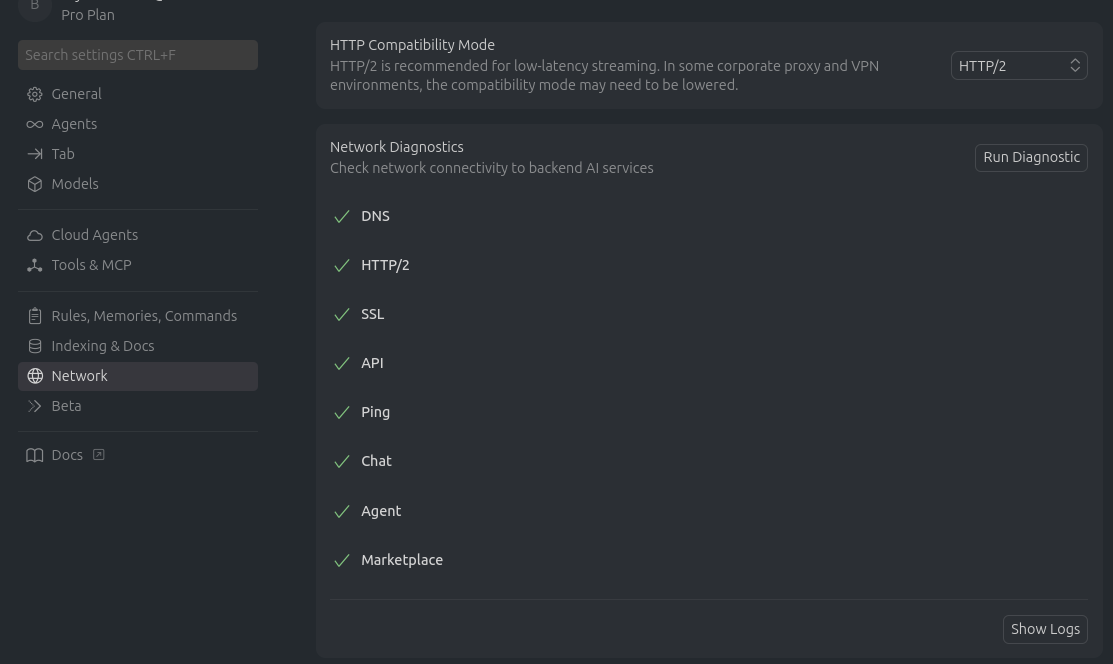
Try this to prevent recurrences:

Disable HTTP/2 (most common network fix):

  • Open Settings Ctrl + ,
  • Search for “HTTP/2”
  • Enable “Disable HTTP/2”
  • Restart Cursor

This should help stabilize Tab.

2 Likes