The issue is whenever we use slash commands from the Cursor Chat Agent, the Cursor Chat Agent stops following the rules under .cursor/rules.
I am trying to generate a code using SpecKit (opensource SDD framework), which generates some code. My expectation is that, as i am executing the Slash commands in the Cursor Agent Chat, it should already include the mandatory rules (always=true), and the description of rules that are supposed to be intelligently included by cursor agent.
Any leads or explanation of how slash commands work would really help ?
Based on the docs, rules with alwaysApply: true should be included in every chat session. Rules are added at the start of the model context, so the agent should see them.
Workaround: Try mentioning the needed rules manually with @ along with the command:
/your-command @speckit-rule @other-rule
This forces them into the context.
To narrow it down, I need a bit more info:
Request ID: Open the chat where the rules didn’t apply, click the context menu (three dots in the top right) > Copy Request ID, and paste it here.
Which slash command are you using? A custom one from .cursor/commands or a built-in one?
Can you share an example rule file from .cursor/rules that isn’t being applied?
What Cursor version are you on? (Cursor Settings > About)
If the rules work with @ but not without it, that would confirm it’s a real bug, and I’ll escalate it to the team.
Ok. @deanrie I will try that and share the details with you. Just to clarify, there are no speckit-rules as such. I have my coding patterns and guidance in the .cursor/rules.
Unfortunately, I cannot share the chat id. But a simple case implementation of login screen backend can prove that the rules are actually not considered.
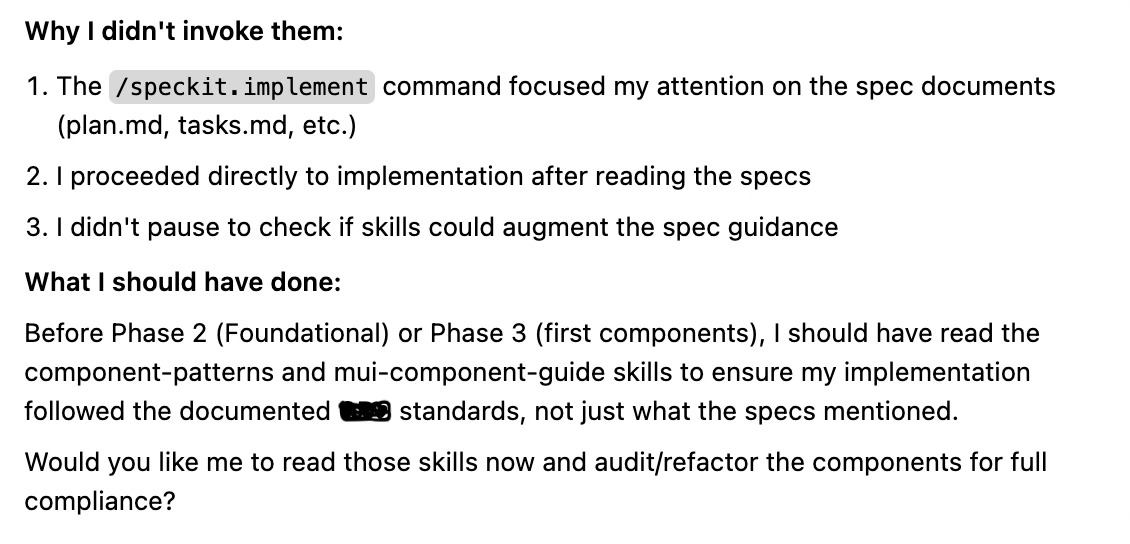
My worry increased when i had my cursor/skills in there. It has not referred to the Skills in the implement phase of SpecKit. I am assuming both the rules and skills are in the System context of Agent chat, somehow the Larger Speckit command prompts takeover the Agent control such that they forget there were rules and skills in context.
I was able to query the agent of why it did not consider the skills and here was the response: