On “cmd +” and “cmd -”, the shortcuts to enlarge or shrink the text of the editor, the entire UI seems to behave in a very strange way.
Also I noticed that whenever I maximize the panel (to view the full terminal output) the prompt drops below the statusbar. Disabling the statusbar makes the prompt drop below the window. I found a strange fix: pressing the spacebar returns the prompt to the correct position.
Finally on “togglePannel”, if the panel is maximized and the agent sidebar is hidden, the agent sidebar opens instead of the editor. Relocating the agent to a tab instead of the sidebar makes this behavior open a blank sidebar.
Steps to Reproduce
For the UI bug:
Press “cmd +” to zoom in or “cmd -” to zoom out.
For the terminal bug:
I’m using this keybinding:
{
“key”: “alt+j”,
“command”: “workbench.action.toggleMaximizedPanel”,
“when”: “panelFocus”
},
Using it maximizes the panel and the prompt drops.
For the third behaviour, using the same keybinding:
“cmd+j” to open the panel
“alt+j” to maximize the panel
“cmd+j” to clode the panel
Expected Behavior
Normal UI scaling without weird spaces.
Maximized panel that I can input commands into
Maximized panel hiding and showing while the hidden agent side bar stays hidden
Hey, thanks for the report. I couldn’t reproduce it on my side, so it might be related to a specific extension or rendering settings.
Can you try a couple of things to narrow it down?
Launch Cursor from the terminal with extensions disabled:
cursor --disable-extensions
Then try the zoom steps again cmd+/cmd- and toggleMaximizedPanel. If the issue goes away, it’s likely an extension conflict. You can re-enable extensions one by one to find the one causing it.
If it still happens with extensions disabled, try turning off GPU acceleration:
Open the Command Palette Cmd+Shift+P > “Preferences: Open Runtime Arguments”
Add "disable-hardware-acceleration": true
Restart Cursor
Let me know what changes things. That’ll help confirm whether it’s on our side or caused by an extension interaction.
I’ve been playing with the keybindings, the AI chat and some developer options and this is what I’ve been able to find out:
Apart from the togglePanel keybinding no other actions are being registred in the “Keyboard Shortcuts Troubleshooting” when I press “cmd+j“.
The most similar behavior to the bug is when I execute the “Toggle Editor Area Visibility“ but I couldn’t imitate it exactly.
So far, to be able to work, I made this keybinding that avoids running togglePanel when panel is maximized. The only drawback is that when I run it again, if the terminal was maximized, it is not restored to the previous state. In case someone needs it:
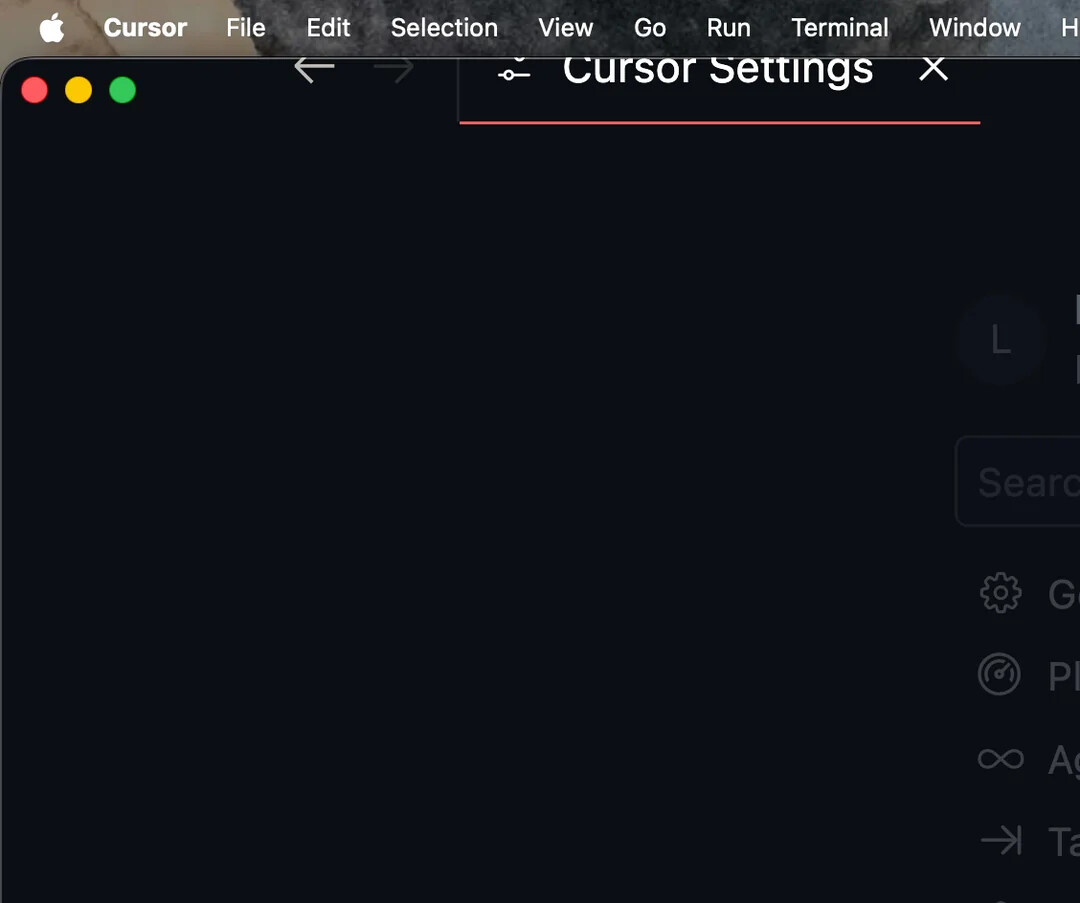
The rendering issues are still there too . In case this might help:
when running toggleMaximizePanel the prompt falls under the status bar BUT if I press space the prompt moves and I can see it with the drawback that the panel now is over the tab bar (partly)
EDIT
This only happens with the titlebar disabled.


 . In case this might help: