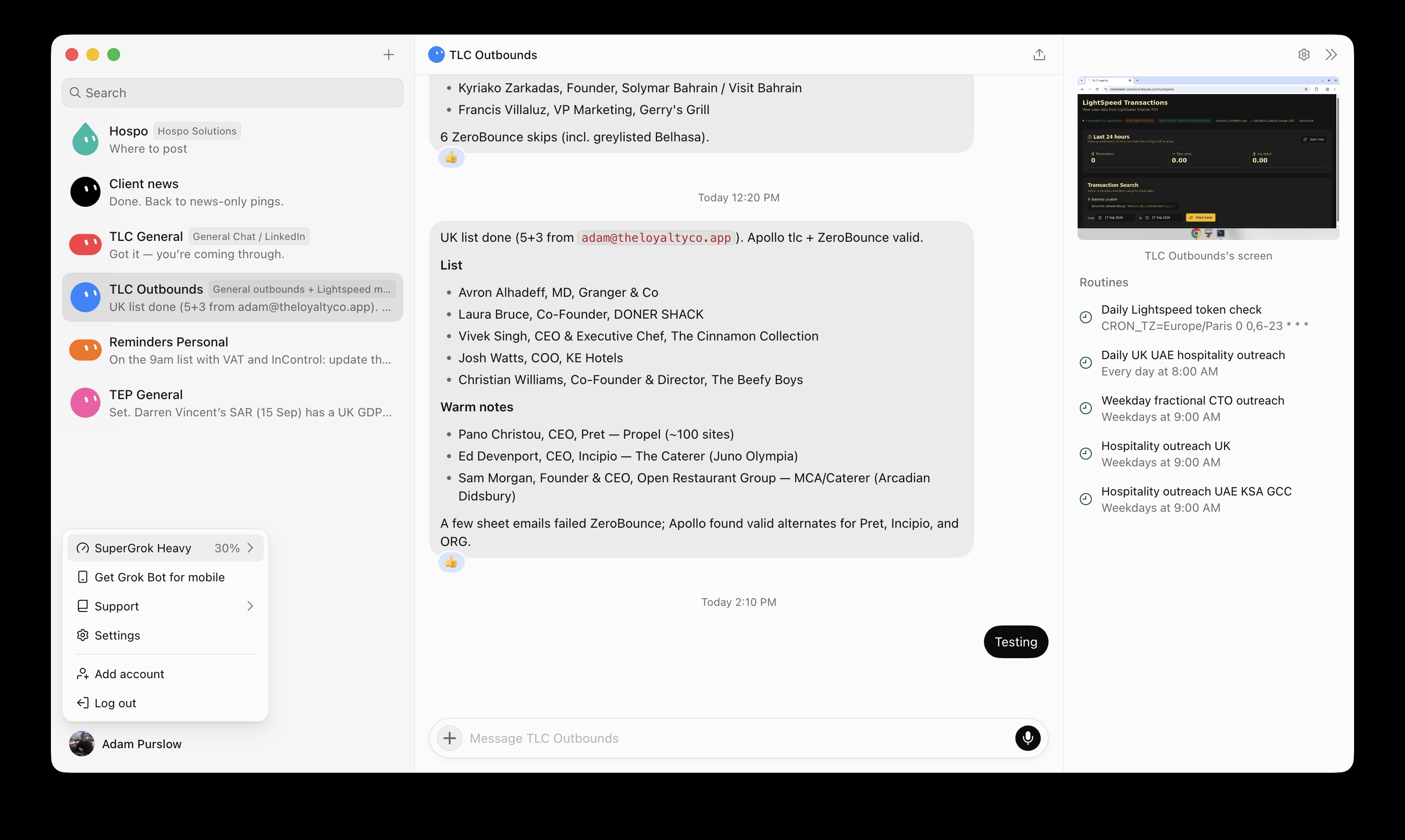
Grok Bot: one bot (TLC Outbounds) Failed to send; others OK - please restart runner only. I have had this with 2 different bots today. One was new so I deleted but the other is old and now won’t respond. Any help appreciated. I see there was an issue yesterday but it’s been closed. Of 5 bots, 3 are fine.
Steps to Reproduce
Just send a message on the bot mentioned here.
Expected Behavior
I get a response, I currently get nothing. Then after a while I get a note saying it’s failed. The computer is attached and is on.
Hey, thanks for the report. First off, your computer is fine. No need to restart or reset it. Reset/Update won’t help here and could lose recent changes on the bot, so please don’t touch those.
What happened: one turn on TLC Outbounds got stuck on our side around 1:43 PM Dubai time, and the “Testing” message you sent at 2:10 PM ended up queued behind it. Other bots kept working normally, which matches what’s in the screenshot. Hospo, Client news, TLC General, etc. reply, only TLC Outbounds stays silent.
We’re tracking this issue. Usually these stuck turns clear on their own within a couple of hours, and then the bot replies to the queued message. So TLC Outbounds should come back by itself.
If it’s still silent after that, reply here with the time of your last message to it, and we’ll clear the queue manually.