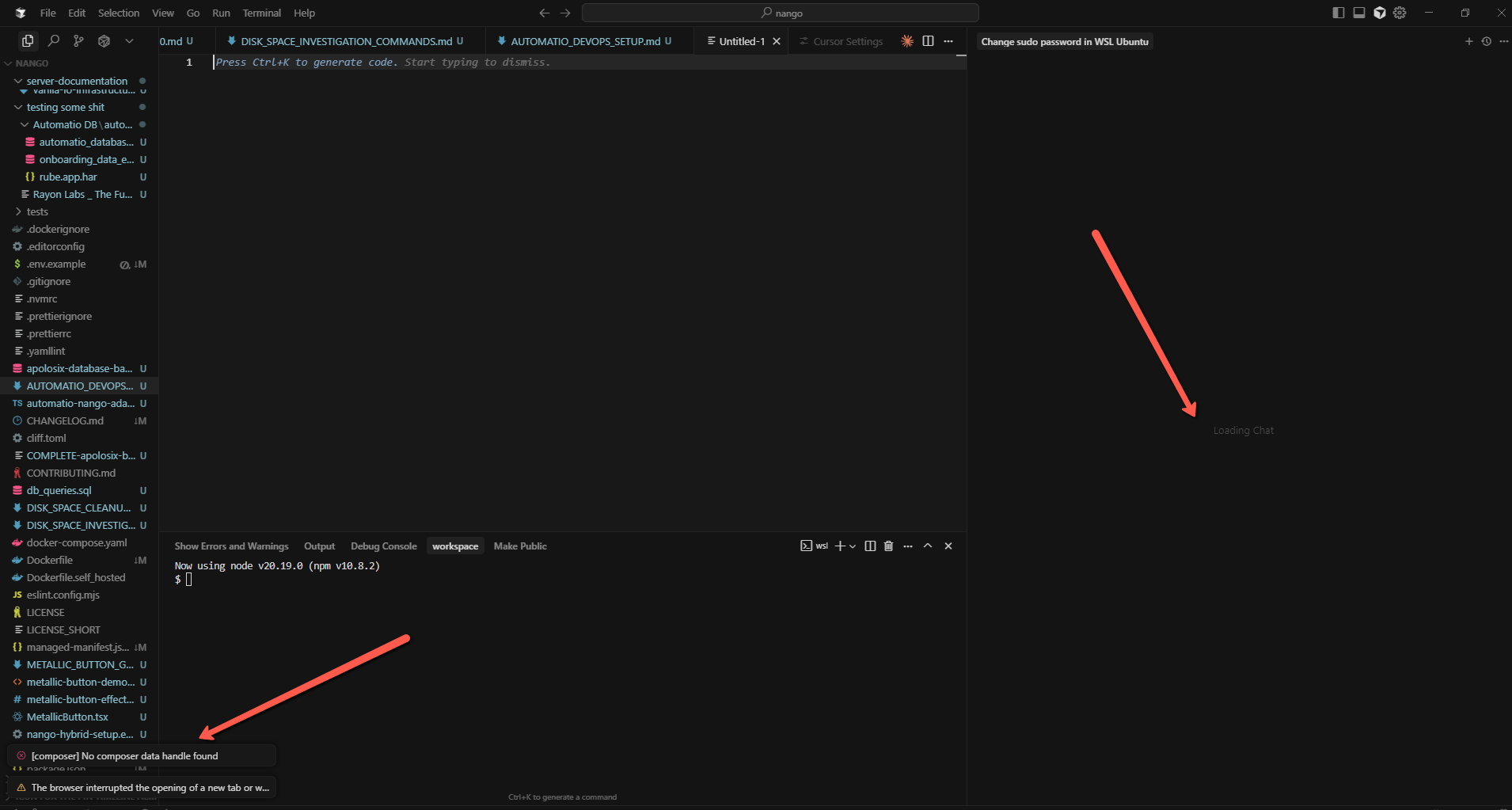
I was always running Cursor on Windows 10 using WSL. When I decided to install Nodejs on Windows directly, after restarting Cursor, it lost all my config settings and chat history from the previous 4 months.
Seems that some Nodejs installation paths got picked up and screwed it.
Anyone faced this before?
Steps to Reproduce
Install Nodejs on Windows
Expected Behavior
To keep my Workspace settings same as before.
Operating System
Windows 10/11
Current Cursor Version (Menu → About Cursor → Copy)
The chat history is stored by the workspace. A WSL workspace is treated differently as a windows workspace. Your chat history should still be available if you open up the workspace again in WSL.
Thanks for the fast response. I am strugling over here honestly. Cursor is crashing after running each command.
How I can open Workspace again in WSL?
Should it be here, because I dont see it.
Also, when I started Cursor after the Windows Nodejs installation, it asked me to go trough the setup process like I was doing it fresh new Cursor Installation.
Did I maybe lose my old workspace in that setup process?