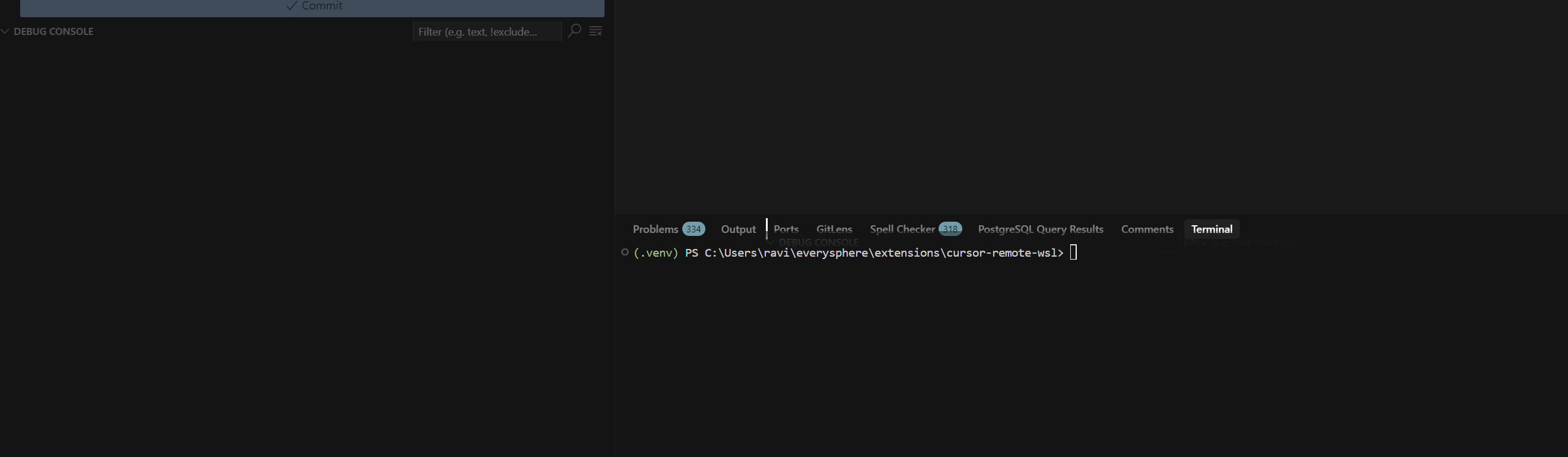
I was able to do this in VS Code by simply dragging the debugger icon down to the bottom panel, but moving panels in this way doesn’t appear to be possible in Cursor. Is there some other way to do it?
The content displayed in the debugger is often very wide, and keeping it trapped in a thin column like the left sidebar makes it very hard to read things like the values of variables and watches.
Hi @coredumperror, it should work the same – I am able to rearrange mine:
Could you share a screenshot / screencast for this issue?
I’m not talking about the Debug Console panel. I mean the Python “Run and Debug” panel, which has all the UI for displaying variables and the call stack while at a breakpoint.
I actually figured out how to do it based on some other comments I found here. Turns out you need to enable "workbench.activityBar.orientation": "vertical", to make the panels in the Activity Bar (left sidebar) draggable. Not sure why they’re not draggable in Horizontal mode, but I prefer the look of Vertical anyway.