A review I did not have before logging out. And this review points to a file that has been reviewed long ago. When I click on either Undo File or Keep File, it crashes.
Someething is deeply wrong with the state of my Cursor
Edit #1
And btw, opening Cursor with the no extension flag or the no gpu flag doesn’t change anything.
Hey, thanks for the report. I see the screenshot with the review panel. This is a known issue with “stuck” files in the review list, and the team is working on a fix.
To solve your problem, try the following:
Reset workspace state:
Completely close Cursor
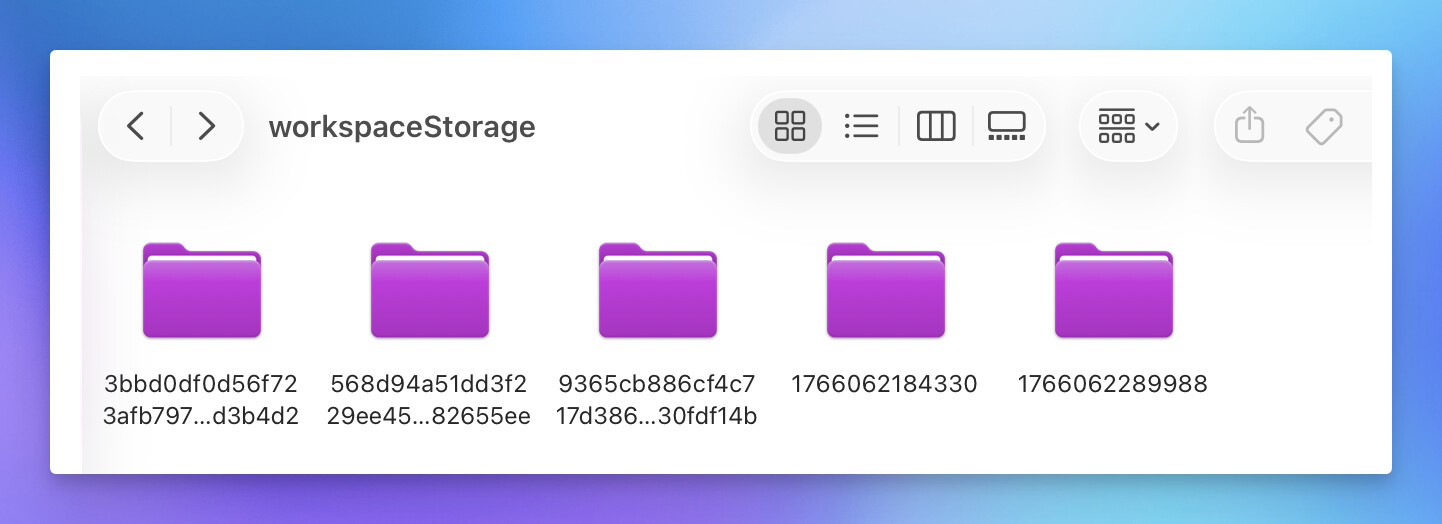
Find the folder: ~/Library/Application Support/Cursor/User/workspaceStorage/
Delete folders for the projects where the issues occur
Restart Cursor
If that doesn’t help, try a clean reinstall while keeping your settings:
Make sure to export your profile before starting this procedure: Cmd+Shift+P > Export Profile.
Close Cursor
Delete all other Cursor files from ~/Library/Application Support/Cursor
Open Cursor
I need more info to diagnose the crashes:
Open Help > Toggle Developer Tools > Console tab
Try clicking Keep File or Undo File to trigger the crash
Take a screenshot of console errors before the crash
Also check how much free disk space you have
If the problem continues after these steps, please share the logs - this will help the team investigate.
You can find out by sorting the folders by date. However, if you work with many projects at once, sending any request in the chat will update the folder’s time and date.