deank
December 20, 2024, 7:02pm
1
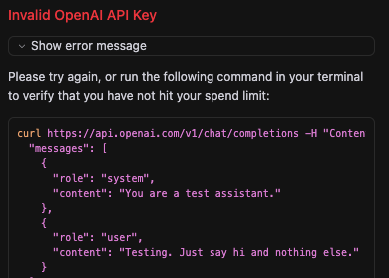
Seeing this even tho my key is valid, and I have cursor Pro subscription
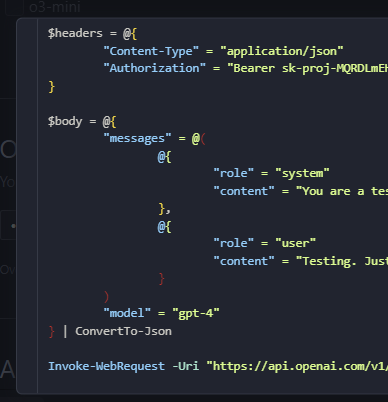
I ran the suggested command and it worked fine.
Version: 0.44.5
VSCode Version: 1.93.1
Commit: 1d610252e6812bf33245763f0742a534fd0f1d90
Date: 2024-12-20T00:02:28.554Z (18 hrs ago)
Electron: 30.5.1
Chromium: 124.0.6367.243
Node.js: 20.16.0
V8: 12.4.254.20-electron.0
OS: Darwin x64 20.6.0
deanrie
December 20, 2024, 8:36pm
2
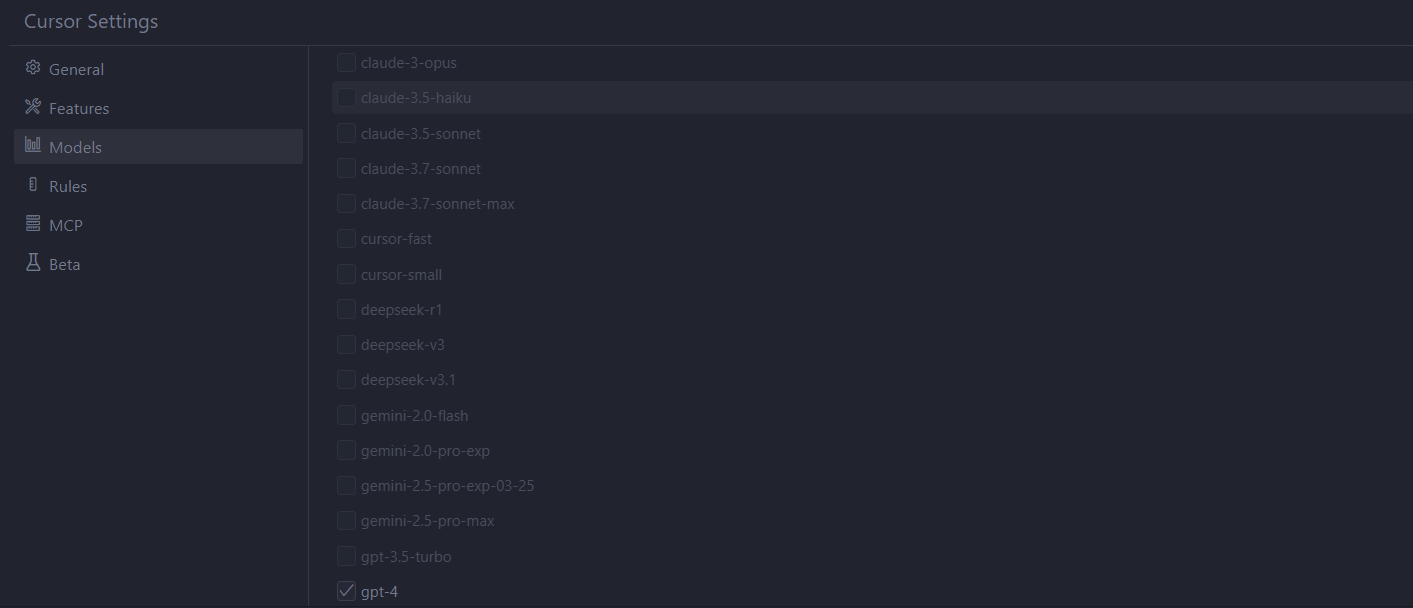
Hey, try disabling all models that aren’t related to OpenAI, it should help.
deank
December 20, 2024, 8:59pm
3
Thanks, it worked after I disabled claude-3.5-sonnet. It’s unfortunate; I thought I would be able to use them together.
deanrie
December 20, 2024, 9:08pm
4
You need to disable your API key every time you require a model from your subscription. You can also quickly disable the OpenAI key using the shortcut Ctrl + Shift + 0 or Cmd + Shift + 0. Hope this helps you.
YuriWendt
April 11, 2025, 3:13am
5
I have already disabled all models that do not involve OpenAI and the error still persists.
deanrie
April 11, 2025, 4:50am
6
Hey, to verify the API key, disable all models, including OpenAI models.