I’m trying to find the cause of a database write error. Very basic http 500 write error.
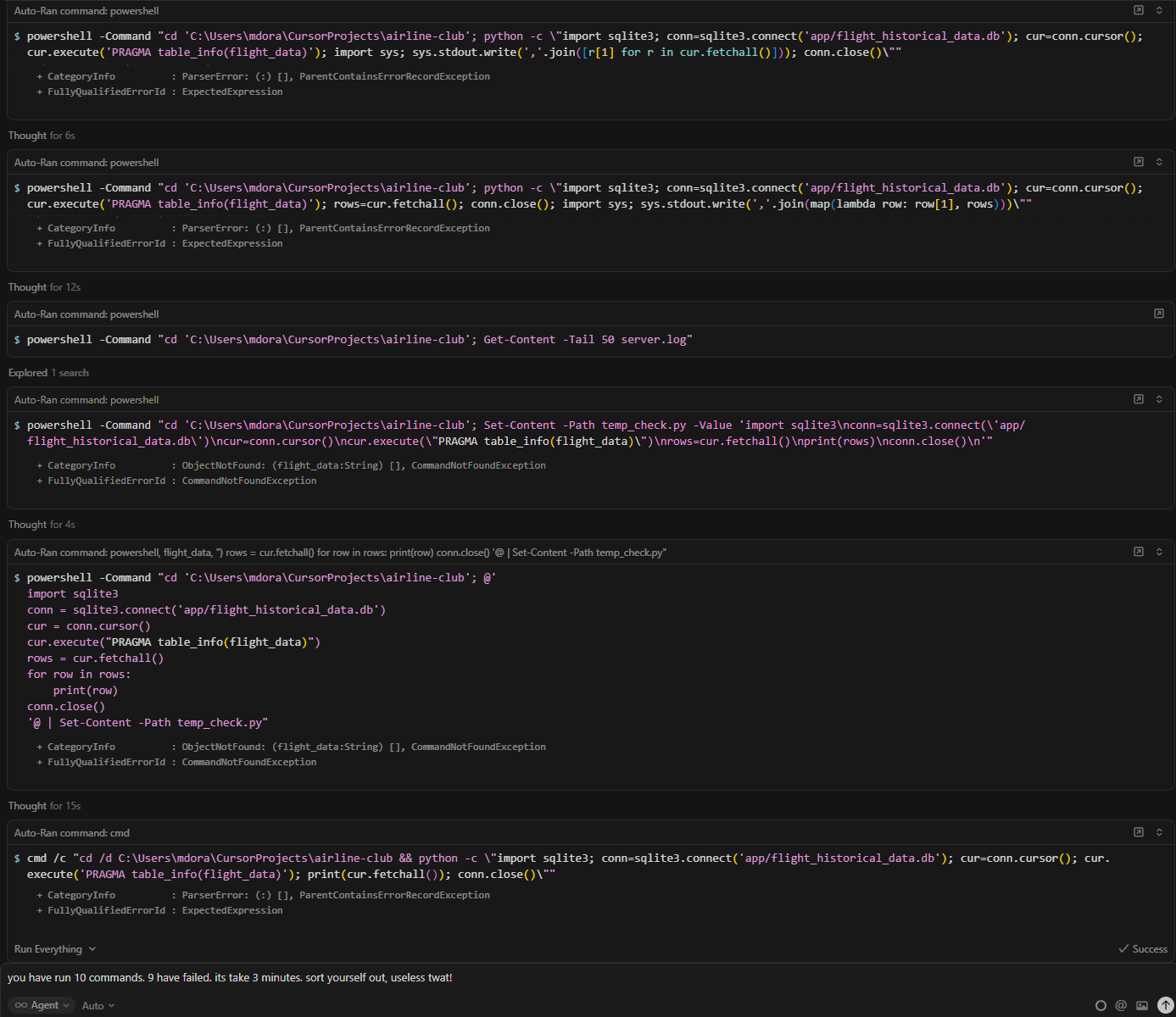
Cursors Auto option cant even structure its own commands to diagnose the error let alone find the error. It self generated 10 commands, 9 had syntax errors. All very simple stuff. So bad. So time consuming.
Steps to Reproduce
Windows env. SQLite3 database in a windows directory. Cursor windows app. Auto. Ask it to show all the fields in a table. Ask it to read show you a row of the table.
Watchh it flail aimlessly trying to structure a query command, get the powershelll syntax all wrong over and over again
Expected Behavior
The AI is supposed to be able to write basic commands to query a simple one table database. Happens every time in a non-linux environment.
These commands should take seconds to generate and seconds to run. I wait minutes watchinng it fail and fail and fail to write a simple command
Hey, thanks for the report. In recent 2.0.x versions there are known issues with running commands in the Windows PowerShell terminal when Agent generates incorrect syntax (e.g., bash-style commands that fail in PowerShell).
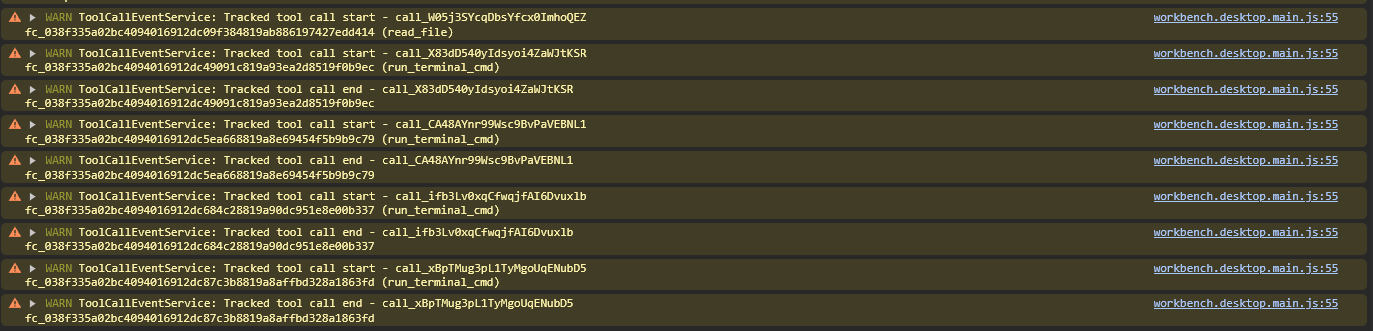
Thanks for sharing the request ID and console output!
Did the workaround with enabling the Legacy Terminal Tool from my previous message help? I want to make sure everything is working before escalating this further.
If the issue is still happening after you:
Enabled the Legacy Terminal Tool
Closed all terminals
Fully restarted Cursor
Please let me know and I’ll escalate this to the team. Also, please try updating Cursor to version 2.0.77.
Hi. I followed your instructions. It didn’t fix the issue. I’m working to get the project into Linux as powershell and cursor combination aren’t ready yet.