Hey Dean,
Thank you for responding. The update did not fix anyting, but I messed around and eventually it stopped by itself when I tried different work. Now I noticed that it only seems to happen when I include the cloudinary url in the prompt. That url points to an image.
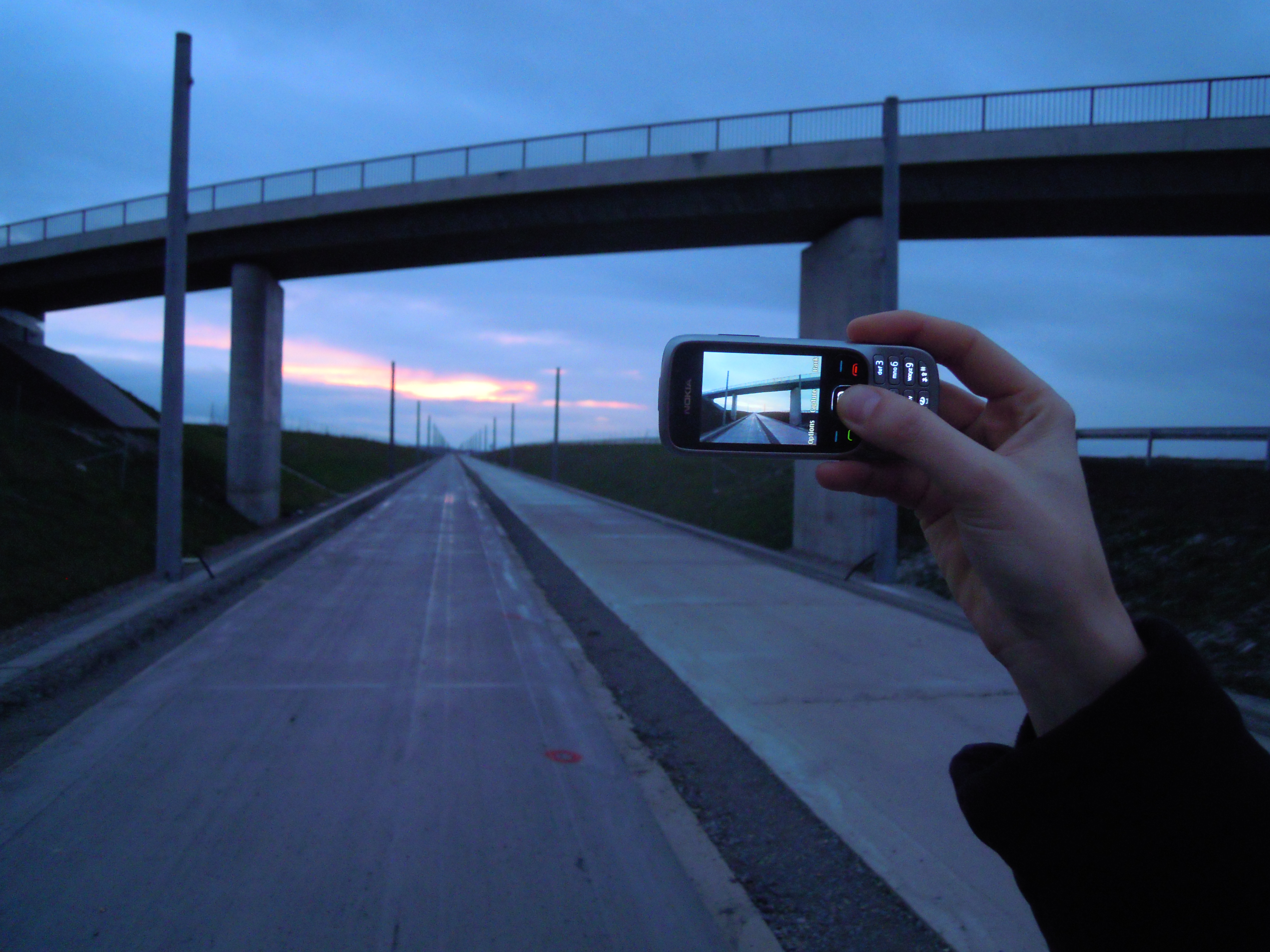
Like this link: https://upload.wikimedia.org/wikipedia/commons/b/b6/Image_created_with_a_mobile_phone.png
It only happens when I copy paste the url from the browser directly into the chat. When typing the url manually it does not happen.
I tested and it seems that any url pointing to any internet image will make the agent very confused, causing immediate chat summarizing, and then trying random stuff. Mixing the link with other things in the prompt does not solve it.
Example of it: 0cea9664-9db3-43b5-834b-40a8a0c4dab4