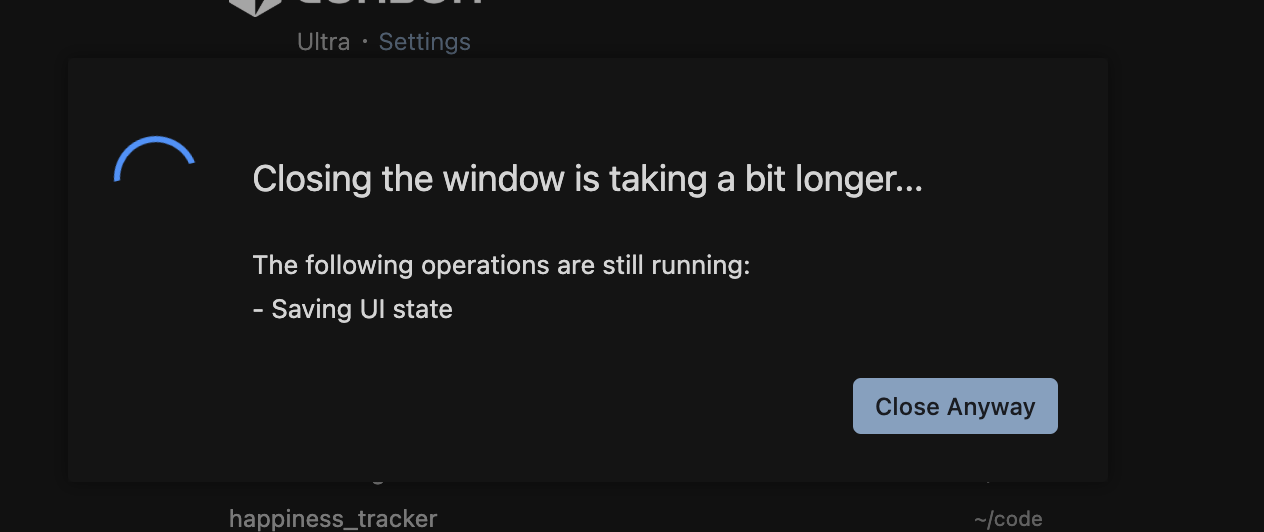
Cursor has been increasingly slow for me since the 2.0 launch. Every time I go to close the IDE now I get the wait dialog…
In terms of usage, I typically mix single chats with multi-agent worktree flows. I only keep 1-2 sets running at a time and then close the chat tabs. Does Cursor not eagerly release the resources associated with those tabs? The UI gets laggier and laggier as time goes on.
Steps to Reproduce
Couldn’t tell ya but if you have a recommendation to dump debugging data I’d be happy to.
Hey, thanks for the report. The hang on “Saving UI state” together with the gradual slowdown suggests that the state storage might be growing unusually large because of chat sessions, or that there is an issue with extensions such as formatters or linters.
Please check:
Workspace storage size
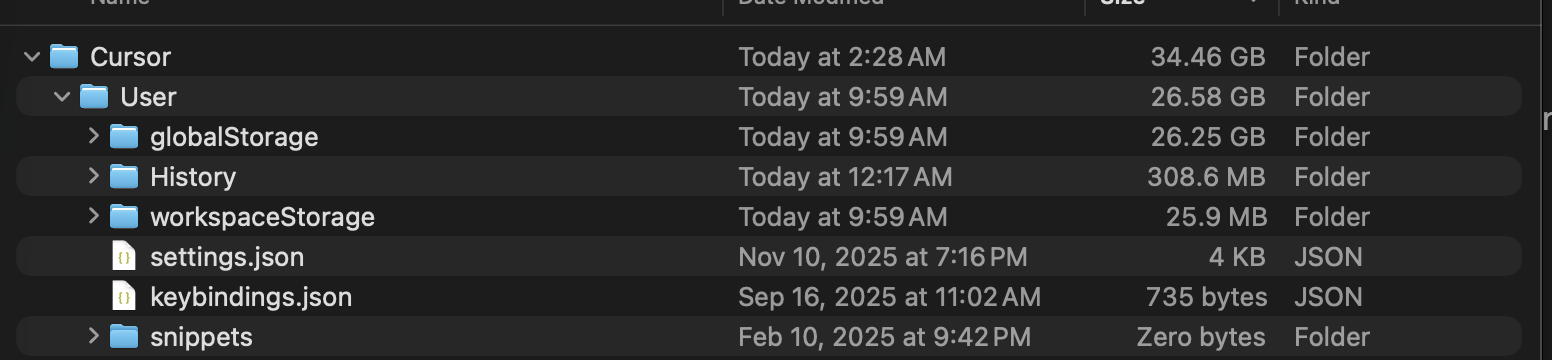
Go to ~/Library/Application Support/Cursor/User/workspaceStorage/
Check if any folders are unusually large (>100MB)
Share the sizes of the largest folders
Process Explorer (while Cursor is running slowly, before closing)
CMD+Shift+P → “Developer: Open Process Explorer”
Take a screenshot of the memory usage
Try a fresh workspace
Open a new or small project
Check whether closing is still slow
This information will help us understand whether it’s a state persistence bug with agent data. If the storage is heavily bloated, there may be a resource cleanup issue with agent sessions.
Ok now that I know this db exists, I grabbed a sqlite explorer tool and I’m seeing 354,893 entries in the cursorDiskKV table. The ItemTable is only 303 entries, so I think there must be a cleanup operation for the cursor-specific table that isn’t happening.
Thanks for clarifying! So your workspaceStorage is actually fine (25MB). The issue is entirely in globalStorage, specifically the state.vscdb file which is 13.71GB (it should normally be under 10MB).
To fix this:
Close Cursor completely
Go to: ~/Library/Application Support/Cursor/User/globalStorage/
Delete or rename the state.vscdb and state.vscdb.backup files
Restart Cursor
What you’ll lose: global UI state (specific UI preferences, some extension UI state, some window positions). Your settings, extensions, and workspace data will remain safe.
This looks like a system-level issue in how v2.0 handles global agent state persistence. The fact that the problem is in globalStorage (and not workspaceStorage) suggests the leak is most likely related to extension behavior or agent session data that persists across projects.
After the cleanup, please let us know if the storage bloat returns so we can track down the specific trigger in your workflow.
Yeah when I was looking through some of the rows in that kv table it was pretty much all related to multi-agent workflows I’ve been playing with lately. I’ll spin some more off later and see how it goes.
After I deleted that DB and restarted Cursor my laptop instantly cooled down…. I think this is the root of a lot of issues I’ve been noticing lately.