Where does the bug appear (feature/product)?
Cursor IDE
Describe the Bug
My source control is keeping highlighting past commits making very difficult to review new changes. Someone had that and know how to fix?
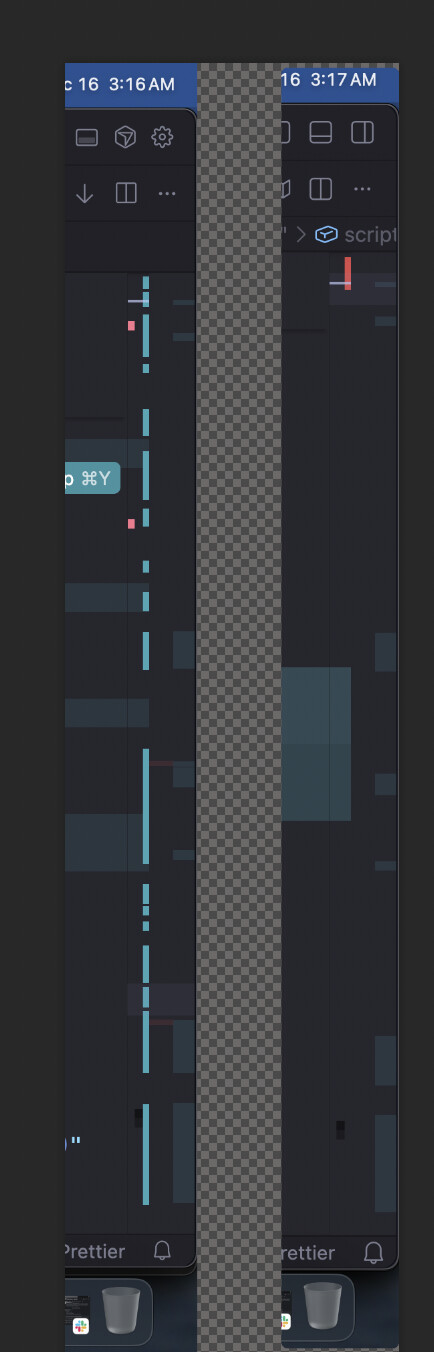
Not happening on VS Code. screenshot comparing atached.
Looks like it highlights not only git diff but what was not explicit accepted on the IDE, even if it was coded without Cursor.
I already tried Git Refresh, reopen folder, nothing. How do i fix this?
Steps to Reproduce
Maybe don’t explicit accept in the cursor the changes but just commit
Expected Behavior
Should show only GIT DIFF when files were clicked
Screenshots / Screen Recordings
Operating System
MacOS
Current Cursor Version (Menu → About Cursor → Copy)
Version: 2.2.20
VSCode Version: 1.105.1
Commit: b3573281c4775bfc6bba466bf6563d3d498d1070
Date: 2025-12-12T06:29:26.017Z
Electron: 37.7.0
Chromium: 138.0.7204.251
Node.js: 22.20.0
V8: 13.8.258.32-electron.0
OS: Darwin arm64 24.0.0
Does this stop you from using Cursor
No - Cursor works, but with this issue