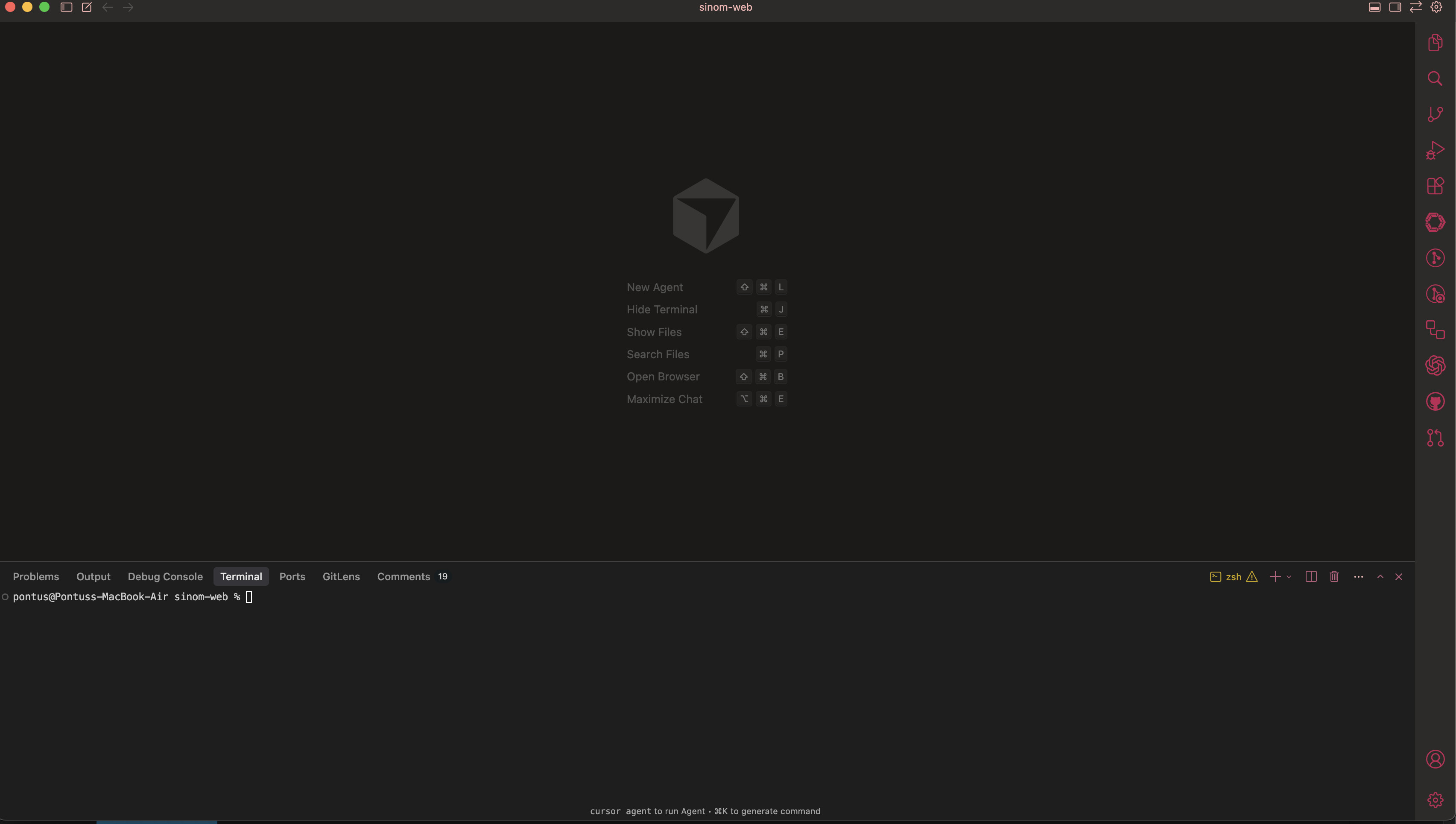
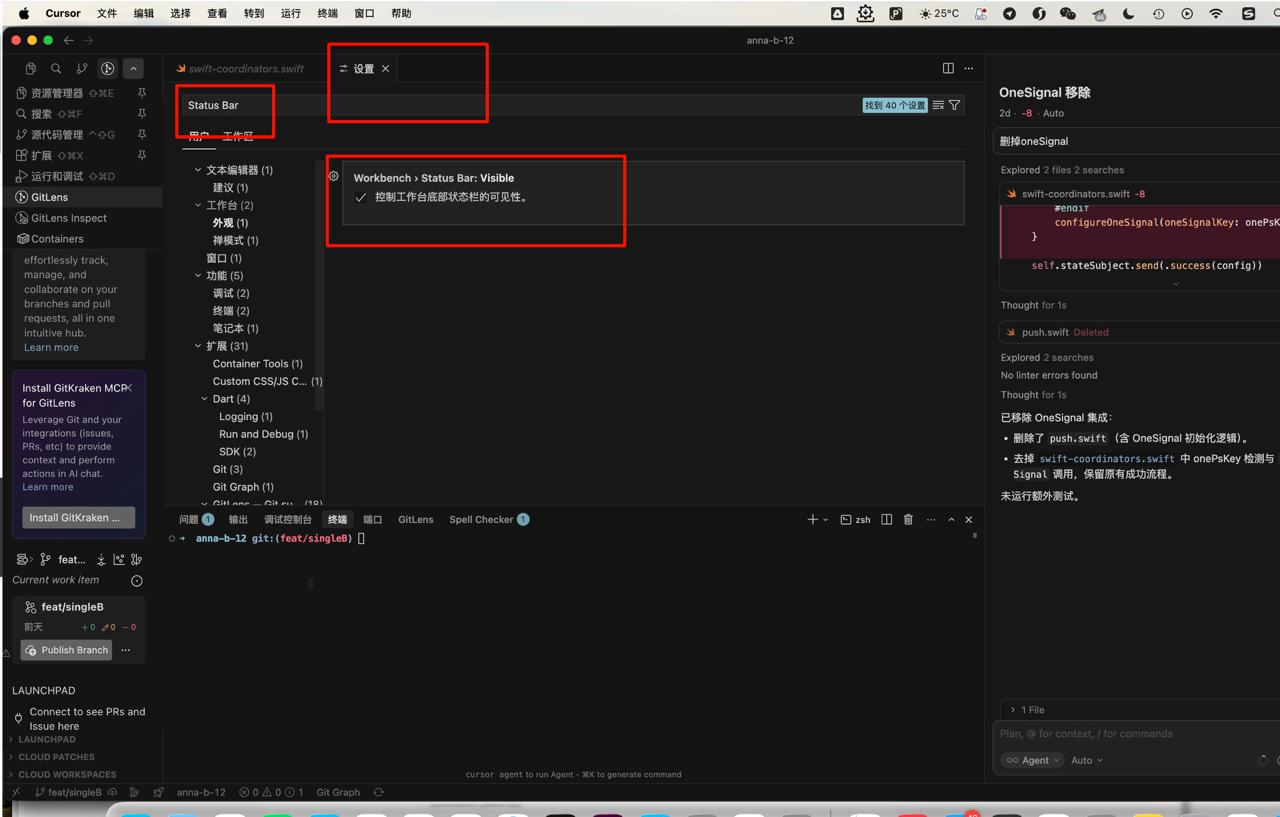
After updating Cursor to the latest version, the Status Bar (the bottom bar showing Git branch, line/column info, errors, encoding, etc.) no longer appears at all.
It was visible before the update and I haven’t changed any settings related to UI layout.
Steps to Reproduce
Update Cursor to the latest release.
Open any project or file.
Scroll or switch tabs – the bottom Status Bar is missing everywhere.
Expected Behavior
The Status Bar should be visible at the bottom of the window, showing branch name, editor info, and extension indicators.
Actual Behavior
The Status Bar does not render. No toggle or setting appears to bring it back.
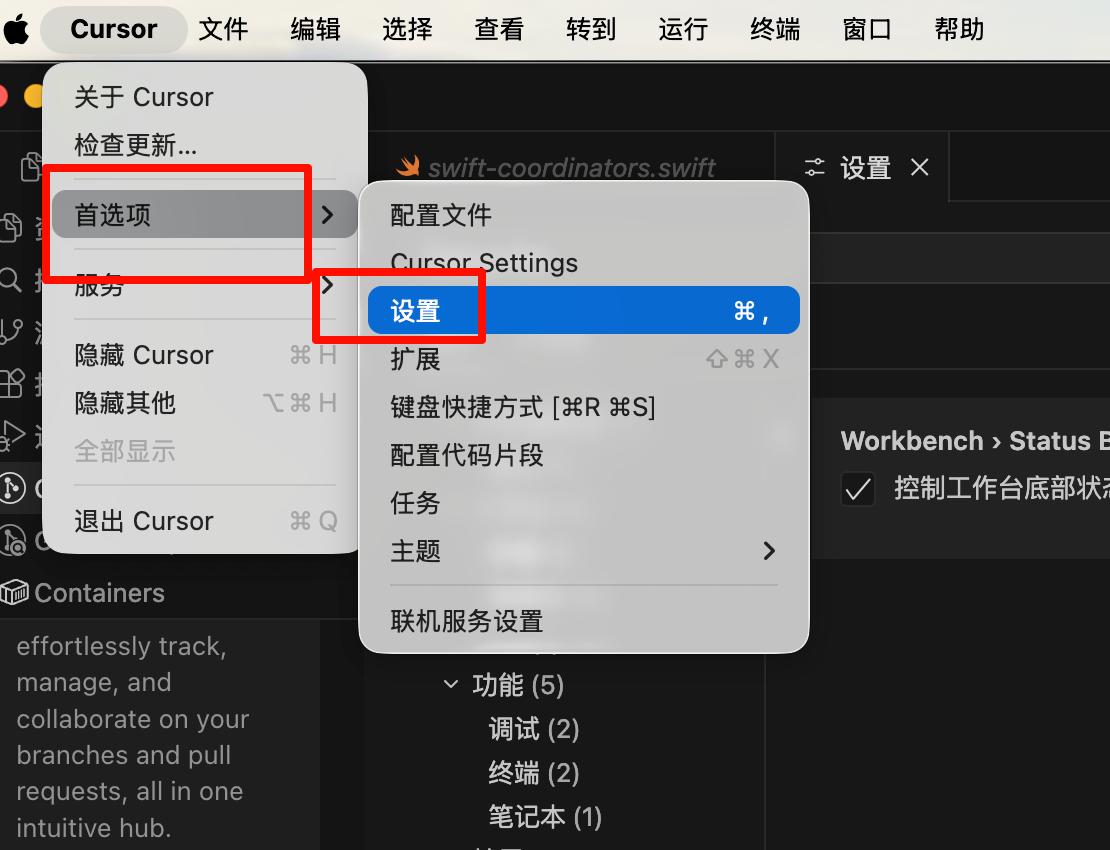
FYI: I had the same issue. The View>Appearance>Status Bar WAS checked, but the bar was not displayed. I “turned it off and back on” and now it is correct.
I’m also noticing the same issue since the update. The suggested solution is only a workaround, not a fix. Yes, I can get the status bar back by View>Appearance>Status Bar. But it inevitably disappears again and I keep having to turn it back on. I’m not sure exactly what triggers it disappearing.
One detail I observe is that when the status bar is missing and I open View>Appearance>Status Bar, the menu item is already checked. i.e. It looks like it’s on, but the bar isn’t visible. If I select it, the checkmark does NOT turn off. It remains checked, but the status bar reappears. This makes be think the intended behaviour is for the bar to be visibile by default, but an introduced bug may be preventing it from being applied.
I can’t even begin to understand this change, it’s not even that you changed the default setting without any reason, but now I’m randomly getting the status bar disappearing even after I already toggled it back on, so then I have to toggle it back on again. Please revert whatever nonsense change you guys implemented recently, this is very aggravating.
Workaround works for me, however it disappeared with my add-ons. No more resource monitor.
It would be great if every other week I could open Cursor and find out that there’s not been another UI f*up, or that they turned all the panels upside down again without asking me if I wanted to do that. What hell having to reconfigure it all the time.
I agree with Liam. Could someone with the right permissions please mark this topic as NOT solved? It won’t get visibility or be prioritized to fix otherwise.