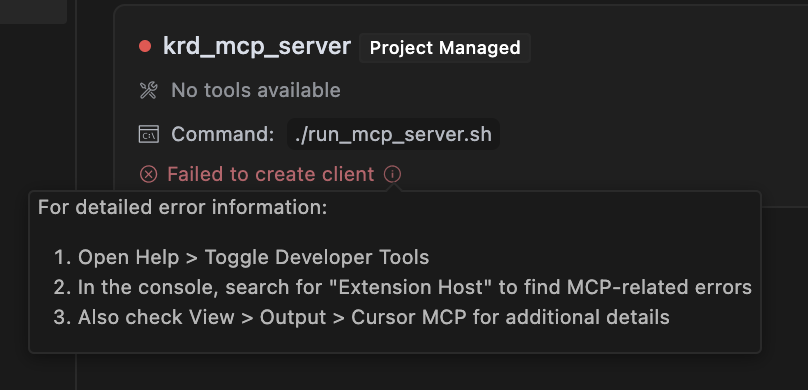
When an MCP fails to load with “Failed to create client”, it suggests you to go to Help → Toggle Developer Tools. This is not an option in the help menu. I cannot find any related docs. MacOS Sequoia 15.3.2, Cursor 0.48.9.

You can also check in the command palette! CMD SHIFT P → Developer: Toggle Developer Tools